
Escaanor - Minecraft Skins & Skin History
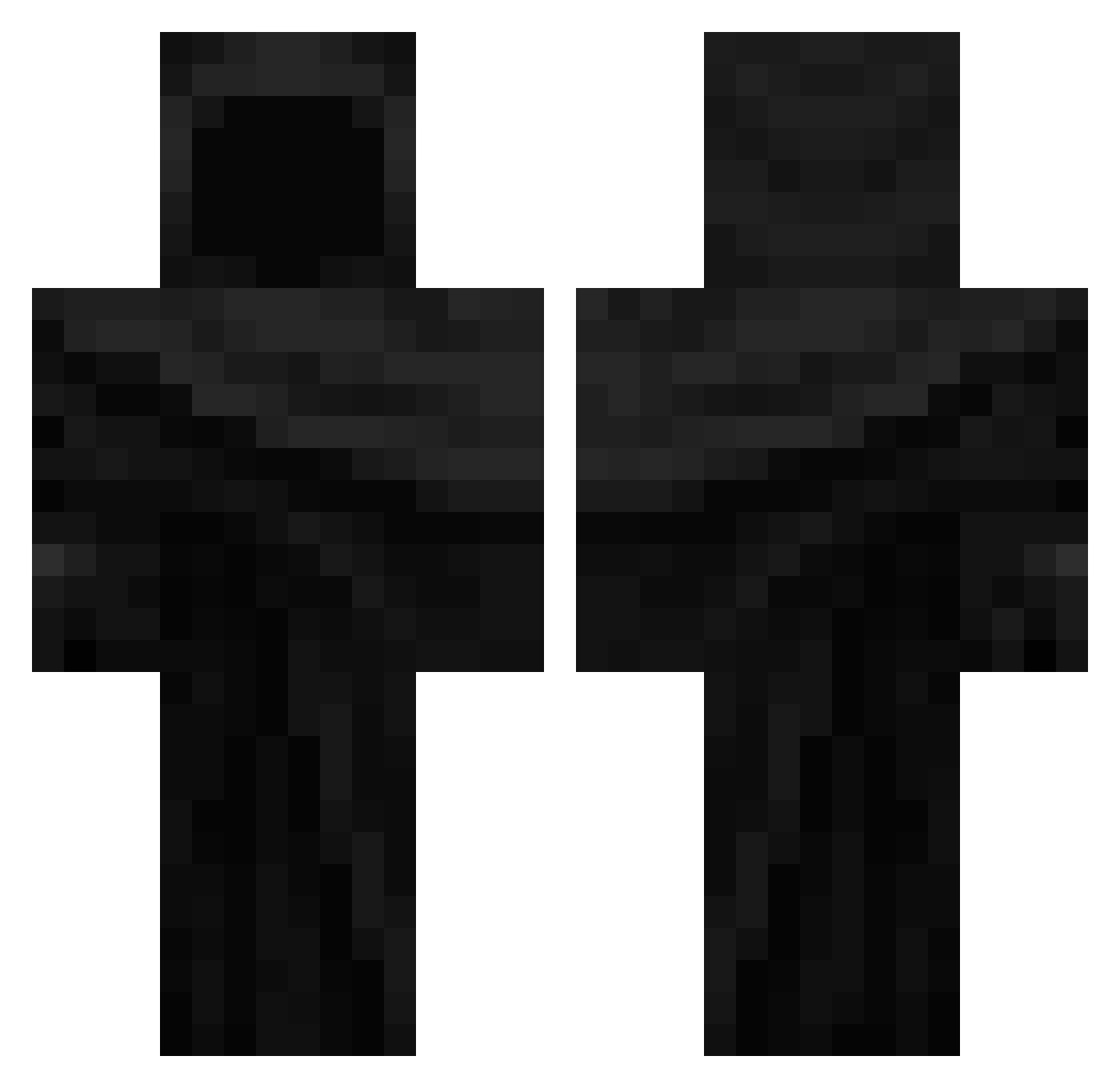
Current Minecraft skin of the player Escaanor, loaded from the official Mojang API. Rotate the 3D model with your mouse or finger, then download the skin as a PNG file and use it in Minecraft: Bedrock Edition or Java Edition for free. When Escaanor changes their skin, this page updates automatically and the old skin stays in the history below.
Other players with this skin (64)
Escaanor was the 24th player we have seen with this skin, first spotted on 30.08.2026. The same skin was seen on these players. Open a nickname to see their current skin and skin history.
 FBusie
 Zilekz
 Entity650 XyrusMC UhrwerkOrange ZWER42
 zzunp Syslester aje13 LegendOli itsrwit Blesken250 igorlegends box_q1 lkdp_0 MousBabaJuice UIIANDRE Cemstle juro43637 wowowowowowow andynotgg rq1nn Flubaa
 SkyIsBlueLOL NicMineDude dmnk041 zGordx_ aks_vFdGW_03_13 Genestella SSAZIM Sleekxy HockySS deckerringo e__xx
 Conman907 Iense xvl_ Nyxy0n Glebka20
 mignola iGhostly___ SiHecate bpxrez GoofyRaj leFabian123 Lili8458 sQnhe4d Kkartonnew H_U3 RedstoneGigiii TBG_77 Joelsbv Spiritmaxx ASTR0_00 chounax Flgamer420 Kender_Din_Mor CylixArtworks Joshyyd1 CHRISTOMJ
More Cultist Minecraft skins
How to install the Escaanor skin
- Press the Download button above to save the skin as a PNG file.
- Minecraft: Bedrock Edition (PE): open the Dressing Room from the main menu (or tap your character → Edit Character), go to Classic Skins → Owned, press the + (new skin) button, choose the downloaded PNG and pick the Classic (Steve) model. Works on PC and mobile; consoles cannot import custom skins.
- Minecraft: Java Edition: open the Minecraft Launcher, go to the Skins tab, click New Skin, load the PNG, pick the Classic (Steve) model and press Save & Use. You can also upload it at minecraft.net → Profile → Change Skin.
The skin does not show up after import - what should I do?
Restart Minecraft and open the Dressing Room again - imported skins sometimes appear only after a restart. Also make sure you selected the imported skin and picked the Classic (Steve) model.
Which model should I choose, Classic or Slim?
This skin is designed for the Classic (Steve) model. If you pick the wrong model, the arms of the skin will look stretched or squeezed.
Is the skin of Escaanor free to download?
Yes. Press Download, save the PNG file and use it in Minecraft: Bedrock Edition or Java Edition - no payment or registration needed. The skin also works on multiplayer servers and Realms.
More skins
Looking for more? Go back to all Minecraft skins and check the top skins of the week, month and all time, or find any player's skin by nickname.