
Enoemie - Minecraft Skins & Skin History
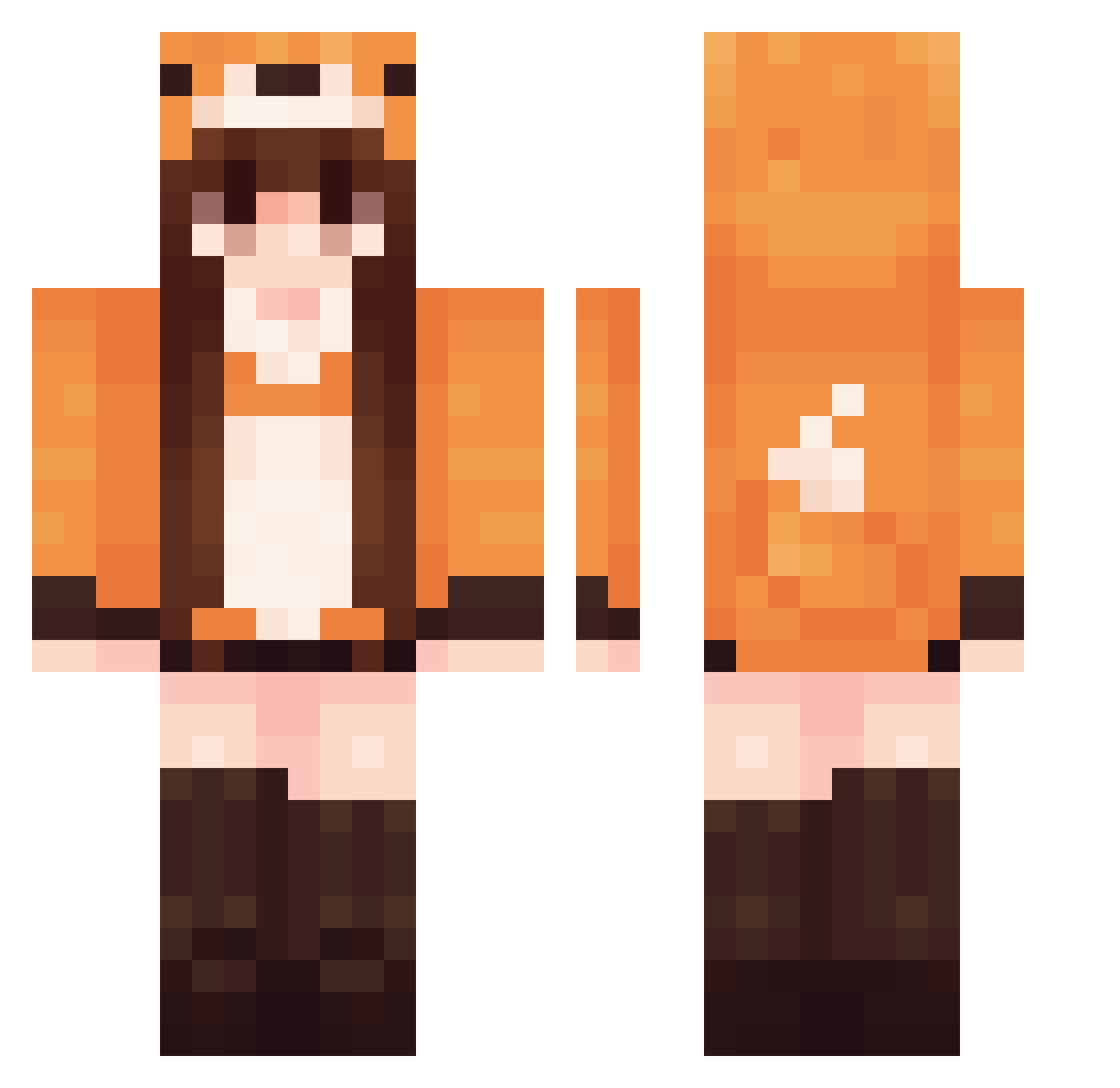
Current Minecraft skin of the player Enoemie, loaded from the official Mojang API. Rotate the 3D model with your mouse or finger, then download the skin as a PNG file and use it in Minecraft: Bedrock Edition or Java Edition for free. When Enoemie changes their skin, this page updates automatically and the old skin stays in the history below.
Other players with this skin (549)
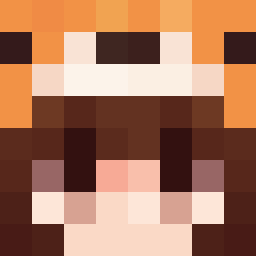
Enoemie was the 337th player we have seen with this skin, first spotted on 29.09.2026. The same skin was seen on these players. Open a nickname to see their current skin and skin history.
 Pillowwind yakanda TheSpiritPuppet Monkesee_Monkedo corni188 laurenvialle Lrsvsvs FluffenLucy jiajianian XNiceZyX Ukula josefina767 nancai123 Raissa06 pink06_ chxrl0tte19 cootbean Tanja2907 Rosyl exodelp Cleminifox zuaa_ R1ntE omcha_ xLuciole Zhulietta Nerolox91 CrimsonFox501 Pinkg0re KattMolly ZM2000 MlleVick houngdis A102134 keledonia alfajor34 Ma_mamasusu Danathian SurelyNotMiya Marina2275 markshao ERENDIRIA MegastoneX nominiature sunkewei666 Lynci Jaguardu34 natunatu_ Yumiko_2010 lixara Minerol TreeMonst3r xRedFawkes TheRoyalJess Slon974 noteblock11 ReneeLim0 pandanselmo Lulluci jsy1234
More Fox Tail Minecraft skins
How to install the Enoemie skin
- Press the Download button above to save the skin as a PNG file.
- Minecraft: Bedrock Edition (PE): open the Dressing Room from the main menu (or tap your character → Edit Character), go to Classic Skins → Owned, press the + (new skin) button, choose the downloaded PNG and pick the Classic (Steve) model. Works on PC and mobile; consoles cannot import custom skins.
- Minecraft: Java Edition: open the Minecraft Launcher, go to the Skins tab, click New Skin, load the PNG, pick the Classic (Steve) model and press Save & Use. You can also upload it at minecraft.net → Profile → Change Skin.
The skin does not show up after import - what should I do?
Restart Minecraft and open the Dressing Room again - imported skins sometimes appear only after a restart. Also make sure you selected the imported skin and picked the Classic (Steve) model.
Which model should I choose, Classic or Slim?
This skin is designed for the Classic (Steve) model. If you pick the wrong model, the arms of the skin will look stretched or squeezed.
Is the skin of Enoemie free to download?
Yes. Press Download, save the PNG file and use it in Minecraft: Bedrock Edition or Java Edition - no payment or registration needed. The skin also works on multiplayer servers and Realms.
More skins
Looking for more? Go back to all Minecraft skins and check the top skins of the week, month and all time, or find any player's skin by nickname.