
Enaccul - Minecraft Skins & Skin History
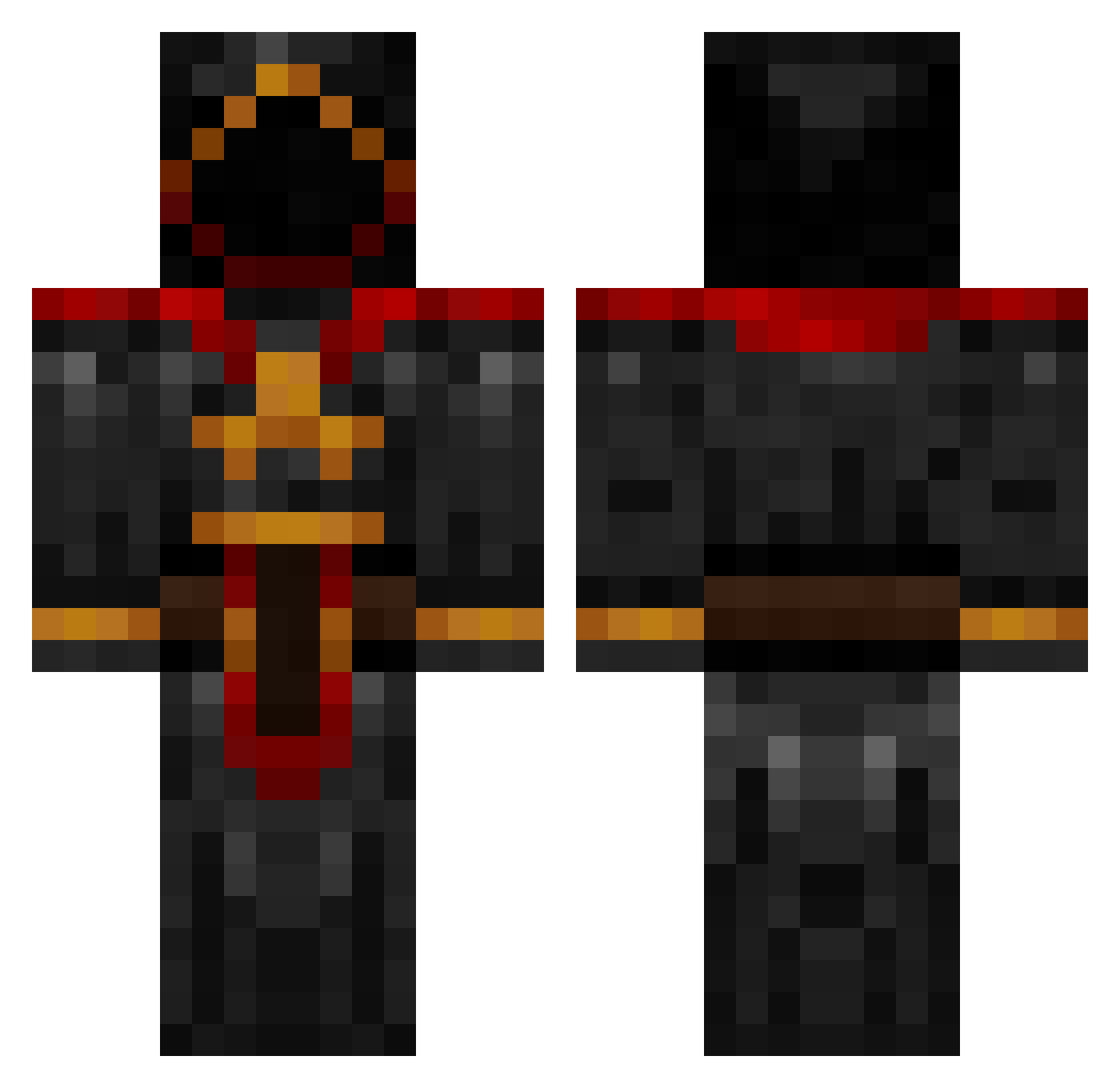
Current Minecraft skin of the player Enaccul, loaded from the official Mojang API. Rotate the 3D model with your mouse or finger, then download the skin as a PNG file and use it in Minecraft: Bedrock Edition or Java Edition for free. When Enaccul changes their skin, this page updates automatically and the old skin stays in the history below.
Other players with this skin (881)
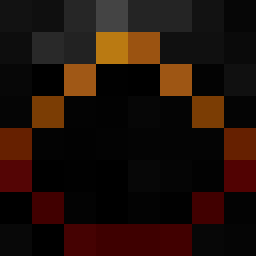
Enaccul was the 36th player we have seen with this skin, first spotted on 28.07.2026. The same skin was seen on these players. Open a nickname to see their current skin and skin history.
 maxwell11 TheStarsAbove Isomery future87 G4M4 tarpin2104 favorito Johnrovere Assteral1 Ormaggoden UMXsbach342 iYoshiro Eichward Sarkames Beviin Mordanos ItsDrippeh Velourium SirJason1720 Diablo1166 KingofSiberia minecraft28892 Joe_stuart trev0006 ventise2 bos6999 Leukippos_ frostibubbles jaredharmon ManOrMonster Ryo_334 ben_hanks jb1622 vincent_rivera21 Raikick the_silver_fish Cthulhu2k Zalgrav Argonneonit ApexDippin Kleetch Garedan theevilisback pheonomic Senaxim LordWizard2005 galbatorix68 trolling_is_fun KatalinaOnyx cooltrocks DaddyLampreycake IHaveBallsOfFury Isfahan nilz3000 Aristede OhhCollect beavie1 BlockMonkey7 Xenofix AuntyBetty
More Cultist Minecraft skins
How to install the Enaccul skin
- Press the Download button above to save the skin as a PNG file.
- Minecraft: Bedrock Edition (PE): open the Dressing Room from the main menu (or tap your character → Edit Character), go to Classic Skins → Owned, press the + (new skin) button, choose the downloaded PNG and pick the Classic (Steve) model. Works on PC and mobile; consoles cannot import custom skins.
- Minecraft: Java Edition: open the Minecraft Launcher, go to the Skins tab, click New Skin, load the PNG, pick the Classic (Steve) model and press Save & Use. You can also upload it at minecraft.net → Profile → Change Skin.
The skin does not show up after import - what should I do?
Restart Minecraft and open the Dressing Room again - imported skins sometimes appear only after a restart. Also make sure you selected the imported skin and picked the Classic (Steve) model.
Which model should I choose, Classic or Slim?
This skin is designed for the Classic (Steve) model. If you pick the wrong model, the arms of the skin will look stretched or squeezed.
Is the skin of Enaccul free to download?
Yes. Press Download, save the PNG file and use it in Minecraft: Bedrock Edition or Java Edition - no payment or registration needed. The skin also works on multiplayer servers and Realms.
More skins
Looking for more? Go back to all Minecraft skins and check the top skins of the week, month and all time, or find any player's skin by nickname.