
EmperorMarvin - Minecraft Skins & Skin History
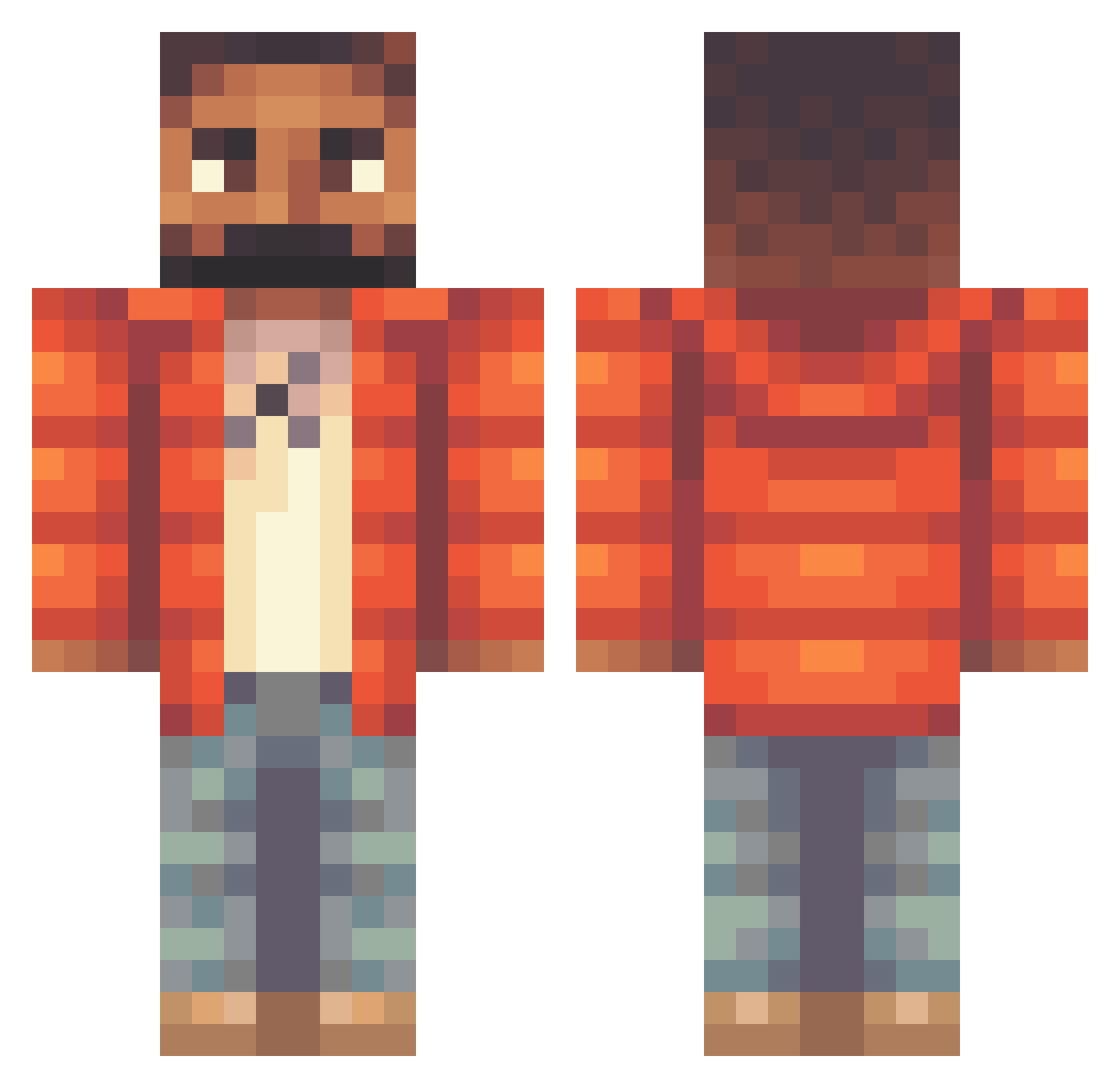
Current Minecraft skin of the player EmperorMarvin, loaded from the official Mojang API. Rotate the 3D model with your mouse or finger, then download the skin as a PNG file and use it in Minecraft: Bedrock Edition or Java Edition for free. When EmperorMarvin changes their skin, this page updates automatically and the old skin stays in the history below.
Other players with this skin (365)
EmperorMarvin was the 334th player we have seen with this skin, first spotted on 10.11.2026. The same skin was seen on these players. Open a nickname to see their current skin and skin history.
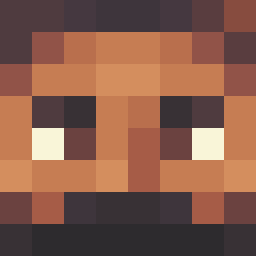 just_so_you_know s4vion STRAPPY2 IbiCod KDSlime Marianm647 BELUWS smegmae ShadowTS kikidoyouloveme Arkashaaa Notorious_AMPA MochaMamba abstract95 Tyyedi rlyusrs EslebeGucci jboy478 DrizzyDrake1234 Herouki drizzyboy iceswallowcome69 LEBDON tianaovo XxBananaMan05xX 6Gawd HeyItsGreenwood RastaMouse69 Brighton__ DrakeJai JayanPandori Gronkify Doomlord1337 Rose944 Lucakpl In5ane5 Redrick_10 BigSD Dark_Braiden IamAssBoy Iga_Figa SamGuthrie drippy_69 Joepvl andresedal ItsGottaBeTop H20_JOE GamerPrince0945 RiicoCash MCSMTOP vinaldi_ Koci230 Kandrake530 barebedre1106 AL4N4S1 Isaactmor13 TrashGamer207 zacadaca UGSWildboy SlimeySlattz_X
More Beard Minecraft skins
How to install the EmperorMarvin skin
- Press the Download button above to save the skin as a PNG file.
- Minecraft: Bedrock Edition (PE): open the Dressing Room from the main menu (or tap your character → Edit Character), go to Classic Skins → Owned, press the + (new skin) button, choose the downloaded PNG and pick the Classic (Steve) model. Works on PC and mobile; consoles cannot import custom skins.
- Minecraft: Java Edition: open the Minecraft Launcher, go to the Skins tab, click New Skin, load the PNG, pick the Classic (Steve) model and press Save & Use. You can also upload it at minecraft.net → Profile → Change Skin.
The skin does not show up after import - what should I do?
Restart Minecraft and open the Dressing Room again - imported skins sometimes appear only after a restart. Also make sure you selected the imported skin and picked the Classic (Steve) model.
Which model should I choose, Classic or Slim?
This skin is designed for the Classic (Steve) model. If you pick the wrong model, the arms of the skin will look stretched or squeezed.
Is the skin of EmperorMarvin free to download?
Yes. Press Download, save the PNG file and use it in Minecraft: Bedrock Edition or Java Edition - no payment or registration needed. The skin also works on multiplayer servers and Realms.
More skins
Looking for more? Go back to all Minecraft skins and check the top skins of the week, month and all time, or find any player's skin by nickname.