
AL4N4S1 - Minecraft Skins & Skin History
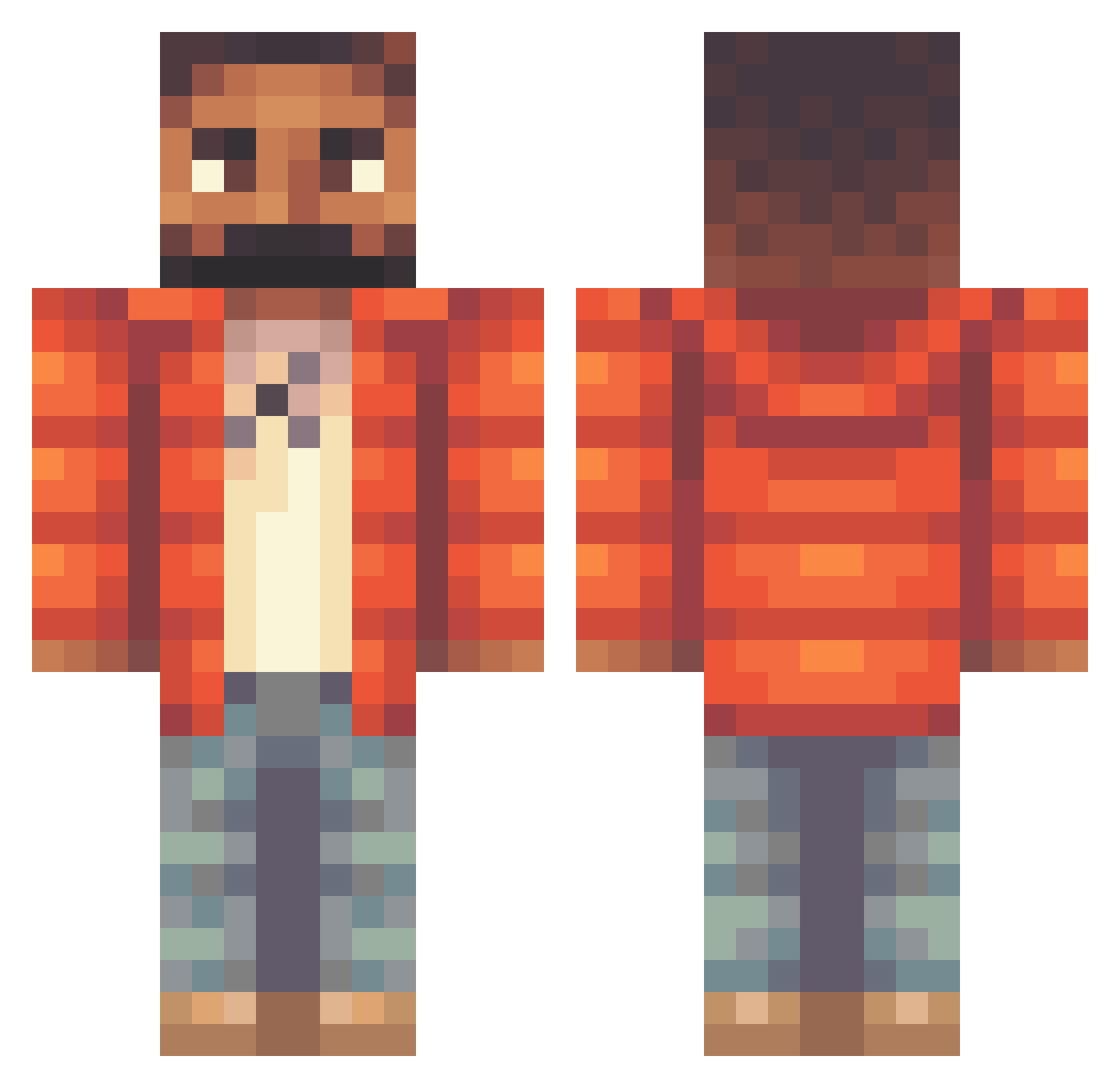
Current Minecraft skin of the player AL4N4S1, loaded from the official Mojang API. Rotate the 3D model with your mouse or finger, then download the skin as a PNG file and use it in Minecraft: Bedrock Edition or Java Edition for free. When AL4N4S1 changes their skin, this page updates automatically and the old skin stays in the history below.
Other players with this skin (319)
AL4N4S1 was the 309th player we have seen with this skin, first spotted on 02.11.2026. The same skin was seen on these players. Open a nickname to see their current skin and skin history.
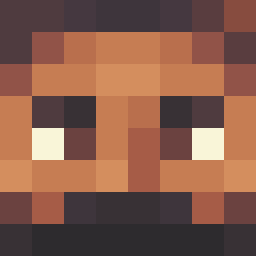 barebedre1106 Koci230 Isaactmor13 vinaldi_ zacadaca MCSMTOP RiicoCash GamerPrince0945 H20_JOE ItsGottaBeTop SamGuthrie SlimeySlattz_X snowwy1x nicuck Dark_Braiden BigSD Matt_Murdocc speedyraptor100 OVOdon ChungiWungi Timctro anabolicplayer YaneBulat champagnejojo drakefan2004 FJshorts Arjarnja drizzykeke gaul5 Shadykill3r Goldpoison 7nnnn0310 24Karrott Mariospants MigHuge SiNoVA79 noni1998 JackProlapse Milosz143 IILIAM ShortSited HeyDanIF Brxden08 iADRIIAN ZayAdkinss xzxx SkyRyzen iolics imyBae CurtyMarronero22 Drake_Gaming Jacxbi rawancake vanillablvckrose San_Cholo hacksalto DrakeDid IOI___IOI kuhsaii21 STEVER6
More Beard Minecraft skins
How to install the AL4N4S1 skin
- Press the Download button above to save the skin as a PNG file.
- Minecraft: Bedrock Edition (PE): open the Dressing Room from the main menu (or tap your character → Edit Character), go to Classic Skins → Owned, press the + (new skin) button, choose the downloaded PNG and pick the Classic (Steve) model. Works on PC and mobile; consoles cannot import custom skins.
- Minecraft: Java Edition: open the Minecraft Launcher, go to the Skins tab, click New Skin, load the PNG, pick the Classic (Steve) model and press Save & Use. You can also upload it at minecraft.net → Profile → Change Skin.
The skin does not show up after import - what should I do?
Restart Minecraft and open the Dressing Room again - imported skins sometimes appear only after a restart. Also make sure you selected the imported skin and picked the Classic (Steve) model.
Which model should I choose, Classic or Slim?
This skin is designed for the Classic (Steve) model. If you pick the wrong model, the arms of the skin will look stretched or squeezed.
Is the skin of AL4N4S1 free to download?
Yes. Press Download, save the PNG file and use it in Minecraft: Bedrock Edition or Java Edition - no payment or registration needed. The skin also works on multiplayer servers and Realms.
More skins
Looking for more? Go back to all Minecraft skins and check the top skins of the week, month and all time, or find any player's skin by nickname.