
Elleab - Minecraft Skins & Skin History
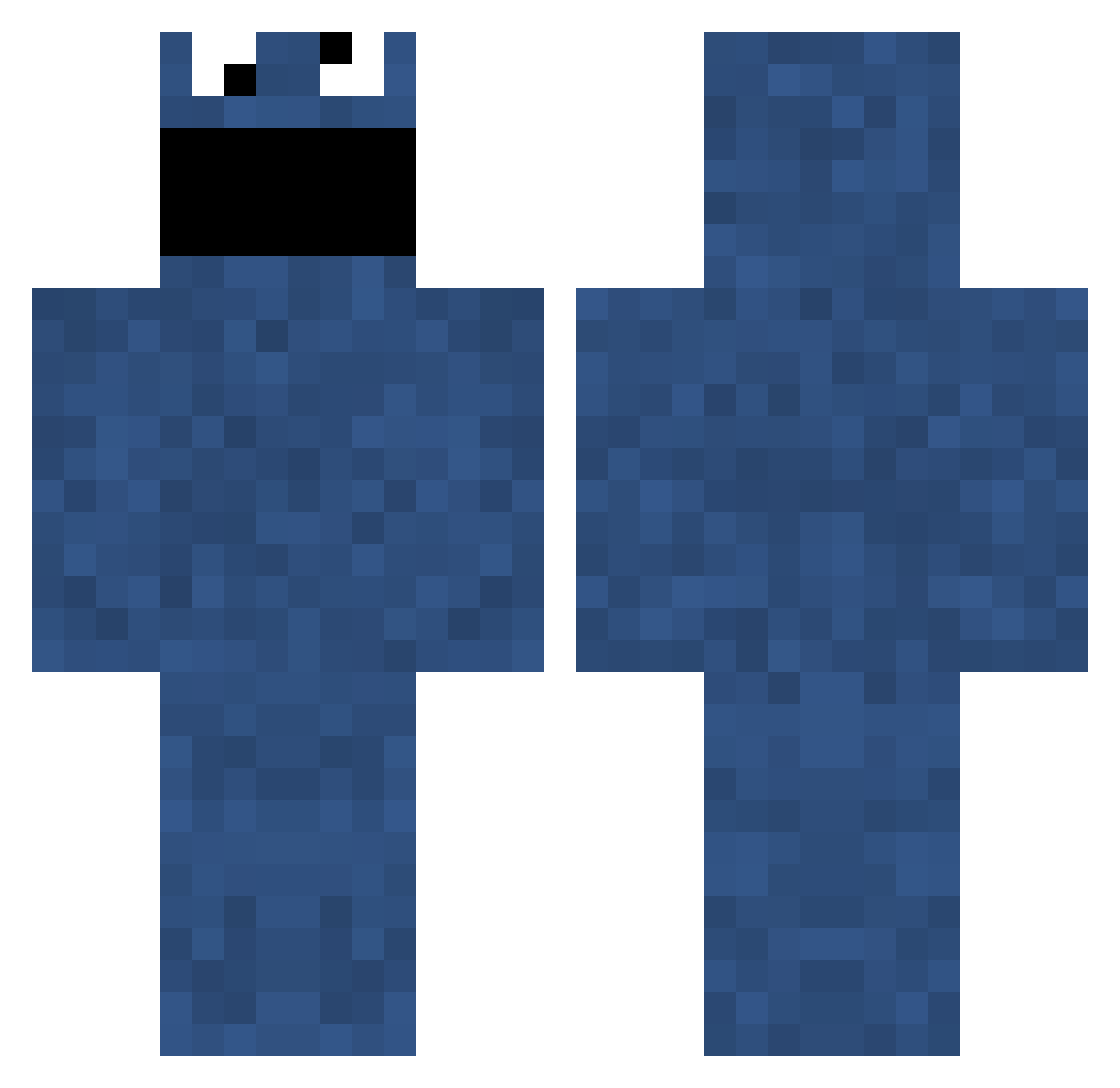
Current Minecraft skin of the player Elleab, loaded from the official Mojang API. Rotate the 3D model with your mouse or finger, then download the skin as a PNG file and use it in Minecraft: Bedrock Edition or Java Edition for free. When Elleab changes their skin, this page updates automatically and the old skin stays in the history below.
Other players with this skin (697)
Elleab was the 580th player we have seen with this skin, first spotted on 09.10.2026. The same skin was seen on these players. Open a nickname to see their current skin and skin history.
 janderson18 Farms aggressor4 IAbsolute_ZeroI FakeArts guigui_hunter bmaaz123 Zephyr82 fuglycupcake ChaoticMass volvers james_mcdade60 s_n_u_r_a 1SeanPaul jere2002 slick123456 jacklouis Euda juliasoderberg nsa01234 MountainDoctor Allorex Drewer23 LordKnack ziggy___ SilverSurfer1402 hirden xxSPEEDdEMONxx tyhame Drogin 4nusPounder666 JCJ_88 missingchapter ZerOSuK BlueWaffleFart pablington LOLtotal Amylooboo spreeomg dyldenbrown owen9902 CookyMan cococohen jOsh3o Swiiker AtomicPanther Koooloozz Blijebakkes Jhonz ChefNoodle Devon557 MrColegrave clonetech KanameKuranFan aksala HeinOr maisics delepper kachow diegosse
More Cookie Monster Minecraft skins
See all 241 Cookie Monster skins
How to install the Elleab skin
- Press the Download button above to save the skin as a PNG file.
- Minecraft: Bedrock Edition (PE): open the Dressing Room from the main menu (or tap your character → Edit Character), go to Classic Skins → Owned, press the + (new skin) button, choose the downloaded PNG and pick the Classic (Steve) model. Works on PC and mobile; consoles cannot import custom skins.
- Minecraft: Java Edition: open the Minecraft Launcher, go to the Skins tab, click New Skin, load the PNG, pick the Classic (Steve) model and press Save & Use. You can also upload it at minecraft.net → Profile → Change Skin.
The skin does not show up after import - what should I do?
Restart Minecraft and open the Dressing Room again - imported skins sometimes appear only after a restart. Also make sure you selected the imported skin and picked the Classic (Steve) model.
Which model should I choose, Classic or Slim?
This skin is designed for the Classic (Steve) model. If you pick the wrong model, the arms of the skin will look stretched or squeezed.
Is the skin of Elleab free to download?
Yes. Press Download, save the PNG file and use it in Minecraft: Bedrock Edition or Java Edition - no payment or registration needed. The skin also works on multiplayer servers and Realms.
More skins
Looking for more? Go back to all Minecraft skins and check the top skins of the week, month and all time, or find any player's skin by nickname.