
E_rich11 - Minecraft Skins & Skin History
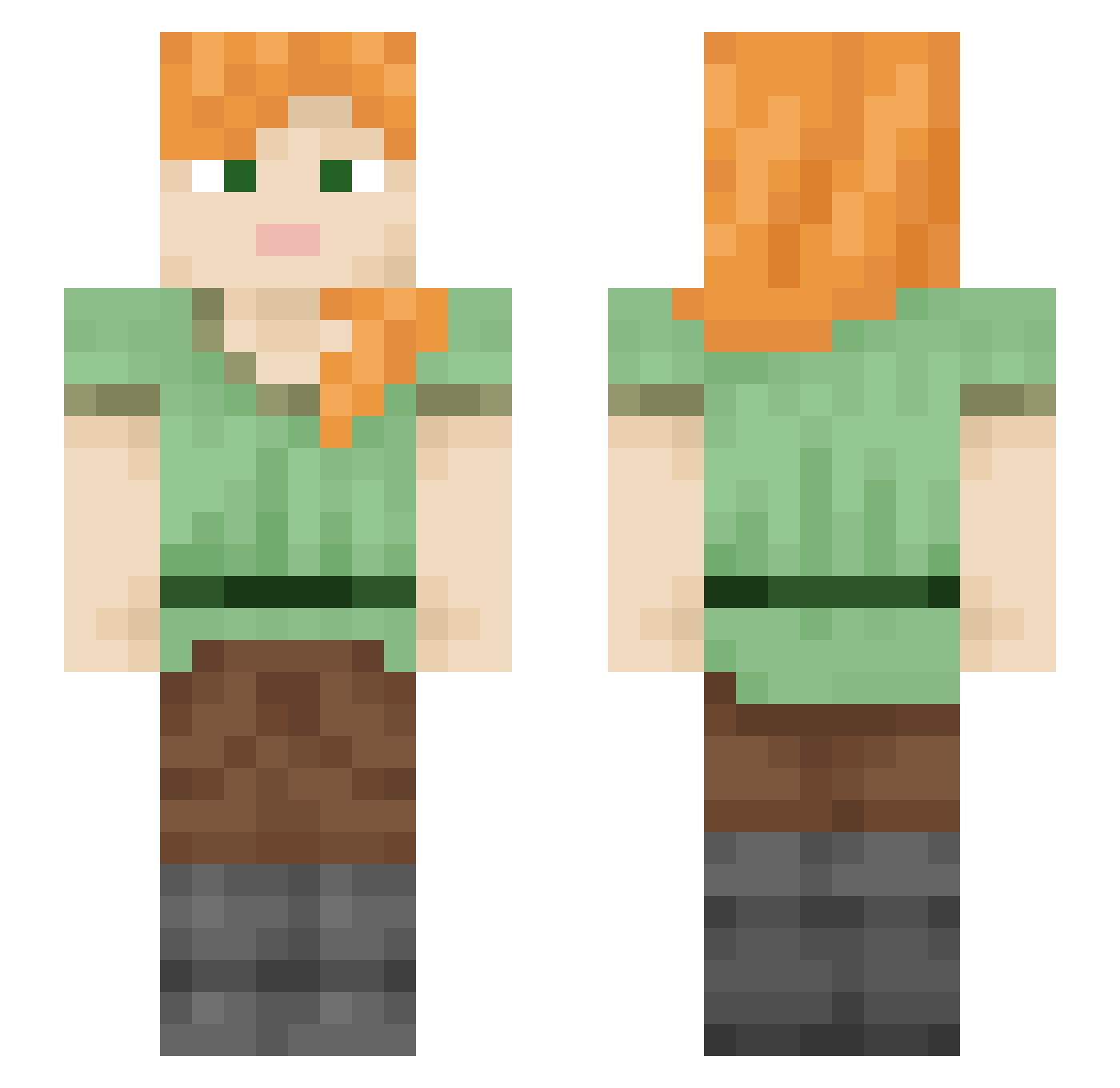
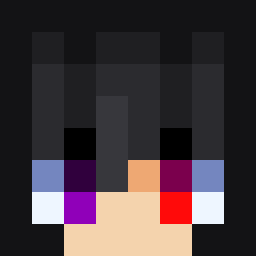
Current Minecraft skin of the player E_rich11, loaded from the official Mojang API. Rotate the 3D model with your mouse or finger, then download the skin as a PNG file and use it in Minecraft: Bedrock Edition or Java Edition for free. When E_rich11 changes their skin, this page updates automatically and the old skin stays in the history below.
Other players with this skin (2109)
E_rich11 was the 508th player we have seen with this skin, first spotted on 22.08.2026. The same skin was seen on these players. Open a nickname to see their current skin and skin history.
 Donwayne Victrixxi omgwaali kyerx22 mallam Spreng Limberek swaggysour Sappers17 henryluck BeWidow Necked ACari The_Rostik Rosehead kvorak LinoCut Synastry nowocaine Bot_Smurf BrockLeeRob cesiumS adorable04 cantfindgreg CamGoldenGun Chokotalk AmNyamLover216 Benlivne1 itaygame12 Battletron123 unwavy
 Wax1501 Nczx
 Blockgod1
 Oxyns libertyalex 9409 MI_C_HO Koyishaee MutantMecha Uzi1cha phaedriah eure feralstray Galvanism zakmlana Mr_Boti RougeNuage oo0minh0oo Locrine BenDec Ayazo_
 moN39 Protestor dollaly Blue_Fire01 pompenfish
 KealahAngel Quieters junho1236860
How to install the E_rich11 skin
- Press the Download button above to save the skin as a PNG file.
- Minecraft: Bedrock Edition (PE): open the Dressing Room from the main menu (or tap your character → Edit Character), go to Classic Skins → Owned, press the + (new skin) button, choose the downloaded PNG and pick the Slim (Alex) model. Works on PC and mobile; consoles cannot import custom skins.
- Minecraft: Java Edition: open the Minecraft Launcher, go to the Skins tab, click New Skin, load the PNG, pick the Slim (Alex) model and press Save & Use. You can also upload it at minecraft.net → Profile → Change Skin.
The skin does not show up after import - what should I do?
Restart Minecraft and open the Dressing Room again - imported skins sometimes appear only after a restart. Also make sure you selected the imported skin and picked the Slim (Alex) model.
Which model should I choose, Classic or Slim?
This skin is designed for the Slim (Alex) model. If you pick the wrong model, the arms of the skin will look stretched or squeezed.
Is the skin of E_rich11 free to download?
Yes. Press Download, save the PNG file and use it in Minecraft: Bedrock Edition or Java Edition - no payment or registration needed. The skin also works on multiplayer servers and Realms.
More skins
Looking for more? Go back to all Minecraft skins and check the top skins of the week, month and all time, or find any player's skin by nickname.