
ENDER_gabry - Minecraft Skins & Skin History
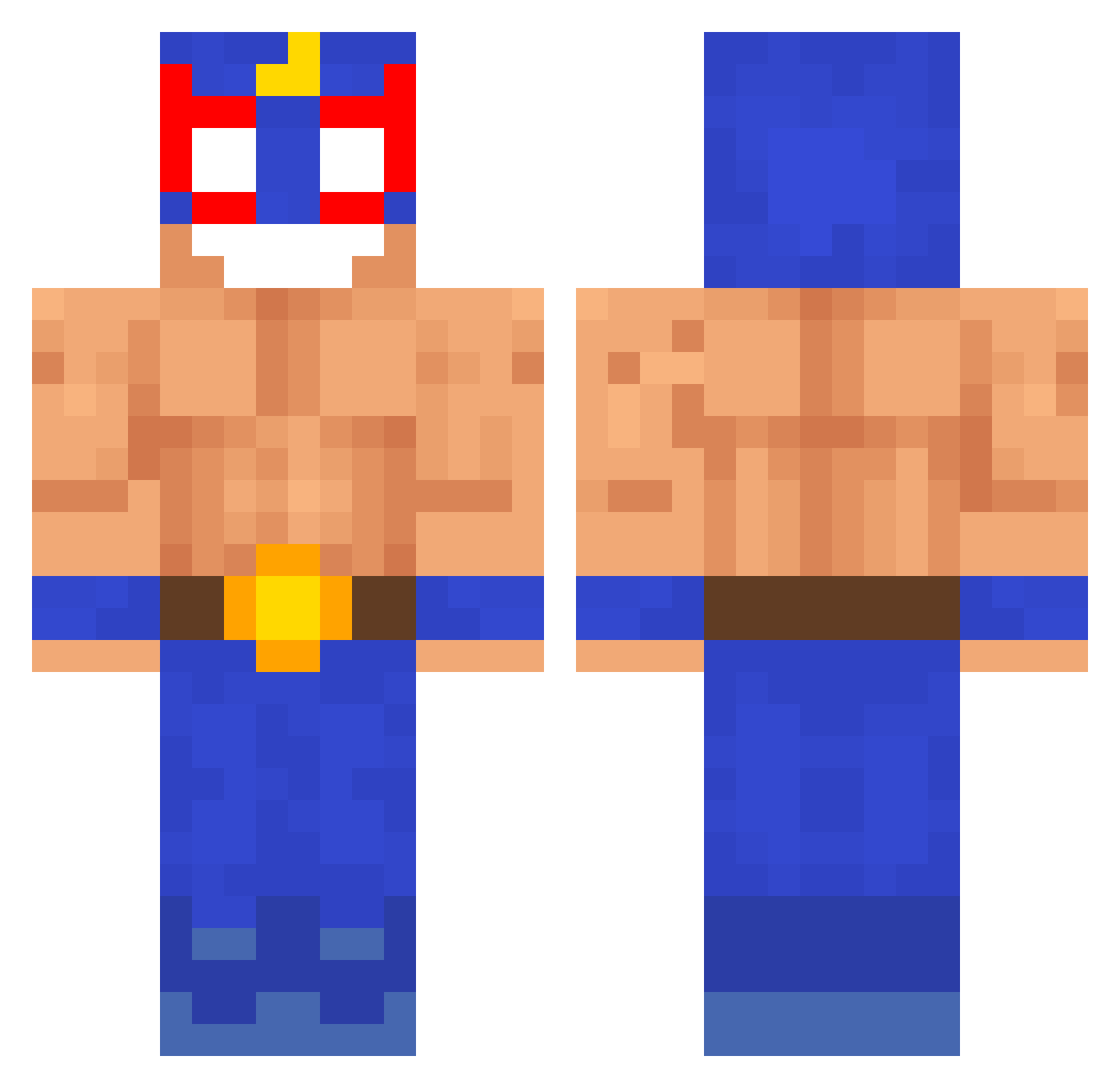
Current Minecraft skin of the player ENDER_gabry, loaded from the official Mojang API. Rotate the 3D model with your mouse or finger, then download the skin as a PNG file and use it in Minecraft: Bedrock Edition or Java Edition for free. When ENDER_gabry changes their skin, this page updates automatically and the old skin stays in the history below.
Other players with this skin (282)
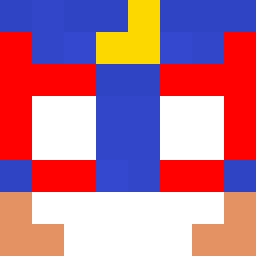
ENDER_gabry was the 258th player we have seen with this skin, first spotted on 09.11.2026. The same skin was seen on these players. Open a nickname to see their current skin and skin history.
 coolera104 stfrsosal Kenark G4S29 Passat_TDi Mait228 DamiLemYT yurksa89 mlodyruchacz IKHRF yivel mrkv4_ xZombeQQ SuffkaPL MrJuice1337 Kobi1609 Qewbite PolinAnime kodh0513 BernixXxXx rickyy1337 acsgdjj El_PrimuS ADirtyGeisha Sharpage AnguloA carminevan Boogy500 DolapDere3169 Dyproxx2 EL_Lucc Schadow_robbe123 Hood_kingg Valentino1109 iiWavee Vxrid szybkijas Malahan zkiioshi albertobarsa coppolitos M3rd0uille Tenai2 BieneChaya BOGoJo MARIOIDIOTA Awko__Taco ChillPepper Skelterrr perdun_elprimero Zazzuk Wislok KarimBenzema2134 mocnyzawodnik69 degrex Germancio DonBalbano69 XDRAGEL1 Fishstick15 Mo_20IO
More El Primo Minecraft skins
How to install the ENDER_gabry skin
- Press the Download button above to save the skin as a PNG file.
- Minecraft: Bedrock Edition (PE): open the Dressing Room from the main menu (or tap your character → Edit Character), go to Classic Skins → Owned, press the + (new skin) button, choose the downloaded PNG and pick the Classic (Steve) model. Works on PC and mobile; consoles cannot import custom skins.
- Minecraft: Java Edition: open the Minecraft Launcher, go to the Skins tab, click New Skin, load the PNG, pick the Classic (Steve) model and press Save & Use. You can also upload it at minecraft.net → Profile → Change Skin.
The skin does not show up after import - what should I do?
Restart Minecraft and open the Dressing Room again - imported skins sometimes appear only after a restart. Also make sure you selected the imported skin and picked the Classic (Steve) model.
Which model should I choose, Classic or Slim?
This skin is designed for the Classic (Steve) model. If you pick the wrong model, the arms of the skin will look stretched or squeezed.
Is the skin of ENDER_gabry free to download?
Yes. Press Download, save the PNG file and use it in Minecraft: Bedrock Edition or Java Edition - no payment or registration needed. The skin also works on multiplayer servers and Realms.
More skins
Looking for more? Go back to all Minecraft skins and check the top skins of the week, month and all time, or find any player's skin by nickname.