
Dunken98 - Minecraft Skins & Skin History
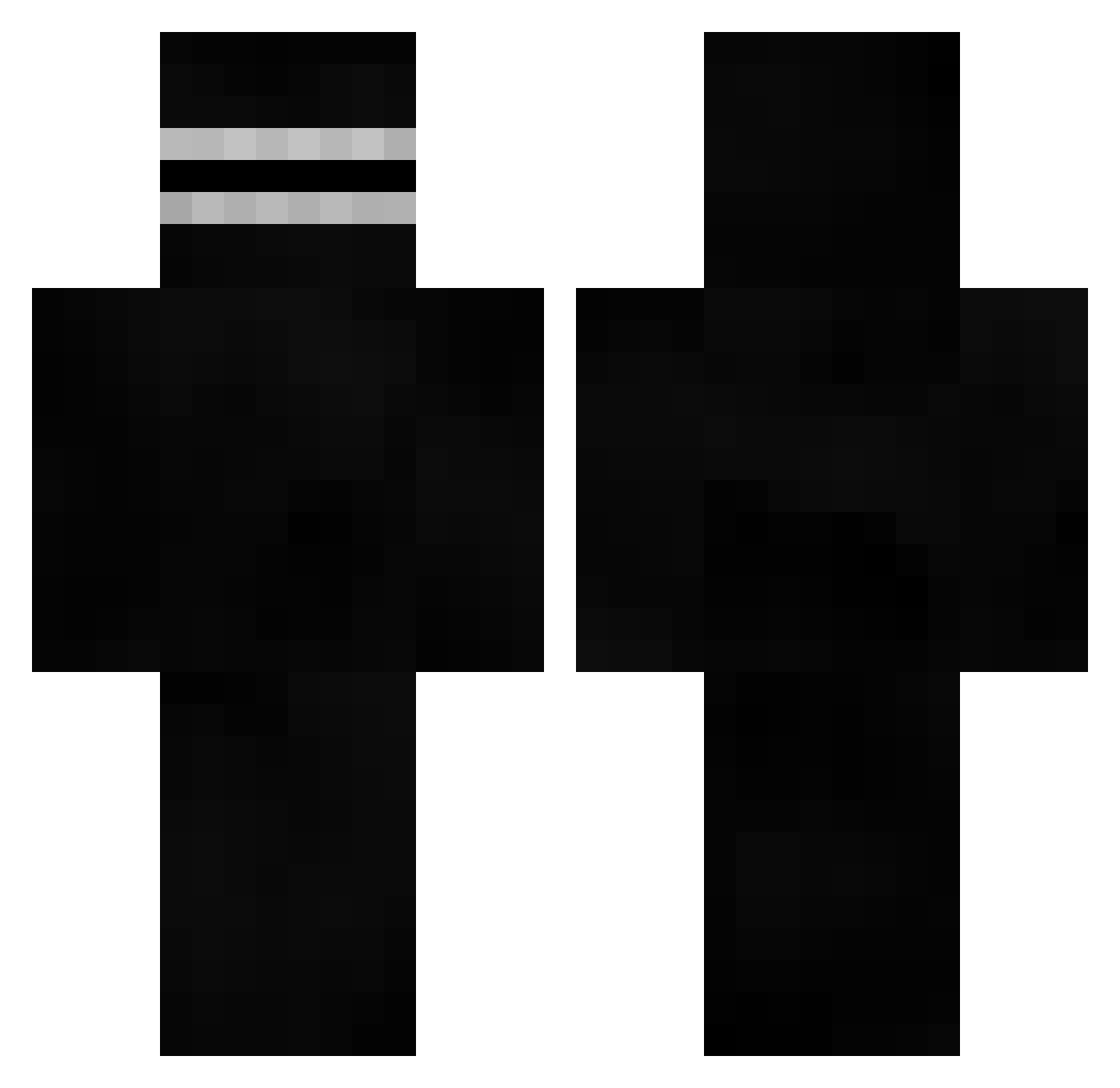
Current Minecraft skin of the player Dunken98, loaded from the official Mojang API. Rotate the 3D model with your mouse or finger, then download the skin as a PNG file and use it in Minecraft: Bedrock Edition or Java Edition for free. When Dunken98 changes their skin, this page updates automatically and the old skin stays in the history below.
Other players with this skin (526)
Dunken98 was the 208th player we have seen with this skin, first spotted on 30.08.2026. The same skin was seen on these players. Open a nickname to see their current skin and skin history.
 iqorex Decimox1 FELWINTERR Rondomondo98 FurFurFuryonish ShizenKi Twotero Redrooster1221 Frodden peakist aculluca202 BattleTheGamer DirtyDanimal Czopsus SombraWho Olaf_YT Exeepeur DrWissler69 TechAlekkard imNif_ r3move reggie_fn KingChowdaaa matheop Gabbin8r GG187 SSorby kvsh REASTY02 Chilean_Kid lZeka Umbertodoisberto daviDe UberBeefyNinja98 Iheresompong Pacarro30 PapaFizzz WHOLELOTTAPAlN Alan_Mog ColgSuin qunixdesign _Sarkroz Flashhhhhhhhhh TheF_L_O Hooplae time9 __ca Gabi82 AwesomeNiight Margomart MrAliStrqfe WhoCaresIfYouCry duwib qott69 Einsteinn7 Drenoel kalofdutti iamlumbre hawiiita xgnacio
More Visor Minecraft skins
How to install the Dunken98 skin
- Press the Download button above to save the skin as a PNG file.
- Minecraft: Bedrock Edition (PE): open the Dressing Room from the main menu (or tap your character → Edit Character), go to Classic Skins → Owned, press the + (new skin) button, choose the downloaded PNG and pick the Classic (Steve) model. Works on PC and mobile; consoles cannot import custom skins.
- Minecraft: Java Edition: open the Minecraft Launcher, go to the Skins tab, click New Skin, load the PNG, pick the Classic (Steve) model and press Save & Use. You can also upload it at minecraft.net → Profile → Change Skin.
The skin does not show up after import - what should I do?
Restart Minecraft and open the Dressing Room again - imported skins sometimes appear only after a restart. Also make sure you selected the imported skin and picked the Classic (Steve) model.
Which model should I choose, Classic or Slim?
This skin is designed for the Classic (Steve) model. If you pick the wrong model, the arms of the skin will look stretched or squeezed.
Is the skin of Dunken98 free to download?
Yes. Press Download, save the PNG file and use it in Minecraft: Bedrock Edition or Java Edition - no payment or registration needed. The skin also works on multiplayer servers and Realms.
More skins
Looking for more? Go back to all Minecraft skins and check the top skins of the week, month and all time, or find any player's skin by nickname.