
Drzzyyy - Minecraft Skins & Skin History
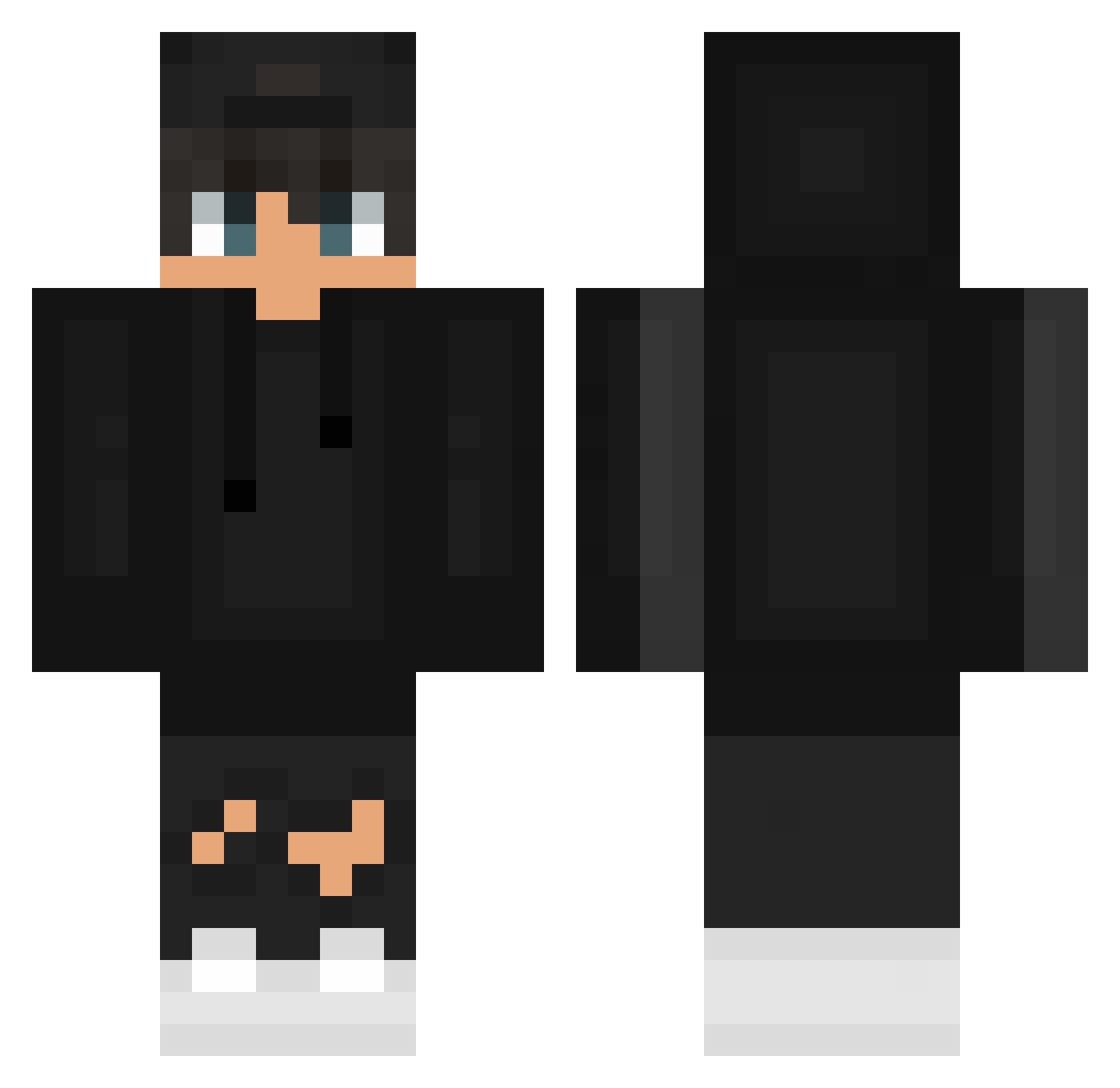
Current Minecraft skin of the player Drzzyyy, loaded from the official Mojang API. Rotate the 3D model with your mouse or finger, then download the skin as a PNG file and use it in Minecraft: Bedrock Edition or Java Edition for free. When Drzzyyy changes their skin, this page updates automatically and the old skin stays in the history below.
Other players with this skin (626)
Drzzyyy was the 193rd player we have seen with this skin, first spotted on 01.09.2026. The same skin was seen on these players. Open a nickname to see their current skin and skin history.
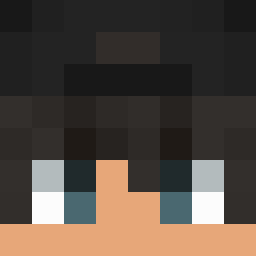 DonBreaker Jaemoke bySamu11 Semibreve lexnqun MadInTheHat SkrilleV lostmyGodneSS Vaqu3 _Cantarelli_ mlodymobi blubey Patrykoss RaveyardParty Ashu_o robbieeeeeee zepta06 _MADFUT_YT wyadizzy TristinBailey SimplyElvis dragox059 xCrazyFace TFBreezy MC_Sickle Synts23 DRX_LEpro Souuup152 luis33333 ThrillStorm YngT_ ItsBode c_junxi HZY312 Kranez Gravy1309 TheHgrx VaVyLoN theRUSTINNES alan_7
 baconehruim MathThePlayer SeeFar amoebavidaloka2 Nicho24 NOKS757
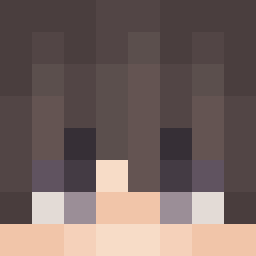 Tygster195 WisDomTrick cyan2e Gauss666 Linkson09 Marpicito iMrAbdullah EnesRaen Mrg4brogamesac2 PepegaSaft airkmo Oha131 sambaa99
 lennybyr_34
How to install the Drzzyyy skin
- Press the Download button above to save the skin as a PNG file.
- Minecraft: Bedrock Edition (PE): open the Dressing Room from the main menu (or tap your character → Edit Character), go to Classic Skins → Owned, press the + (new skin) button, choose the downloaded PNG and pick the Classic (Steve) model. Works on PC and mobile; consoles cannot import custom skins.
- Minecraft: Java Edition: open the Minecraft Launcher, go to the Skins tab, click New Skin, load the PNG, pick the Classic (Steve) model and press Save & Use. You can also upload it at minecraft.net → Profile → Change Skin.
The skin does not show up after import - what should I do?
Restart Minecraft and open the Dressing Room again - imported skins sometimes appear only after a restart. Also make sure you selected the imported skin and picked the Classic (Steve) model.
Which model should I choose, Classic or Slim?
This skin is designed for the Classic (Steve) model. If you pick the wrong model, the arms of the skin will look stretched or squeezed.
Is the skin of Drzzyyy free to download?
Yes. Press Download, save the PNG file and use it in Minecraft: Bedrock Edition or Java Edition - no payment or registration needed. The skin also works on multiplayer servers and Realms.
More skins
Looking for more? Go back to all Minecraft skins and check the top skins of the week, month and all time, or find any player's skin by nickname.