
DrdodoXD - Minecraft Skins & Skin History
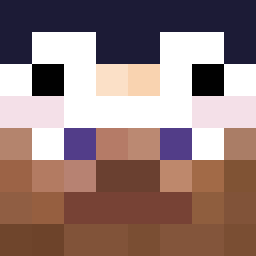
Current Minecraft skin of the player DrdodoXD, loaded from the official Mojang API. Rotate the 3D model with your mouse or finger, then download the skin as a PNG file and use it in Minecraft: Bedrock Edition or Java Edition for free. When DrdodoXD changes their skin, this page updates automatically and the old skin stays in the history below.
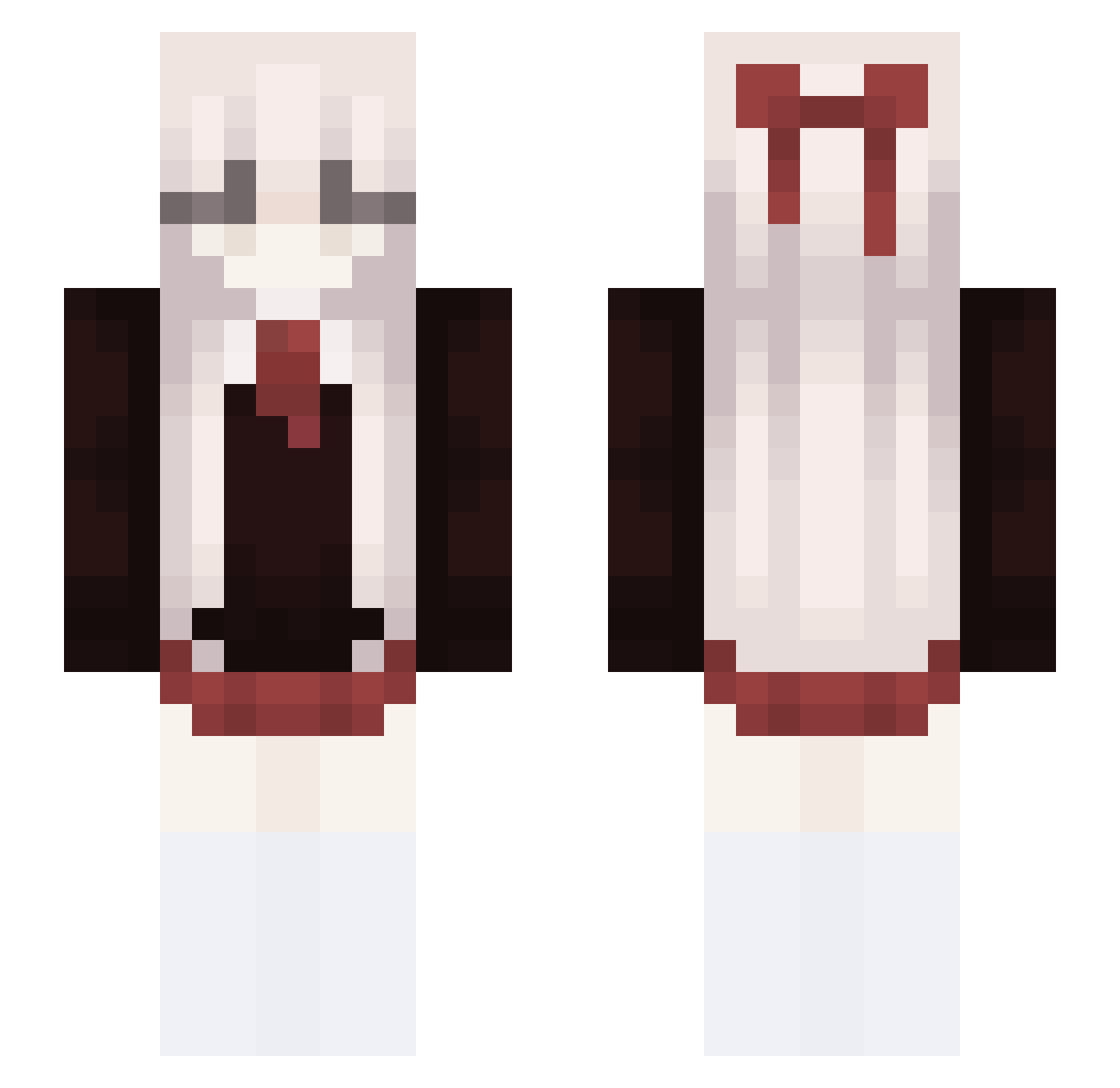
Other players with this skin (114)
DrdodoXD was the 46th player we have seen with this skin, first spotted on 22.08.2026. The same skin was seen on these players. Open a nickname to see their current skin and skin history.
 kuraixnn reidXD SillyJeww BrittTheStar Kxeru VLumiere lougaroxyt Carloilgamer123
 babyxxi SendHelpCensor malamango
 kukuuu12 Pentaax_Prime a1350 kochamnatalie GiveItToRomyy 19id Traversall2 MadestChimper catmusubi qt5r SteamPunker6 ZHYOO january10 yumarin1219 Al3xqy
 109099
 FlayzzBB Xuyang21 Trahe oli57 heartfulpology xlaevatain akx7 MonianFunion dryfishh Vexppy Balonek260 Raphduzer77 Yoru_OuO Xveniwx H0MEZONE AGCYY woodxo notDawnHere
 darde67
 Locomudo CANTABIELE Tintifox YaXinnnnnn Asiacute Tsunami_1894 zmjjrr xiao520_mc pro211ilovecats Yudax1an axelsbooty dongfubu Jacinto321 DarkmyteYT
More School Uniform Minecraft skins
See all 6645 School Uniform skins
How to install the DrdodoXD skin
- Press the Download button above to save the skin as a PNG file.
- Minecraft: Bedrock Edition (PE): open the Dressing Room from the main menu (or tap your character → Edit Character), go to Classic Skins → Owned, press the + (new skin) button, choose the downloaded PNG and pick the Slim (Alex) model. Works on PC and mobile; consoles cannot import custom skins.
- Minecraft: Java Edition: open the Minecraft Launcher, go to the Skins tab, click New Skin, load the PNG, pick the Slim (Alex) model and press Save & Use. You can also upload it at minecraft.net → Profile → Change Skin.
The skin does not show up after import - what should I do?
Restart Minecraft and open the Dressing Room again - imported skins sometimes appear only after a restart. Also make sure you selected the imported skin and picked the Slim (Alex) model.
Which model should I choose, Classic or Slim?
This skin is designed for the Slim (Alex) model. If you pick the wrong model, the arms of the skin will look stretched or squeezed.
Is the skin of DrdodoXD free to download?
Yes. Press Download, save the PNG file and use it in Minecraft: Bedrock Edition or Java Edition - no payment or registration needed. The skin also works on multiplayer servers and Realms.
More skins
Looking for more? Go back to all Minecraft skins and check the top skins of the week, month and all time, or find any player's skin by nickname.