
DownFrog - Minecraft Skins & Skin History
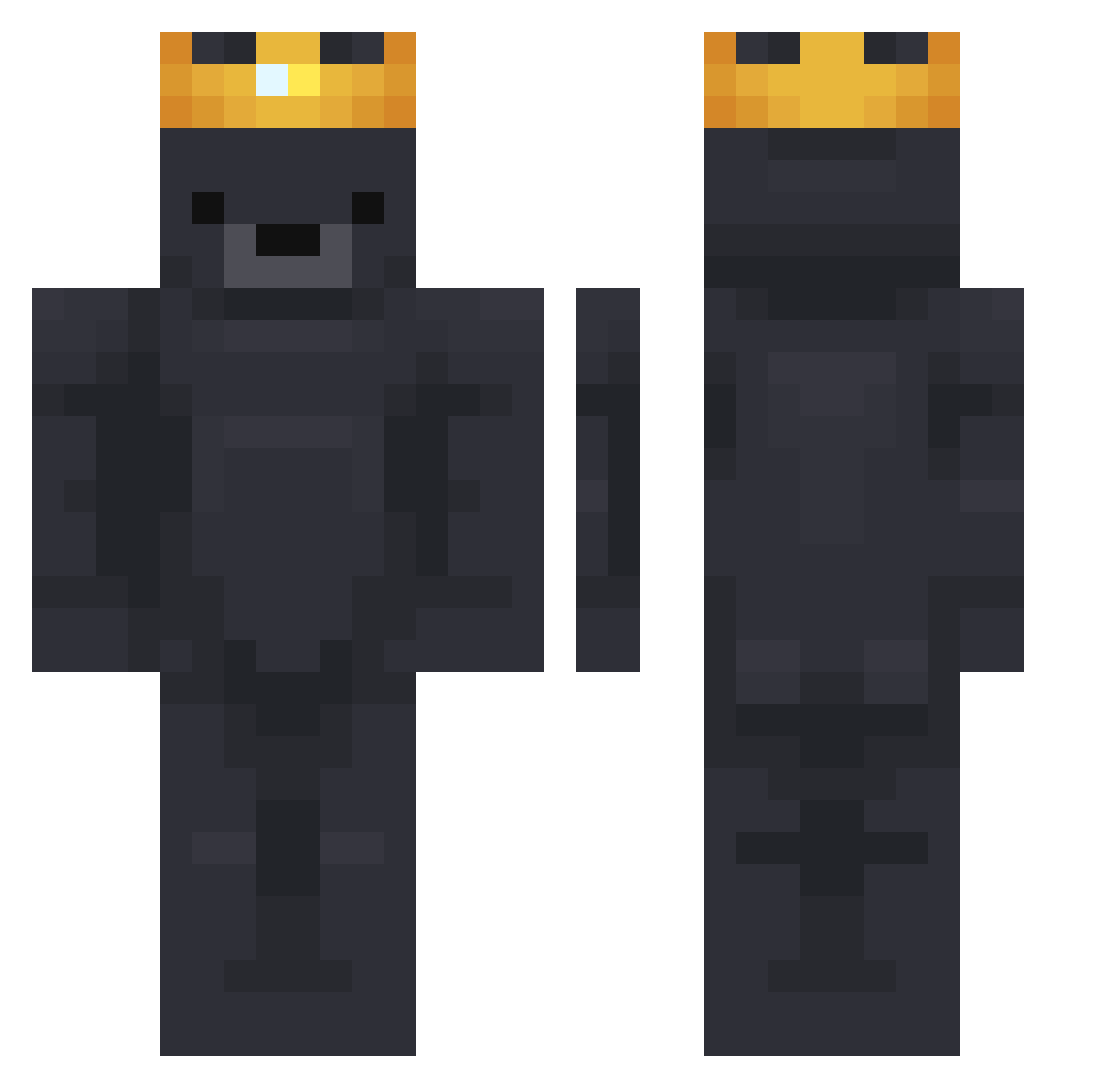
Current Minecraft skin of the player DownFrog, loaded from the official Mojang API. Rotate the 3D model with your mouse or finger, then download the skin as a PNG file and use it in Minecraft: Bedrock Edition or Java Edition for free. When DownFrog changes their skin, this page updates automatically and the old skin stays in the history below.
Other players with this skin (751)
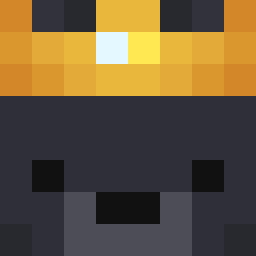
DownFrog was the 218th player we have seen with this skin, first spotted on 23.08.2026. The same skin was seen on these players. Open a nickname to see their current skin and skin history.
 Sp1ceBag Coriozz The_paradoxz _Dmoney Nubmmaster69 AntonTerminator Black_101 pietro_scara jjacklyons Paaqito WerkerVanDeStaat KeremKrcs Jyoel r0zek0 FlopusFisherson Highdear Vooxyx wldb Goreczky bosaa12 gargamelll UmbralUrsine ERos_Ion TexJawnn DomiGo1905 Restabalise prince_31 OrdekMan BrokenCombos tomek5577 JB1703 LuuKz__ SnorBalle Serhito_ Tiqqo WatchDogIsAJoke skatalot junstuh rexaxa ChaewonLove1022 joedehamster Dawnhz ToxicMage_ ulontya SEEKER_ benji_cord287 Moti0nBlur ConfusedOwl1515 zenwow CuntDestroyer_69 Calux150 Jaypepe MingQ23 Anna_88 crying_crown p00kip00ki siwoo1349 Bestefar Jacob_2x anniet07
More Crown Minecraft skins
How to install the DownFrog skin
- Press the Download button above to save the skin as a PNG file.
- Minecraft: Bedrock Edition (PE): open the Dressing Room from the main menu (or tap your character → Edit Character), go to Classic Skins → Owned, press the + (new skin) button, choose the downloaded PNG and pick the Classic (Steve) model. Works on PC and mobile; consoles cannot import custom skins.
- Minecraft: Java Edition: open the Minecraft Launcher, go to the Skins tab, click New Skin, load the PNG, pick the Classic (Steve) model and press Save & Use. You can also upload it at minecraft.net → Profile → Change Skin.
The skin does not show up after import - what should I do?
Restart Minecraft and open the Dressing Room again - imported skins sometimes appear only after a restart. Also make sure you selected the imported skin and picked the Classic (Steve) model.
Which model should I choose, Classic or Slim?
This skin is designed for the Classic (Steve) model. If you pick the wrong model, the arms of the skin will look stretched or squeezed.
Is the skin of DownFrog free to download?
Yes. Press Download, save the PNG file and use it in Minecraft: Bedrock Edition or Java Edition - no payment or registration needed. The skin also works on multiplayer servers and Realms.
More skins
Looking for more? Go back to all Minecraft skins and check the top skins of the week, month and all time, or find any player's skin by nickname.