
Domenico1704 - Minecraft Skins & Skin History
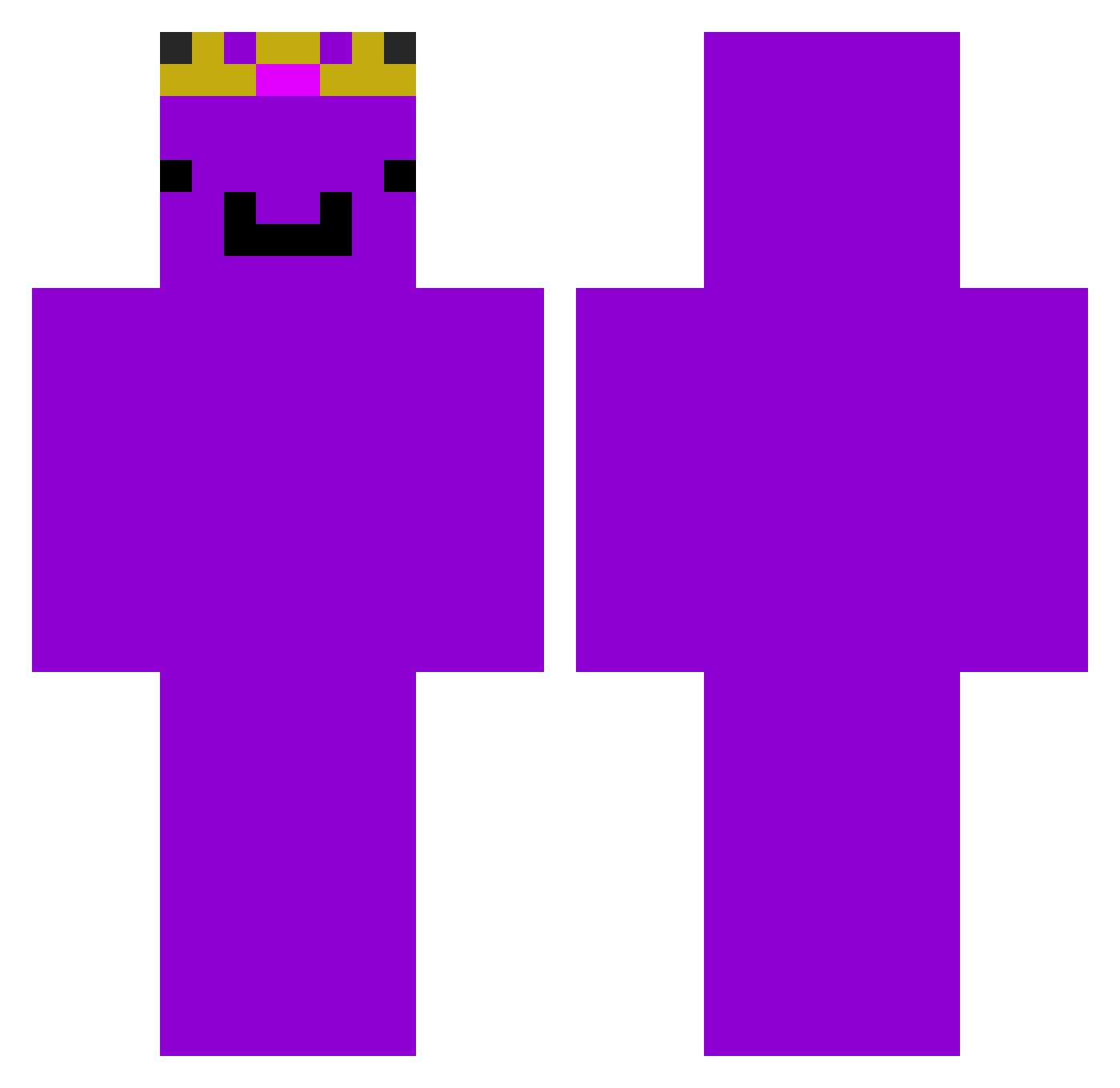
Current Minecraft skin of the player Domenico1704, loaded from the official Mojang API. Rotate the 3D model with your mouse or finger, then download the skin as a PNG file and use it in Minecraft: Bedrock Edition or Java Edition for free. When Domenico1704 changes their skin, this page updates automatically and the old skin stays in the history below.
Other players with this skin (236)
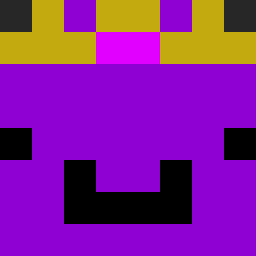
Domenico1704 was the 223rd player we have seen with this skin, first spotted on 26.10.2026. The same skin was seen on these players. Open a nickname to see their current skin and skin history.
 Norbert1325 voidisendless Itzyasama Buggabless MasterJannikV gtgelkok Justuciee leegangin1221 f2wz rvx3388 Moradobonito wemmbu_8571 Akro1294 MilleMint nambeom MrGobstopper02 PLUSDIMOND567 Kznhosh noob12345678911 KotaPoof taipingu Stian20081 Okyanus907 away_v w3mMb0t___ Alenwoke Twizzy_Zurbo FatihBa WilD_Bob_Punkt _Meguro Reysun1124 xK4CPER wangzong11 xoxosashimi gkexy WRhunter blitzo_vargas Alexiboom MouszKrul UnitingCookie11 Floww_______ Sign_7 TheRealGamer284 taemin8878 slayatron_ jensp00p lawroditzz Dylan_Hobie fumaro 1Jayke4 DruzinaTratnik hussenmo3 matthew91650 Snaz23_ lolipop21371 PSJG CraftYounasE kingTTV Kapek_2415 NotGilded
More Crown Minecraft skins
How to install the Domenico1704 skin
- Press the Download button above to save the skin as a PNG file.
- Minecraft: Bedrock Edition (PE): open the Dressing Room from the main menu (or tap your character → Edit Character), go to Classic Skins → Owned, press the + (new skin) button, choose the downloaded PNG and pick the Classic (Steve) model. Works on PC and mobile; consoles cannot import custom skins.
- Minecraft: Java Edition: open the Minecraft Launcher, go to the Skins tab, click New Skin, load the PNG, pick the Classic (Steve) model and press Save & Use. You can also upload it at minecraft.net → Profile → Change Skin.
The skin does not show up after import - what should I do?
Restart Minecraft and open the Dressing Room again - imported skins sometimes appear only after a restart. Also make sure you selected the imported skin and picked the Classic (Steve) model.
Which model should I choose, Classic or Slim?
This skin is designed for the Classic (Steve) model. If you pick the wrong model, the arms of the skin will look stretched or squeezed.
Is the skin of Domenico1704 free to download?
Yes. Press Download, save the PNG file and use it in Minecraft: Bedrock Edition or Java Edition - no payment or registration needed. The skin also works on multiplayer servers and Realms.
More skins
Looking for more? Go back to all Minecraft skins and check the top skins of the week, month and all time, or find any player's skin by nickname.