
DivisionMoss - Minecraft Skins & Skin History
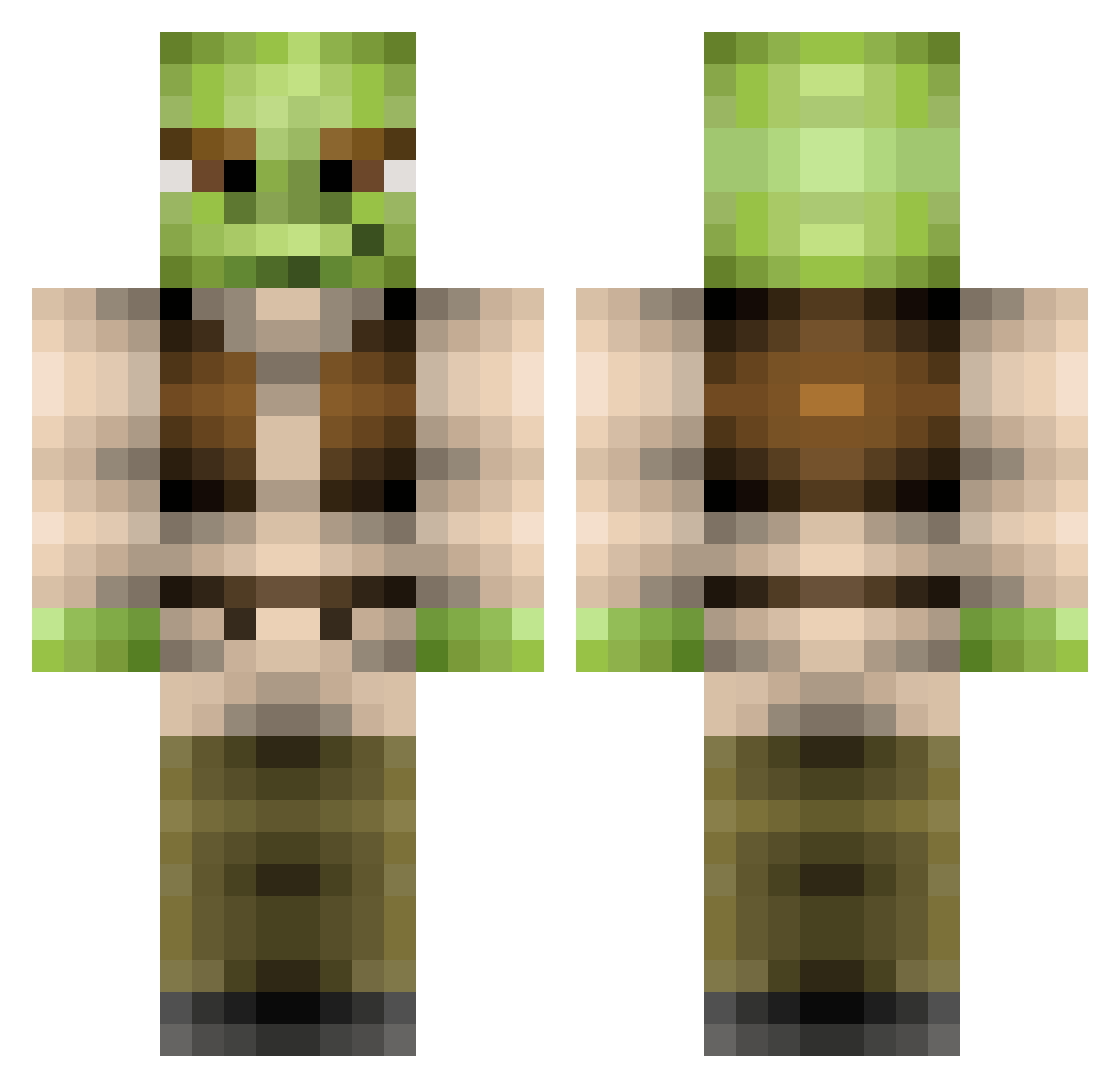
Current Minecraft skin of the player DivisionMoss, loaded from the official Mojang API. Rotate the 3D model with your mouse or finger, then download the skin as a PNG file and use it in Minecraft: Bedrock Edition or Java Edition for free. When DivisionMoss changes their skin, this page updates automatically and the old skin stays in the history below.
Other players with this skin (369)
DivisionMoss was the 122nd player we have seen with this skin, first spotted on 31.08.2026. The same skin was seen on these players. Open a nickname to see their current skin and skin history.
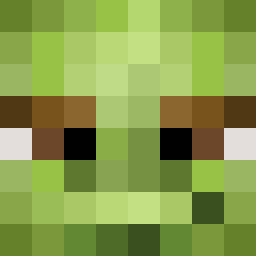 brimstxnebxth Jamiecraftz Sama_Jama FredNash evans1966 Alagaz Nielsendiah Zeddicuss aaronblackburn1 JustinPainter7 Supermattthat fuzzypopcox polkobe PursuitOfGamers chocolateguy QA51M1 chickens_nugget Alpha6006 Korenth cklapheke OGRE316 Oslolosen1020 Colossalmonkey Cartermuffin Vijazzler Color_Sand jceddy49 samyyy25 Handrail16 steamed_toast Sarcastiblast CheeekyNandos csmith227 CHEESYnachoMAN4 rileyiscool11 ShowerPotatoes Juuulieeen tatorttotroxs CheifQweef GVL2006 lumberjackmeoff NoNoHax honorabletyranny greeninstantly the_maggs 666chainz robbedoes007 Enemii_ bdo4276 nicholas801 Crabst3r dazombiekiller10 fucksolid robedgr ngreat123 melnik1215 luckyluck23 garbageken zhaks Mousku
More Yoda Minecraft skins
How to install the DivisionMoss skin
- Press the Download button above to save the skin as a PNG file.
- Minecraft: Bedrock Edition (PE): open the Dressing Room from the main menu (or tap your character → Edit Character), go to Classic Skins → Owned, press the + (new skin) button, choose the downloaded PNG and pick the Classic (Steve) model. Works on PC and mobile; consoles cannot import custom skins.
- Minecraft: Java Edition: open the Minecraft Launcher, go to the Skins tab, click New Skin, load the PNG, pick the Classic (Steve) model and press Save & Use. You can also upload it at minecraft.net → Profile → Change Skin.
The skin does not show up after import - what should I do?
Restart Minecraft and open the Dressing Room again - imported skins sometimes appear only after a restart. Also make sure you selected the imported skin and picked the Classic (Steve) model.
Which model should I choose, Classic or Slim?
This skin is designed for the Classic (Steve) model. If you pick the wrong model, the arms of the skin will look stretched or squeezed.
Is the skin of DivisionMoss free to download?
Yes. Press Download, save the PNG file and use it in Minecraft: Bedrock Edition or Java Edition - no payment or registration needed. The skin also works on multiplayer servers and Realms.
More skins
Looking for more? Go back to all Minecraft skins and check the top skins of the week, month and all time, or find any player's skin by nickname.