
DerKasu - Minecraft Skins & Skin History
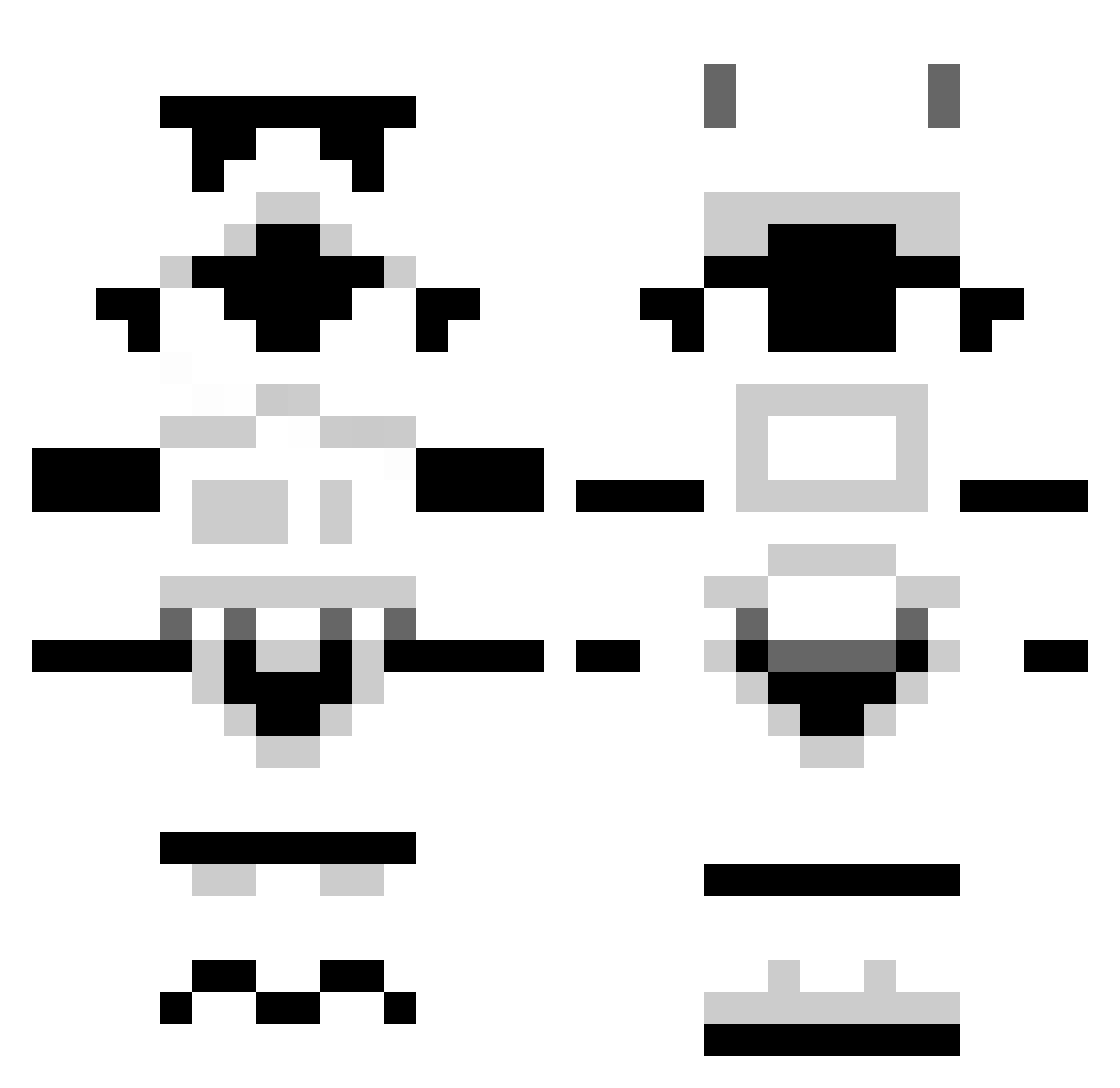
Current Minecraft skin of the player DerKasu, loaded from the official Mojang API. Rotate the 3D model with your mouse or finger, then download the skin as a PNG file and use it in Minecraft: Bedrock Edition or Java Edition for free. When DerKasu changes their skin, this page updates automatically and the old skin stays in the history below.
Other players with this skin (1296)
DerKasu was the 1214th player we have seen with this skin, first spotted on 31.10.2026. The same skin was seen on these players. Open a nickname to see their current skin and skin history.
 lavadiver408 recklessfour Made_Backwards rustyventure RandomCoconut xblalex lordnanakuli avis007 GDAWG72 boodles05 Promiden cosimoto SuxMyNutz Skyyline Felofer superjake345 bigbird1986 Mbb1121 Blythey PigWozzle fancysheep Reipapa Leethomashall smittyrc Chief_Impact Prassus_Maximus BrandonH1500 zPanic tnok85 nicklast24 zuanshi BuilderDK Malacor71 zolo4000_ jsh4 stephenwatkins43 bjarkibss kenpataz Ang_mang_ KreaV HawksA SnookieFresh kelshaw DrunkNStupid Hatch500 Lemo_Seth flyingjellyfish2 Horius AidoThePotato Daragonek Thootje92 Schnanners vald0266 Gulaf FruitCup224 hadrian13 Winghz Slayertip MIRABELL69 vincelescot
More Stormtrooper Minecraft skins
See all 528 Stormtrooper skins
How to install the DerKasu skin
- Press the Download button above to save the skin as a PNG file.
- Minecraft: Bedrock Edition (PE): open the Dressing Room from the main menu (or tap your character → Edit Character), go to Classic Skins → Owned, press the + (new skin) button, choose the downloaded PNG and pick the Classic (Steve) model. Works on PC and mobile; consoles cannot import custom skins.
- Minecraft: Java Edition: open the Minecraft Launcher, go to the Skins tab, click New Skin, load the PNG, pick the Classic (Steve) model and press Save & Use. You can also upload it at minecraft.net → Profile → Change Skin.
The skin does not show up after import - what should I do?
Restart Minecraft and open the Dressing Room again - imported skins sometimes appear only after a restart. Also make sure you selected the imported skin and picked the Classic (Steve) model.
Which model should I choose, Classic or Slim?
This skin is designed for the Classic (Steve) model. If you pick the wrong model, the arms of the skin will look stretched or squeezed.
Is the skin of DerKasu free to download?
Yes. Press Download, save the PNG file and use it in Minecraft: Bedrock Edition or Java Edition - no payment or registration needed. The skin also works on multiplayer servers and Realms.
More skins
Looking for more? Go back to all Minecraft skins and check the top skins of the week, month and all time, or find any player's skin by nickname.