
DeniedHub - Minecraft Skins & Skin History
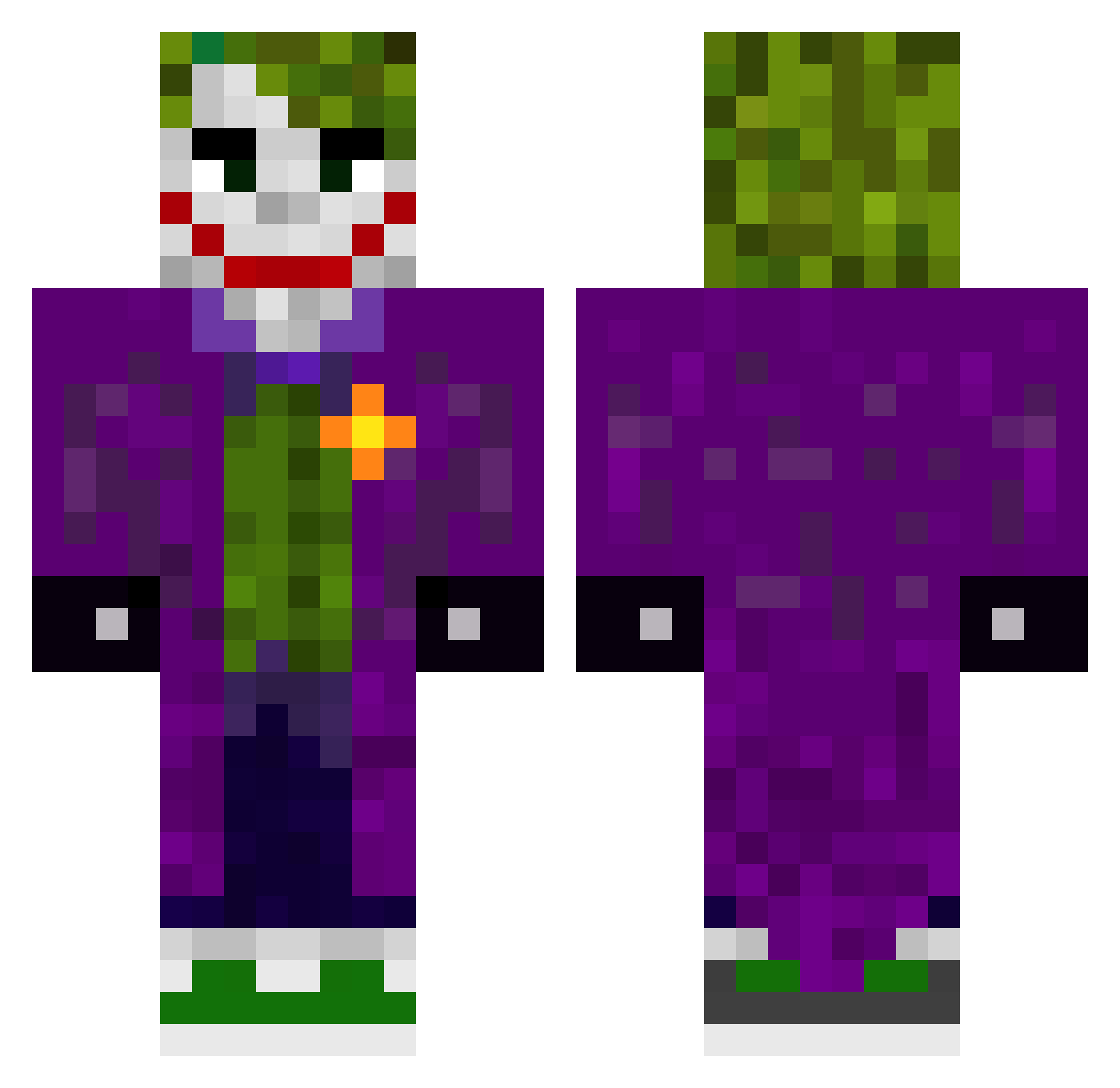
Current Minecraft skin of the player DeniedHub, loaded from the official Mojang API. Rotate the 3D model with your mouse or finger, then download the skin as a PNG file and use it in Minecraft: Bedrock Edition or Java Edition for free. When DeniedHub changes their skin, this page updates automatically and the old skin stays in the history below.
Other players with this skin (509)
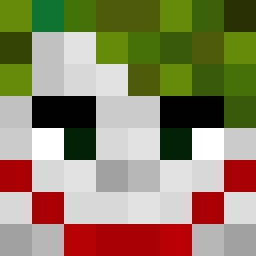
DeniedHub was the 240th player we have seen with this skin, first spotted on 19.09.2026. The same skin was seen on these players. Open a nickname to see their current skin and skin history.
 AndreasIsaias GoonLeader emordync SirMxrtin RayneP11 josesilloelguapi OmegaRed1999 olafderbeste Delightmare Spartakus9561 Hententamten Eifach_Domi HappyFace_e Codem99x KaJuCuK NEVES195 xCr4nK Esepito Soult8ker jestescwelem SachunXD joker1039 DUKEGAMES92 iamfmp lilfreddyt krypto077 dejvidek11 Nibls LovienKing Jason_Vargas SuperMGP ElchikitoF47 wolfcriez cunningcraig EliteNoggs Chief002 Nakamela Gamesfordayz190 CurseDatasnake_ ilmagoreal jaosua DanielYsn evan11mfly bandolero11 grandas_123 IchBinMull OddSharkBait20 Telusito Seniuch Joalausi Cauaznn Pucio007 JankyPR69 Tjk_Neon Luisinhooooo AslamOconjurado Whysosserious Sethyj316 R_L_Joker Ruan244
More The Joker Minecraft skins
How to install the DeniedHub skin
- Press the Download button above to save the skin as a PNG file.
- Minecraft: Bedrock Edition (PE): open the Dressing Room from the main menu (or tap your character → Edit Character), go to Classic Skins → Owned, press the + (new skin) button, choose the downloaded PNG and pick the Classic (Steve) model. Works on PC and mobile; consoles cannot import custom skins.
- Minecraft: Java Edition: open the Minecraft Launcher, go to the Skins tab, click New Skin, load the PNG, pick the Classic (Steve) model and press Save & Use. You can also upload it at minecraft.net → Profile → Change Skin.
The skin does not show up after import - what should I do?
Restart Minecraft and open the Dressing Room again - imported skins sometimes appear only after a restart. Also make sure you selected the imported skin and picked the Classic (Steve) model.
Which model should I choose, Classic or Slim?
This skin is designed for the Classic (Steve) model. If you pick the wrong model, the arms of the skin will look stretched or squeezed.
Is the skin of DeniedHub free to download?
Yes. Press Download, save the PNG file and use it in Minecraft: Bedrock Edition or Java Edition - no payment or registration needed. The skin also works on multiplayer servers and Realms.
More skins
Looking for more? Go back to all Minecraft skins and check the top skins of the week, month and all time, or find any player's skin by nickname.