
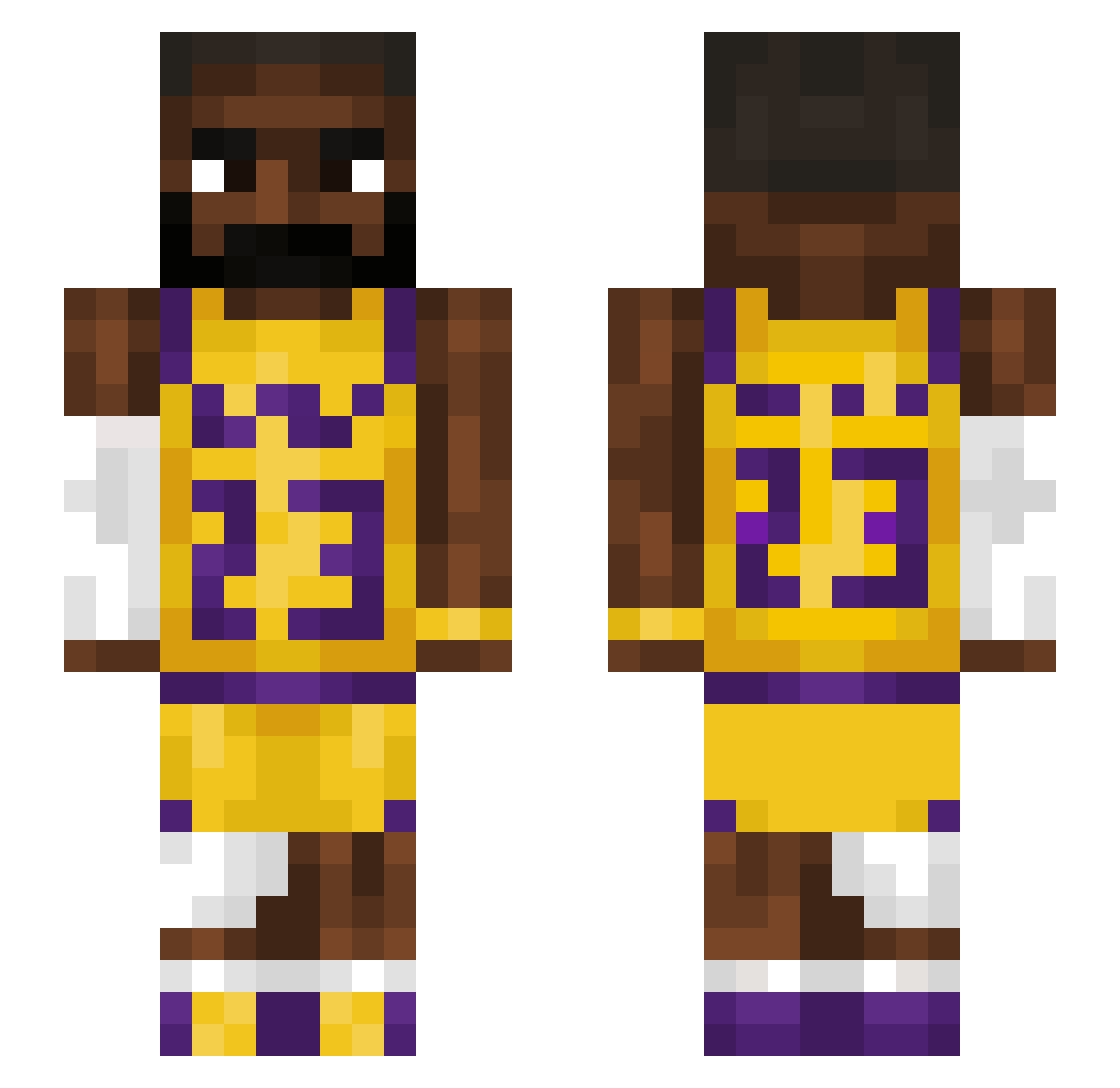
Current Minecraft skin of the player DeeTee2809, loaded from the official Mojang API. Rotate the 3D model with your mouse or finger, then download the skin as a PNG file and use it in Minecraft: Bedrock Edition or Java Edition for free. When DeeTee2809 changes their skin, this page updates automatically and the old skin stays in the history below.
Other players with this skin (1128)
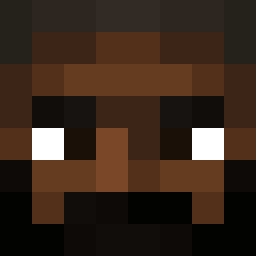
DeeTee2809 was the 757th player we have seen with this skin, first spotted on 22.09.2026. The same skin was seen on these players. Open a nickname to see their current skin and skin history.
 STEALFYITALIAN lizard319 aweve Beinis666 tommyishim Monkeymark01 StopSkyler poopmanxk hasinlol vrlyusuf Danzxl Grzybomir1 Bnl777 debonairSnail1 Kappuccino dillons17 ragingr1v3r Gxiko ben4405 Feliperys obiwan0234 dOmbro9 ILuvBronnyJames nabbas TheGodzilla334 lorde_valen Hubertgral Turtlenoob1276 Mclovin4PF Maccaswak ghostparker kulegamer123456 TobiasGamer2014 HarambesNephew theGOAT32112 soviet_dog69 TheBlackNinja0 Heisenberg55555 PuPuBoyy AbyssV kingscom EaterOfPaint Vanish0314 1cuttothechase1 chndlrrr ItzLuxz Izeko10 Roxrock9 Woorii Insert777 _Saint_Pablo_ Svekz Fettkopf_Sam Himmyb ev_bot Cipherion abbysmg DHPx0 LuccaT13 Chorch0
More Lakers Minecraft skins
How to install the DeeTee2809 skin
- Press the Download button above to save the skin as a PNG file.
- Minecraft: Bedrock Edition (PE): open the Dressing Room from the main menu (or tap your character → Edit Character), go to Classic Skins → Owned, press the + (new skin) button, choose the downloaded PNG and pick the Slim (Alex) model. Works on PC and mobile; consoles cannot import custom skins.
- Minecraft: Java Edition: open the Minecraft Launcher, go to the Skins tab, click New Skin, load the PNG, pick the Slim (Alex) model and press Save & Use. You can also upload it at minecraft.net → Profile → Change Skin.
The skin does not show up after import - what should I do?
Restart Minecraft and open the Dressing Room again - imported skins sometimes appear only after a restart. Also make sure you selected the imported skin and picked the Slim (Alex) model.
Which model should I choose, Classic or Slim?
This skin is designed for the Slim (Alex) model. If you pick the wrong model, the arms of the skin will look stretched or squeezed.
Is the skin of DeeTee2809 free to download?
Yes. Press Download, save the PNG file and use it in Minecraft: Bedrock Edition or Java Edition - no payment or registration needed. The skin also works on multiplayer servers and Realms.
More skins
Looking for more? Go back to all Minecraft skins and check the top skins of the week, month and all time, or find any player's skin by nickname.