
De4au1t1 - Minecraft Skins & Skin History
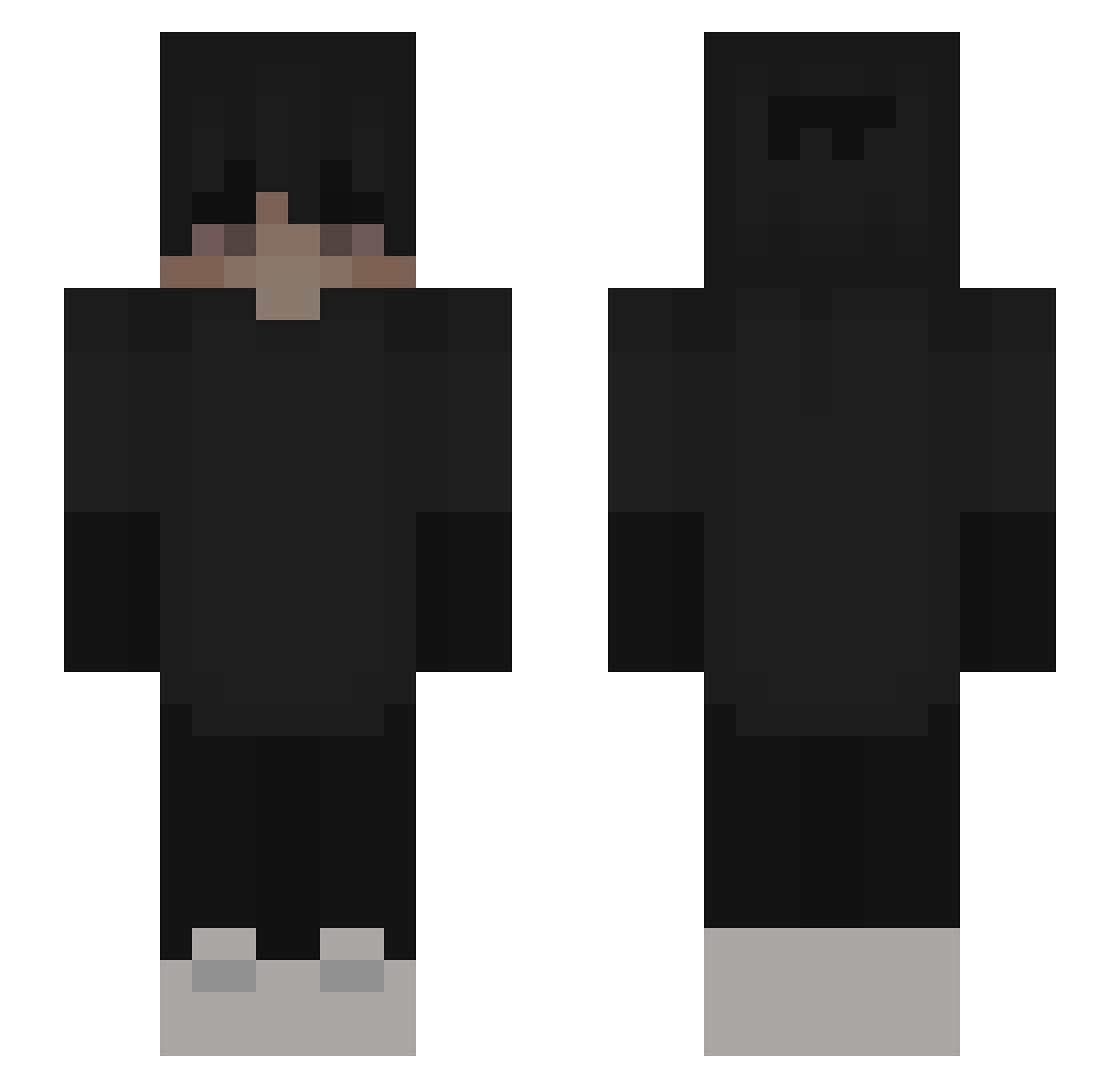
Current Minecraft skin of the player De4au1t1, loaded from the official Mojang API. Rotate the 3D model with your mouse or finger, then download the skin as a PNG file and use it in Minecraft: Bedrock Edition or Java Edition for free. When De4au1t1 changes their skin, this page updates automatically and the old skin stays in the history below.
Other players with this skin (163)
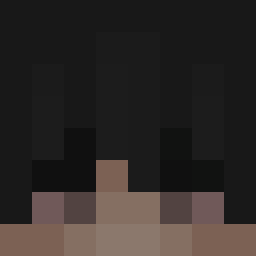
De4au1t1 was the 40th player we have seen with this skin, first spotted on 12.08.2026. The same skin was seen on these players. Open a nickname to see their current skin and skin history.
 Blyerry mal1lbeki doonyfatty Kwich Zanxus_ Mooseman420 CR_RedFox dadychill pzov Achiote hassanh Gott_Yato Fullserver_ANNE TitusKB oLions fvnded Soplix_was_funny theofrouxo Bady_Luna Dawid216 Flozksy ManinHD Axtho WiseNaichi KingAgar Zomten_ghg KrystyKrab priomo_ordine D1agol firered87 jasx141x Thumbering FrostMaster Rigocorn killpou EpicGreg cqlopx KeentaaAA Zelix1591 gipsol_ ZYKOZADENXx brianlol07 SwaySway97 Ettxr3 gthug503 SussyXela Ltlkd13 Tropxz catwkmi_v MarktForschung Manuchamp Gutex1 Nicolasgw DragonNight3 lizardcell AbsoluteCap klouwe sostantivo Darkfox03 AleksiPepsi
More Emo Minecraft skins
How to install the De4au1t1 skin
- Press the Download button above to save the skin as a PNG file.
- Minecraft: Bedrock Edition (PE): open the Dressing Room from the main menu (or tap your character → Edit Character), go to Classic Skins → Owned, press the + (new skin) button, choose the downloaded PNG and pick the Slim (Alex) model. Works on PC and mobile; consoles cannot import custom skins.
- Minecraft: Java Edition: open the Minecraft Launcher, go to the Skins tab, click New Skin, load the PNG, pick the Slim (Alex) model and press Save & Use. You can also upload it at minecraft.net → Profile → Change Skin.
The skin does not show up after import - what should I do?
Restart Minecraft and open the Dressing Room again - imported skins sometimes appear only after a restart. Also make sure you selected the imported skin and picked the Slim (Alex) model.
Which model should I choose, Classic or Slim?
This skin is designed for the Slim (Alex) model. If you pick the wrong model, the arms of the skin will look stretched or squeezed.
Is the skin of De4au1t1 free to download?
Yes. Press Download, save the PNG file and use it in Minecraft: Bedrock Edition or Java Edition - no payment or registration needed. The skin also works on multiplayer servers and Realms.
More skins
Looking for more? Go back to all Minecraft skins and check the top skins of the week, month and all time, or find any player's skin by nickname.