
Dashoune - Minecraft Skins & Skin History
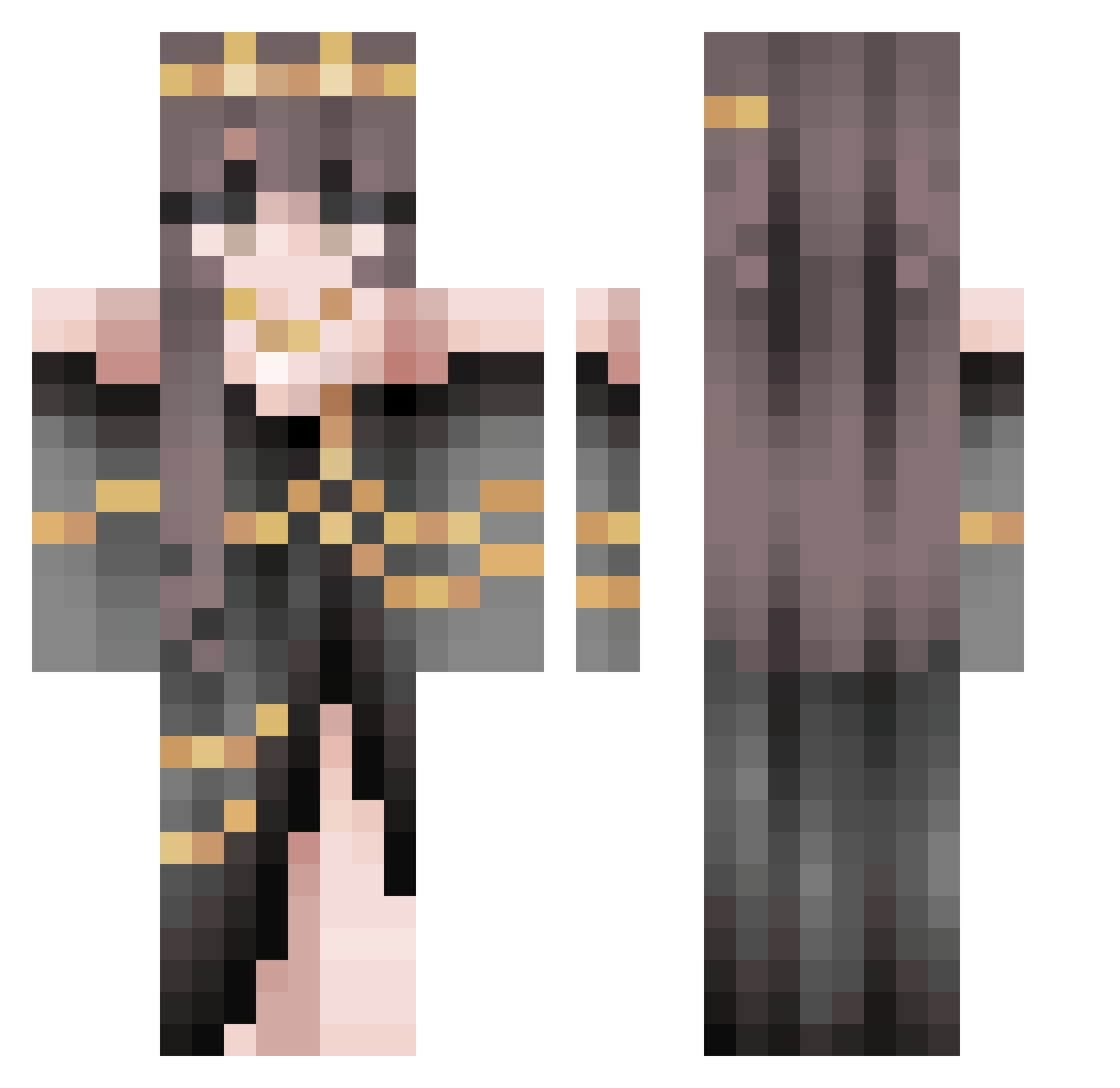
Current Minecraft skin of the player Dashoune, loaded from the official Mojang API. Rotate the 3D model with your mouse or finger, then download the skin as a PNG file and use it in Minecraft: Bedrock Edition or Java Edition for free. When Dashoune changes their skin, this page updates automatically and the old skin stays in the history below.
Other players with this skin (486)
Dashoune was the 49th player we have seen with this skin, first spotted on 01.08.2026. The same skin was seen on these players. Open a nickname to see their current skin and skin history.
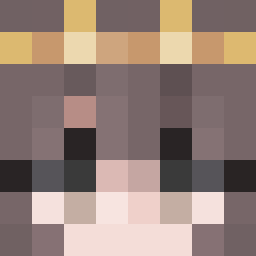 Skyebo297 sawalawa sexyguy413 _knixs_ ALEVENETS Ocha_Sama Vaninouille fengerqwq TheDragonWalker Ko03 yumcum69
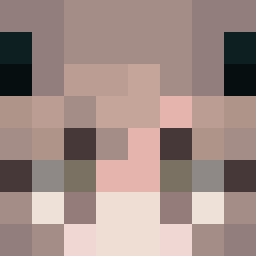 Blu_Violet Shadow_101D Saige281 obsessingover_u ke_lli demoi952 LJarvis p4mpushka Roossaaa21 TheBlacknight70 AstvoidCV Valleke9999 kimmyxoxo ads_Koji DasFramz_ zhxing MasterOfTheDuck Qingningna Tibi_C EishioO LizardBreath37 Bowtaiz Brynnthevalkyrie BellCherie 22Lor3 Honeymoon4422
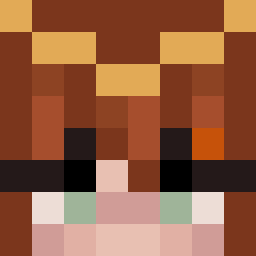 Jadekitty _Mathou_ CharlesGirl Baraldus_ xvM_ Soph488 Kuioko re_eva TheFallenAether NirinAMS T7x17 iizayo Dreamkeeper GeraldineAbaunza JiangChuChu Bluemschenn Ashakai_11 vanessaring tolan2k QueenBooty MysticStarrr 05TomHolland AnDy77558
More Gold Jewelry Minecraft skins
How to install the Dashoune skin
- Press the Download button above to save the skin as a PNG file.
- Minecraft: Bedrock Edition (PE): open the Dressing Room from the main menu (or tap your character → Edit Character), go to Classic Skins → Owned, press the + (new skin) button, choose the downloaded PNG and pick the Classic (Steve) model. Works on PC and mobile; consoles cannot import custom skins.
- Minecraft: Java Edition: open the Minecraft Launcher, go to the Skins tab, click New Skin, load the PNG, pick the Classic (Steve) model and press Save & Use. You can also upload it at minecraft.net → Profile → Change Skin.
The skin does not show up after import - what should I do?
Restart Minecraft and open the Dressing Room again - imported skins sometimes appear only after a restart. Also make sure you selected the imported skin and picked the Classic (Steve) model.
Which model should I choose, Classic or Slim?
This skin is designed for the Classic (Steve) model. If you pick the wrong model, the arms of the skin will look stretched or squeezed.
Is the skin of Dashoune free to download?
Yes. Press Download, save the PNG file and use it in Minecraft: Bedrock Edition or Java Edition - no payment or registration needed. The skin also works on multiplayer servers and Realms.
More skins
Looking for more? Go back to all Minecraft skins and check the top skins of the week, month and all time, or find any player's skin by nickname.