
Dantesune - Minecraft Skins & Skin History
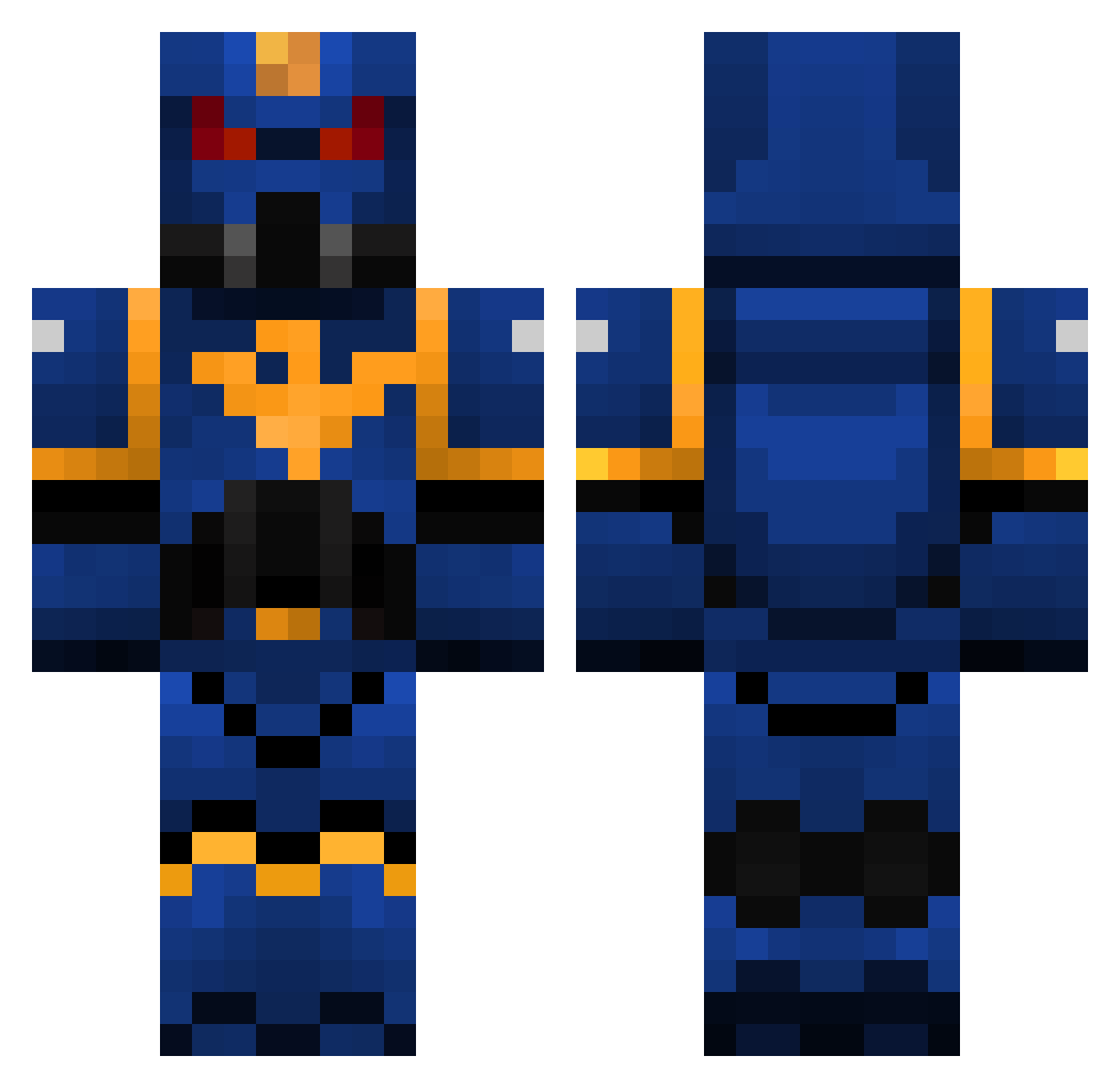
Current Minecraft skin of the player Dantesune, loaded from the official Mojang API. Rotate the 3D model with your mouse or finger, then download the skin as a PNG file and use it in Minecraft: Bedrock Edition or Java Edition for free. When Dantesune changes their skin, this page updates automatically and the old skin stays in the history below.
Other players with this skin (111)
Dantesune was the 91st player we have seen with this skin, first spotted on 18.10.2026. The same skin was seen on these players. Open a nickname to see their current skin and skin history.
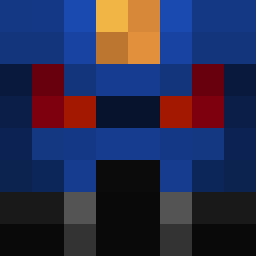 ioricalero TechnicalMuffin Romangaminglegio MR_WONG_TONG Godbu Primarch_Vulkan Squid_Cudi Jojt dancingtree2 Sjrrah TheFreebooter TheSweatableBull EpicGame420 Ryan7456 Yamkaaa xiaochoujiba147 KingJoJoXZ Evp266 Gunulf68 EddyMasse LinhjDaPQ1228 dheadprime Xylllz Dydywho oober_ SnackyLoki j03rn EinPazi SigmaSolitude Clankygamer GrimDark_ Erghoul Zaywyr Chewdup rrtyi WGFY shapedcardinal vicochipce SupaLink PandaNivans Vcezs SilentStorm935 ACCU1337 Daindon EatableGarbadge dariusxps Laaryna RadOof Nerverios Sa1tySquid CatoSicarius2 rufioxx kermitshermit42 Endofyou gt_1987 Sicks Scrankster Erythropus DumLuk23 Bumblebee600
More Warhammer 40k Minecraft skins
See all 43 Warhammer 40k skins
How to install the Dantesune skin
- Press the Download button above to save the skin as a PNG file.
- Minecraft: Bedrock Edition (PE): open the Dressing Room from the main menu (or tap your character → Edit Character), go to Classic Skins → Owned, press the + (new skin) button, choose the downloaded PNG and pick the Classic (Steve) model. Works on PC and mobile; consoles cannot import custom skins.
- Minecraft: Java Edition: open the Minecraft Launcher, go to the Skins tab, click New Skin, load the PNG, pick the Classic (Steve) model and press Save & Use. You can also upload it at minecraft.net → Profile → Change Skin.
The skin does not show up after import - what should I do?
Restart Minecraft and open the Dressing Room again - imported skins sometimes appear only after a restart. Also make sure you selected the imported skin and picked the Classic (Steve) model.
Which model should I choose, Classic or Slim?
This skin is designed for the Classic (Steve) model. If you pick the wrong model, the arms of the skin will look stretched or squeezed.
Is the skin of Dantesune free to download?
Yes. Press Download, save the PNG file and use it in Minecraft: Bedrock Edition or Java Edition - no payment or registration needed. The skin also works on multiplayer servers and Realms.
More skins
Looking for more? Go back to all Minecraft skins and check the top skins of the week, month and all time, or find any player's skin by nickname.