
Dallas040 - Minecraft Skins & Skin History
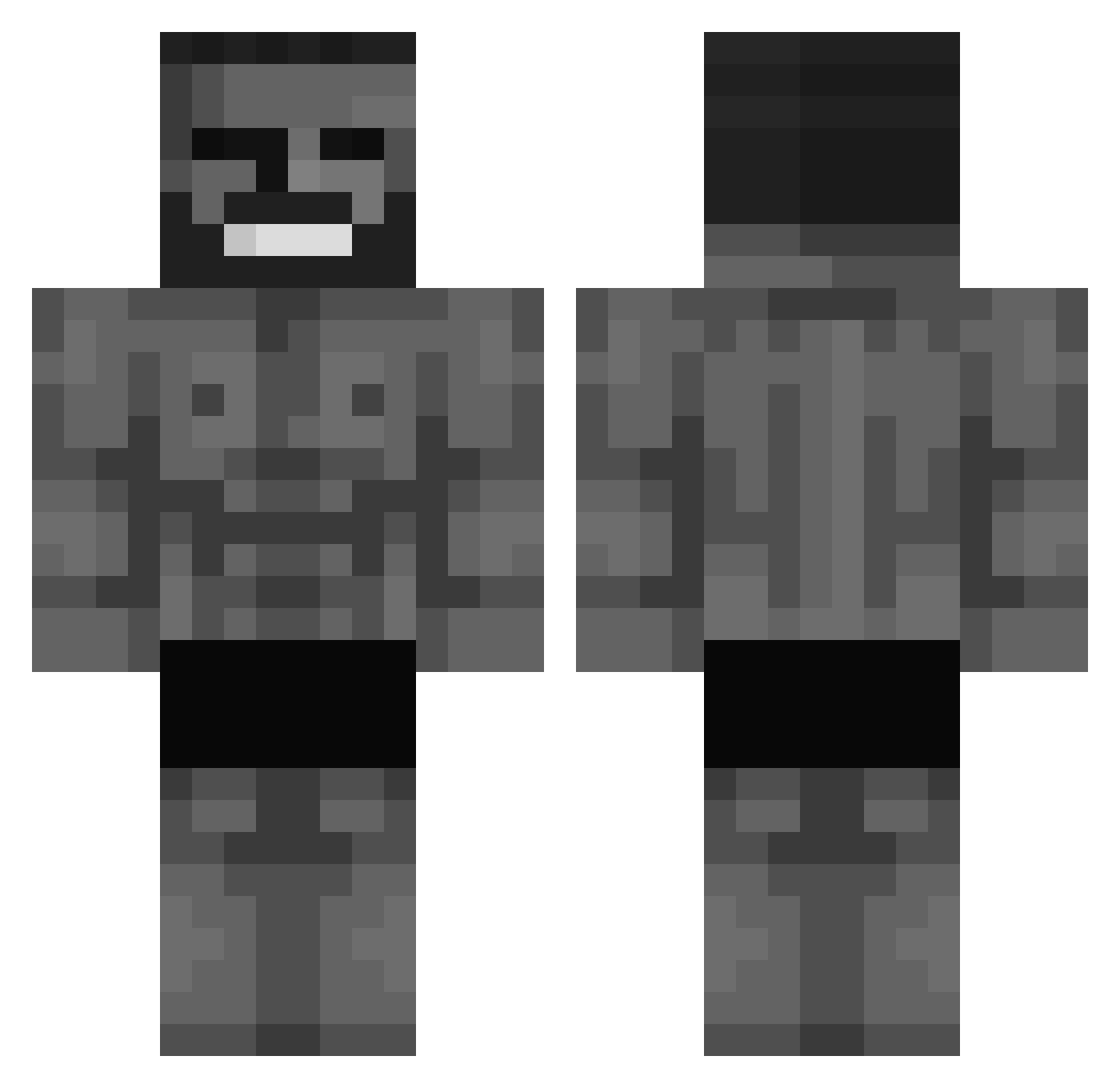
Current Minecraft skin of the player Dallas040, loaded from the official Mojang API. Rotate the 3D model with your mouse or finger, then download the skin as a PNG file and use it in Minecraft: Bedrock Edition or Java Edition for free. When Dallas040 changes their skin, this page updates automatically and the old skin stays in the history below.
Other players with this skin (632)
Dallas040 was the 609th player we have seen with this skin, first spotted on 07.11.2026. The same skin was seen on these players. Open a nickname to see their current skin and skin history.
 Eliz951 F4lleN_R4veN zRdriyw peterusus JhS21 123981232938__1 HarryderMobber AIBOT11470 amugnil Aprioc Leygoat galiors27 phrrnzr Frldak KRONAS_ XenoxLRT Warroskee lisovskyBETON abclnwza kejsermarkus Scrabxx KazeEspada percynezz Kxaff_ bobolethuglife Defcon5_On_juice traayx AdnanPasha31 CaptSandro MachineTeacher pjh1107 WispCream Bunuti PepsiBela implementations freedom1000000 Ormac3 PonchoTZ GreatGigaChad Makso67 r1cxrdx kvasoyob SharkAstick Kingucrimson Luarfer OmerEfeAybas Ol1vo Lemonman135 Sidmalion Specter_3k Mihawk_Prime m1enjoyer feidah RageRentner69 MonsterCampa R3ALdough mnikitosu Killerro_ ronaldo_massi stzu
More Gigachad Minecraft skins
How to install the Dallas040 skin
- Press the Download button above to save the skin as a PNG file.
- Minecraft: Bedrock Edition (PE): open the Dressing Room from the main menu (or tap your character → Edit Character), go to Classic Skins → Owned, press the + (new skin) button, choose the downloaded PNG and pick the Classic (Steve) model. Works on PC and mobile; consoles cannot import custom skins.
- Minecraft: Java Edition: open the Minecraft Launcher, go to the Skins tab, click New Skin, load the PNG, pick the Classic (Steve) model and press Save & Use. You can also upload it at minecraft.net → Profile → Change Skin.
The skin does not show up after import - what should I do?
Restart Minecraft and open the Dressing Room again - imported skins sometimes appear only after a restart. Also make sure you selected the imported skin and picked the Classic (Steve) model.
Which model should I choose, Classic or Slim?
This skin is designed for the Classic (Steve) model. If you pick the wrong model, the arms of the skin will look stretched or squeezed.
Is the skin of Dallas040 free to download?
Yes. Press Download, save the PNG file and use it in Minecraft: Bedrock Edition or Java Edition - no payment or registration needed. The skin also works on multiplayer servers and Realms.
More skins
Looking for more? Go back to all Minecraft skins and check the top skins of the week, month and all time, or find any player's skin by nickname.