
DaBlackGuy1 - Minecraft Skins & Skin History
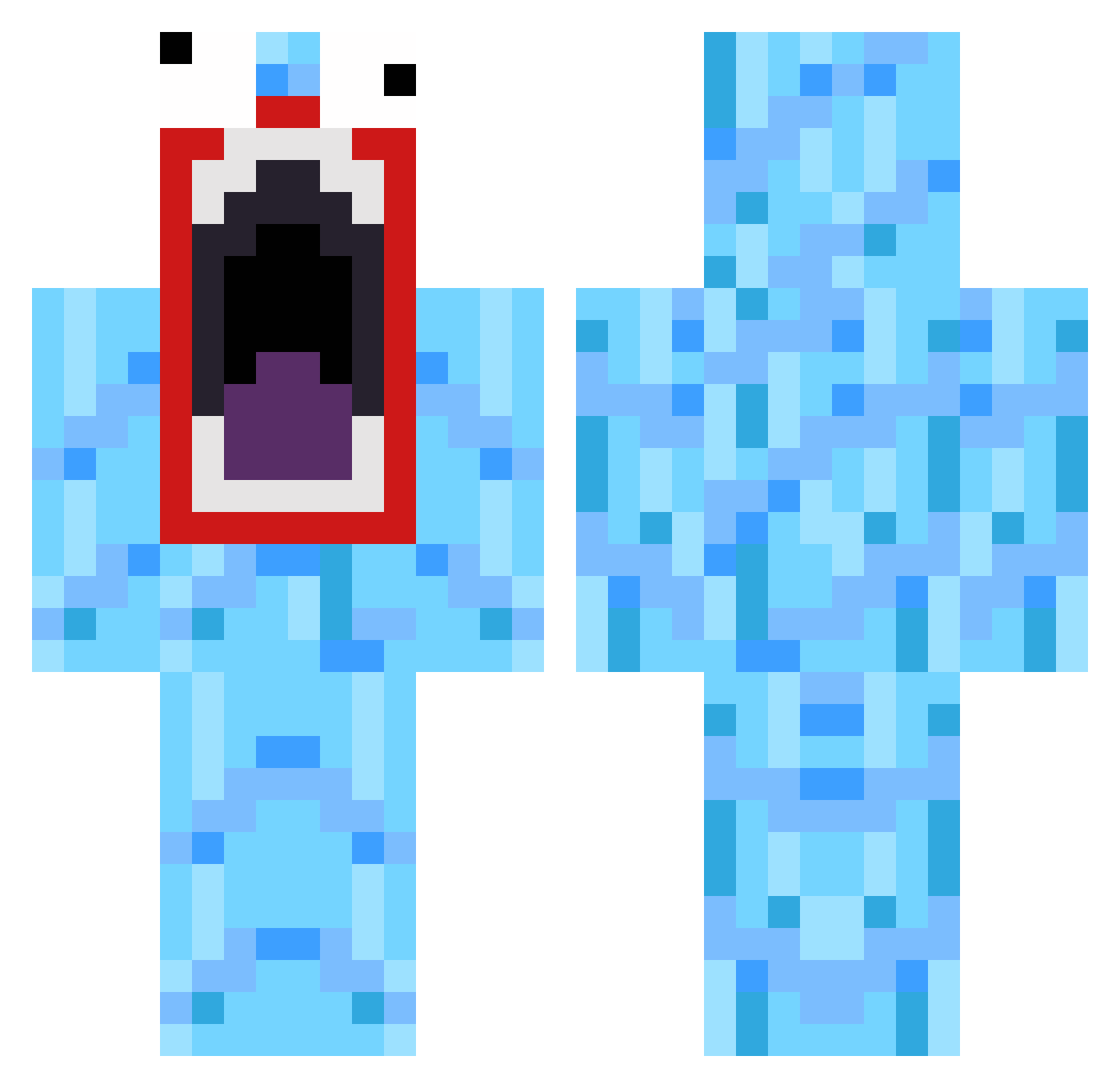
Current Minecraft skin of the player DaBlackGuy1, loaded from the official Mojang API. Rotate the 3D model with your mouse or finger, then download the skin as a PNG file and use it in Minecraft: Bedrock Edition or Java Edition for free. When DaBlackGuy1 changes their skin, this page updates automatically and the old skin stays in the history below.
Other players with this skin (519)
DaBlackGuy1 was the 55th player we have seen with this skin, first spotted on 07.08.2026. The same skin was seen on these players. Open a nickname to see their current skin and skin history.
 MonkeyKristt BlueSkittles WTFragz Fearztehbobo BLEGOSTAR Log2013 Japiii22 colinz775 sirjoris SlyerBennet Ogi2006 telthor MaxNutzlast Pure_BLockeR rlawlsh22 karsten2 jimmithin dorkiller Xcal1b3r McflyDK Kyminai adssoccer Hawkery420 Stenbax mrcheeseburger5 Simony96 Bostrix OMGitsJOE Gamepwner15 JohnWall2Wiz casp6263 Ayleexin jimmy30000 Skillhorn pancakes9188 WildWolf5000 FuriousStyles VeluxFX crazycreations BETIBOKSAHTELI SpellCraft00 Cregson Touchgeneration Dregstor 01marian nikomonster whoopti Toto_Fricoto Lizzardtown hharpy29 martjuh26 Josh9413 KingWilson8848 murata7677 L4ndShark vile_nick moviingtarget caemmerer100 KING_ADDI jacob_sexybeast
How to install the DaBlackGuy1 skin
- Press the Download button above to save the skin as a PNG file.
- Minecraft: Bedrock Edition (PE): open the Dressing Room from the main menu (or tap your character → Edit Character), go to Classic Skins → Owned, press the + (new skin) button, choose the downloaded PNG and pick the Classic (Steve) model. Works on PC and mobile; consoles cannot import custom skins.
- Minecraft: Java Edition: open the Minecraft Launcher, go to the Skins tab, click New Skin, load the PNG, pick the Classic (Steve) model and press Save & Use. You can also upload it at minecraft.net → Profile → Change Skin.
The skin does not show up after import - what should I do?
Restart Minecraft and open the Dressing Room again - imported skins sometimes appear only after a restart. Also make sure you selected the imported skin and picked the Classic (Steve) model.
Which model should I choose, Classic or Slim?
This skin is designed for the Classic (Steve) model. If you pick the wrong model, the arms of the skin will look stretched or squeezed.
Is the skin of DaBlackGuy1 free to download?
Yes. Press Download, save the PNG file and use it in Minecraft: Bedrock Edition or Java Edition - no payment or registration needed. The skin also works on multiplayer servers and Realms.
More skins
Looking for more? Go back to all Minecraft skins and check the top skins of the week, month and all time, or find any player's skin by nickname.