
DICHZ23 - Minecraft Skins & Skin History
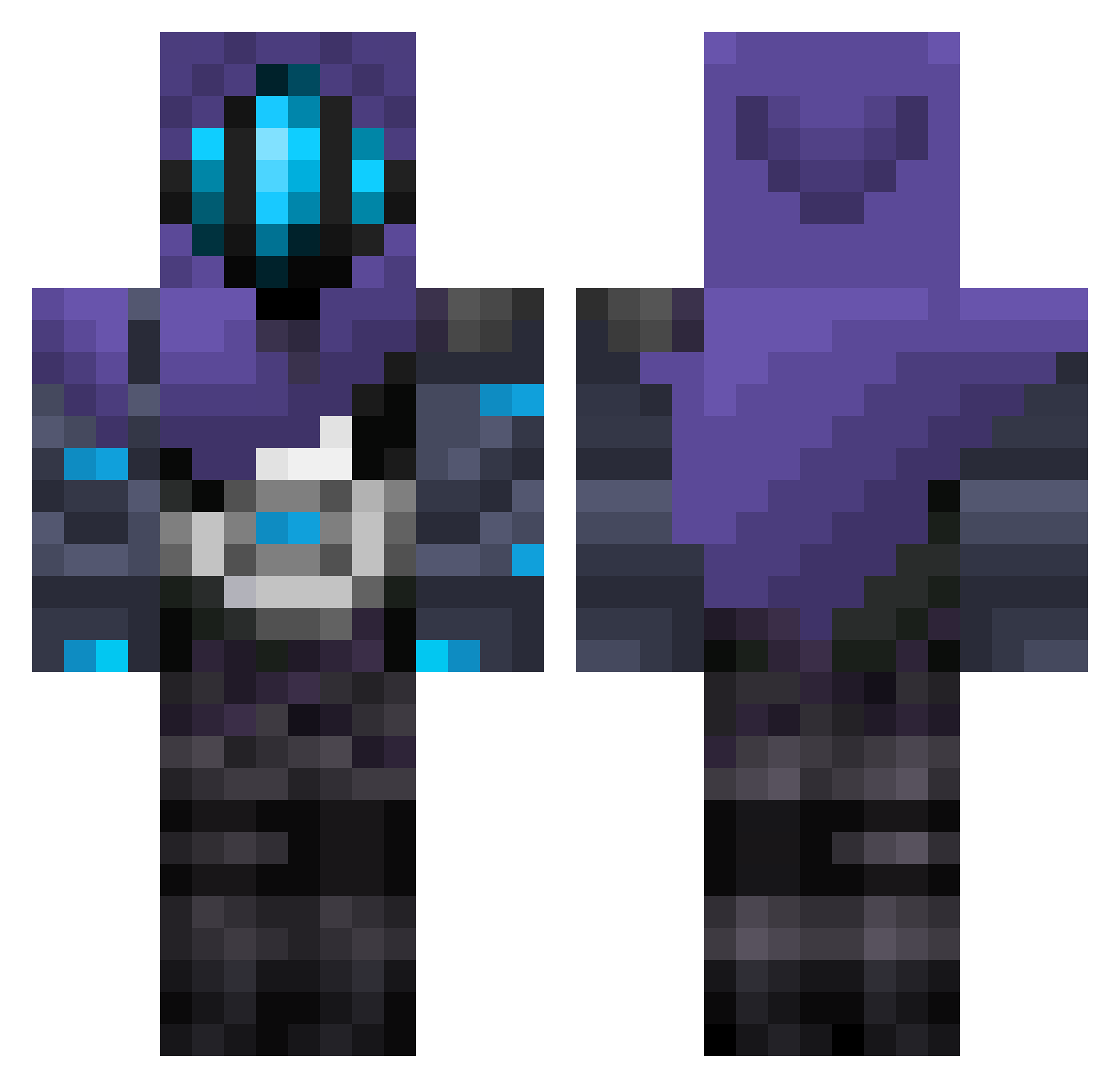
Current Minecraft skin of the player DICHZ23, loaded from the official Mojang API. Rotate the 3D model with your mouse or finger, then download the skin as a PNG file and use it in Minecraft: Bedrock Edition or Java Edition for free. When DICHZ23 changes their skin, this page updates automatically and the old skin stays in the history below.
Other players with this skin (297)
DICHZ23 was the 111th player we have seen with this skin, first spotted on 08.09.2026. The same skin was seen on these players. Open a nickname to see their current skin and skin history.
 Lucas1602 Revali27 Deathwomen23 Xdragon0375 crisxd132 Destiny1412 oplumomen MisterLH LittleBigSpy ZFlamer13 sorisomaroto XeonNotYT Grechnuy Ezule MonaaRozaa Ramen_Addicts shadownlook Aleejaandro26
 Osman_Aga rynkng Uestimated morishiiis SkillfulPro Griyo14 sZenye I_want_netherite PixLrZ AlejoRG_ moca21099 zettaiky Fenex2po kel_bean MITSUN0 1den___ 1Shape_X Choripannn7 Shhmictor Buhu2018 PityAlvarez10 ojopos palazboi Ashe_player Glen1224 Nell1114 Ferike1120 xByrdman DrfCheveyo Xanth1um_ sakamoto2426 AsianBoi1564 kikanbaeza n97yt prettyb0y_ DE4THNOTE_ Cthulhu_BE vasquezcrack owen12120 Nergon100 bmabu Vozif_
More Omen Minecraft skins
How to install the DICHZ23 skin
- Press the Download button above to save the skin as a PNG file.
- Minecraft: Bedrock Edition (PE): open the Dressing Room from the main menu (or tap your character → Edit Character), go to Classic Skins → Owned, press the + (new skin) button, choose the downloaded PNG and pick the Classic (Steve) model. Works on PC and mobile; consoles cannot import custom skins.
- Minecraft: Java Edition: open the Minecraft Launcher, go to the Skins tab, click New Skin, load the PNG, pick the Classic (Steve) model and press Save & Use. You can also upload it at minecraft.net → Profile → Change Skin.
The skin does not show up after import - what should I do?
Restart Minecraft and open the Dressing Room again - imported skins sometimes appear only after a restart. Also make sure you selected the imported skin and picked the Classic (Steve) model.
Which model should I choose, Classic or Slim?
This skin is designed for the Classic (Steve) model. If you pick the wrong model, the arms of the skin will look stretched or squeezed.
Is the skin of DICHZ23 free to download?
Yes. Press Download, save the PNG file and use it in Minecraft: Bedrock Edition or Java Edition - no payment or registration needed. The skin also works on multiplayer servers and Realms.
More skins
Looking for more? Go back to all Minecraft skins and check the top skins of the week, month and all time, or find any player's skin by nickname.