
Cruceeee - Minecraft Skins & Skin History
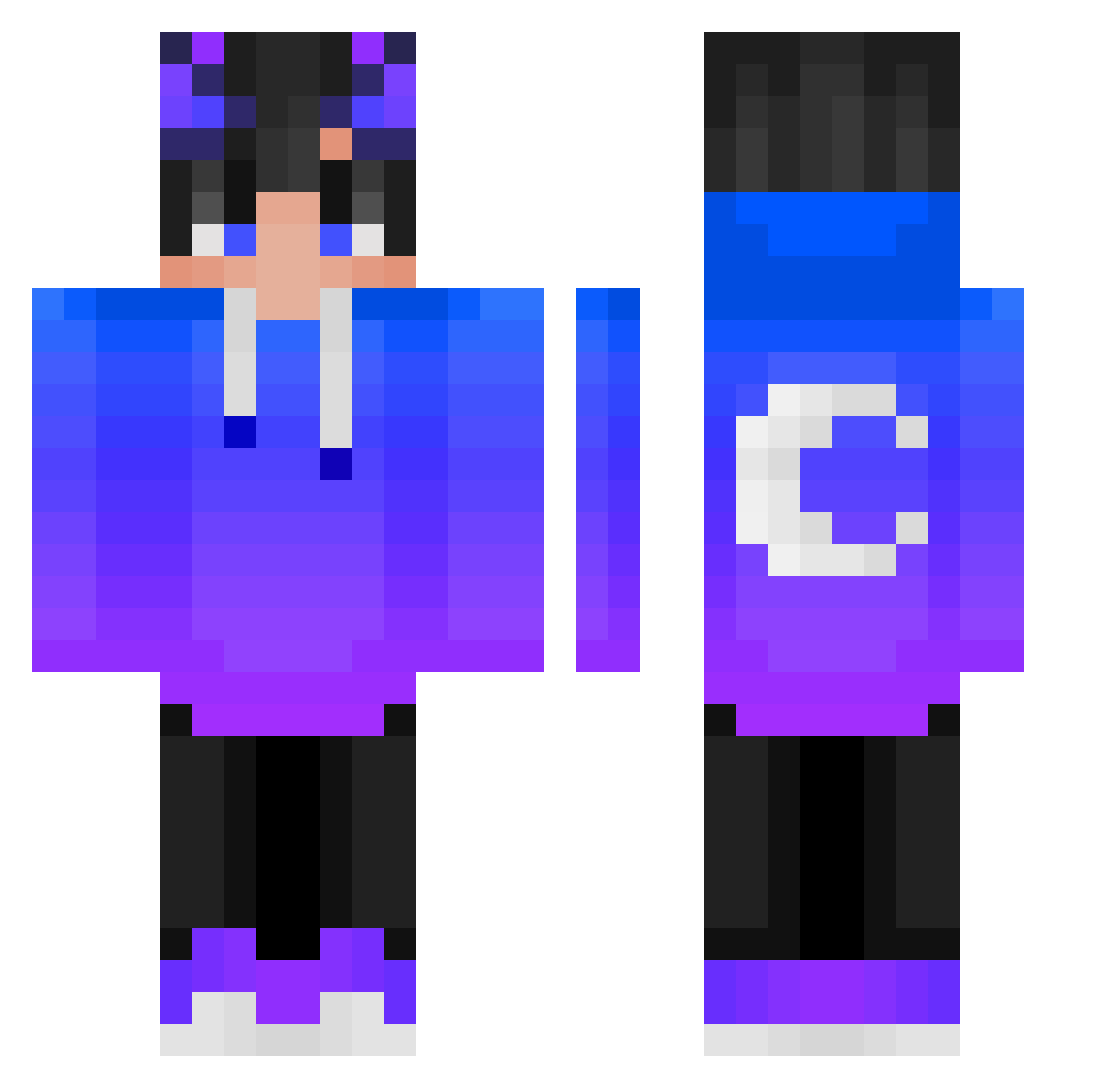
Current Minecraft skin of the player Cruceeee, loaded from the official Mojang API. Rotate the 3D model with your mouse or finger, then download the skin as a PNG file and use it in Minecraft: Bedrock Edition or Java Edition for free. When Cruceeee changes their skin, this page updates automatically and the old skin stays in the history below.
Other players with this skin (424)
Cruceeee was the 40th player we have seen with this skin, first spotted on 04.08.2026. The same skin was seen on these players. Open a nickname to see their current skin and skin history.
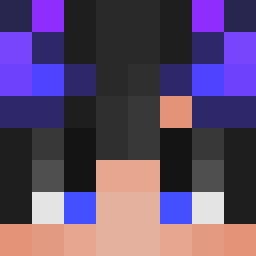 Salazarzin Xx_CrAcKed_xX KombiGOD FeedAchiever Denovor MiuZx Kebardescu _swy_216 Parzival187 TonGz_ PopKimmax FosterZz conner_098 Deprofapper yeonjae123 hugo_rush EinWilderHerrman IFMilan classy____ xftx_qwq P0663RS _Exemyl_ Liu_un mam0614 XxAndreSniperxX xdflux XxSparkyxXx V_ROT_SRAL fabby1tap sks6935 DinoAntony OREOXRUSH Wojtek10000 e4tx iamsullyid iHaimon XiaoFeng04 jessiemessiah Strike9999 Ticlem83 Mino222 KIM08012 ERWANITOW samue1103 TomasBarbosaTV BeanAmor Komblokk Feng_Fan_ 0skill_hikaru koichifreeze Twinkletoesdora BadPanda505 spooderman34 TTVabbegamer_ _R34dY_ _SzyHu_ Jakobi2009 LunaticEclipse Maquinagoro VTCds
More Moon Minecraft skins
How to install the Cruceeee skin
- Press the Download button above to save the skin as a PNG file.
- Minecraft: Bedrock Edition (PE): open the Dressing Room from the main menu (or tap your character → Edit Character), go to Classic Skins → Owned, press the + (new skin) button, choose the downloaded PNG and pick the Classic (Steve) model. Works on PC and mobile; consoles cannot import custom skins.
- Minecraft: Java Edition: open the Minecraft Launcher, go to the Skins tab, click New Skin, load the PNG, pick the Classic (Steve) model and press Save & Use. You can also upload it at minecraft.net → Profile → Change Skin.
The skin does not show up after import - what should I do?
Restart Minecraft and open the Dressing Room again - imported skins sometimes appear only after a restart. Also make sure you selected the imported skin and picked the Classic (Steve) model.
Which model should I choose, Classic or Slim?
This skin is designed for the Classic (Steve) model. If you pick the wrong model, the arms of the skin will look stretched or squeezed.
Is the skin of Cruceeee free to download?
Yes. Press Download, save the PNG file and use it in Minecraft: Bedrock Edition or Java Edition - no payment or registration needed. The skin also works on multiplayer servers and Realms.
More skins
Looking for more? Go back to all Minecraft skins and check the top skins of the week, month and all time, or find any player's skin by nickname.