
CroLeptiric - Minecraft Skins & Skin History
Current Minecraft skin of the player CroLeptiric, loaded from the official Mojang API. Rotate the 3D model with your mouse or finger, then download the skin as a PNG file and use it in Minecraft: Bedrock Edition or Java Edition for free. When CroLeptiric changes their skin, this page updates automatically and the old skin stays in the history below.
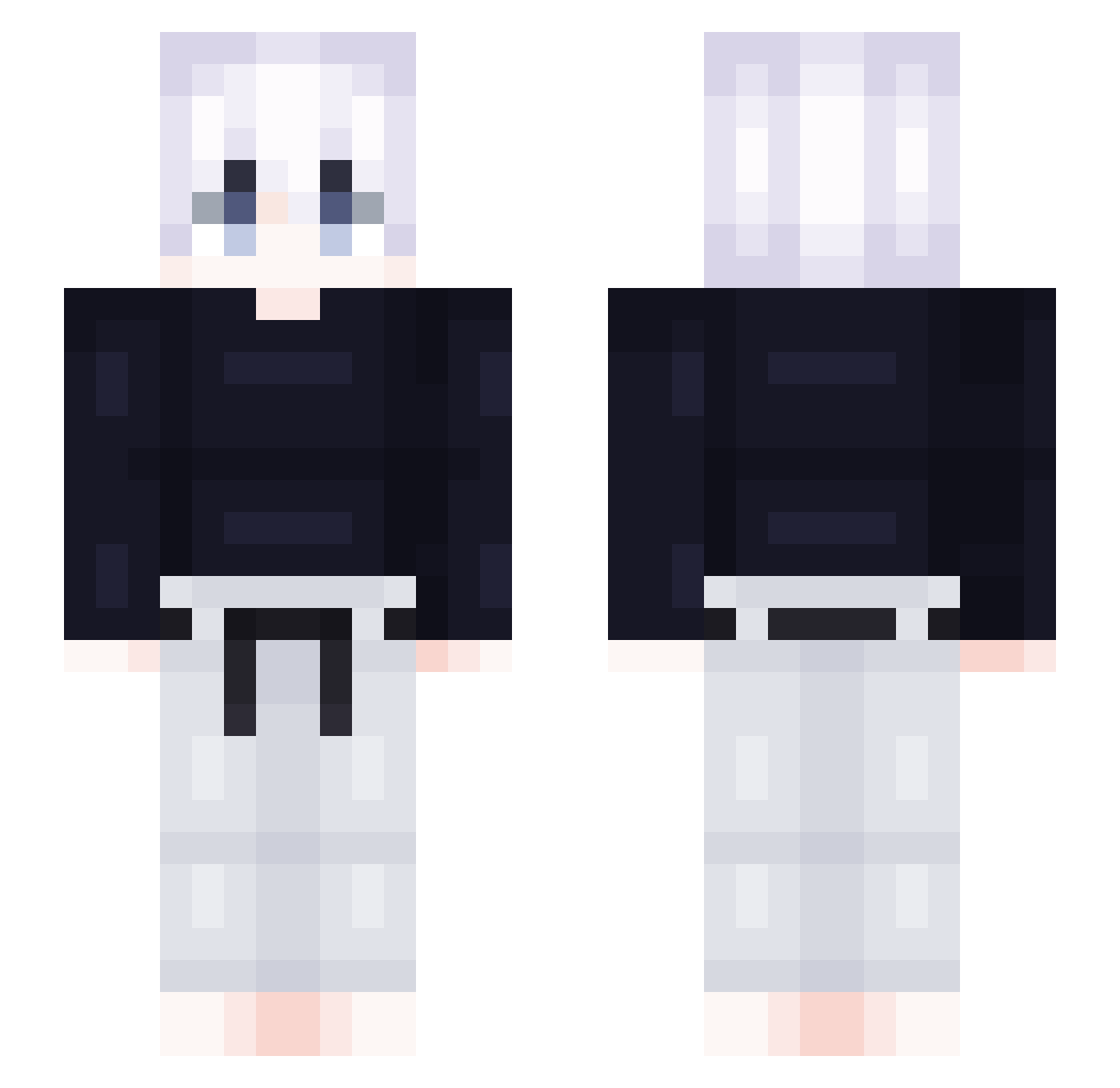
Other players with this skin (418)
CroLeptiric was the 112th player we have seen with this skin, first spotted on 20.08.2026. The same skin was seen on these players. Open a nickname to see their current skin and skin history.
 Xhunn SkywalkerX1 COPPYLAKE FeliipoXx Drengrr_ nyruae pecimane LoreeXO Climatize Tiangugood aman040209 zelkova0 xiaolv1314 shinyajun TutkuluNar17 MaRoKytheOne Mark_274 HalReversed jin090108 LunoKUN6 Killua073 Hasbullam YouK1ng Ster_1228 RudySkrzat zlShu gdsomeguy Toshinaga JeAhRi kuberr1 Shineclear___ Yangsimd Megasilver ShinnnYA Wissouu Akaza02 alan889296462 JoKeRYT_X crimo123 Ecavy Lioren30 GOMESZ_CXX Badr19 boglebogle11 rlagkfkd7302 Axelardo SupremyMK3 bez_oporu mycome Alito76 Im_kimchiman0625 FCanimex black0088 itoshisae898 Gerudow Remzh gywls0918 Ali521 ZOOTOOP X1a0Yin
More Judo Minecraft skins
How to install the CroLeptiric skin
- Press the Download button above to save the skin as a PNG file.
- Minecraft: Bedrock Edition (PE): open the Dressing Room from the main menu (or tap your character → Edit Character), go to Classic Skins → Owned, press the + (new skin) button, choose the downloaded PNG and pick the Slim (Alex) model. Works on PC and mobile; consoles cannot import custom skins.
- Minecraft: Java Edition: open the Minecraft Launcher, go to the Skins tab, click New Skin, load the PNG, pick the Slim (Alex) model and press Save & Use. You can also upload it at minecraft.net → Profile → Change Skin.
The skin does not show up after import - what should I do?
Restart Minecraft and open the Dressing Room again - imported skins sometimes appear only after a restart. Also make sure you selected the imported skin and picked the Slim (Alex) model.
Which model should I choose, Classic or Slim?
This skin is designed for the Slim (Alex) model. If you pick the wrong model, the arms of the skin will look stretched or squeezed.
Is the skin of CroLeptiric free to download?
Yes. Press Download, save the PNG file and use it in Minecraft: Bedrock Edition or Java Edition - no payment or registration needed. The skin also works on multiplayer servers and Realms.
More skins
Looking for more? Go back to all Minecraft skins and check the top skins of the week, month and all time, or find any player's skin by nickname.