
CriticalHymn - Minecraft Skins & Skin History
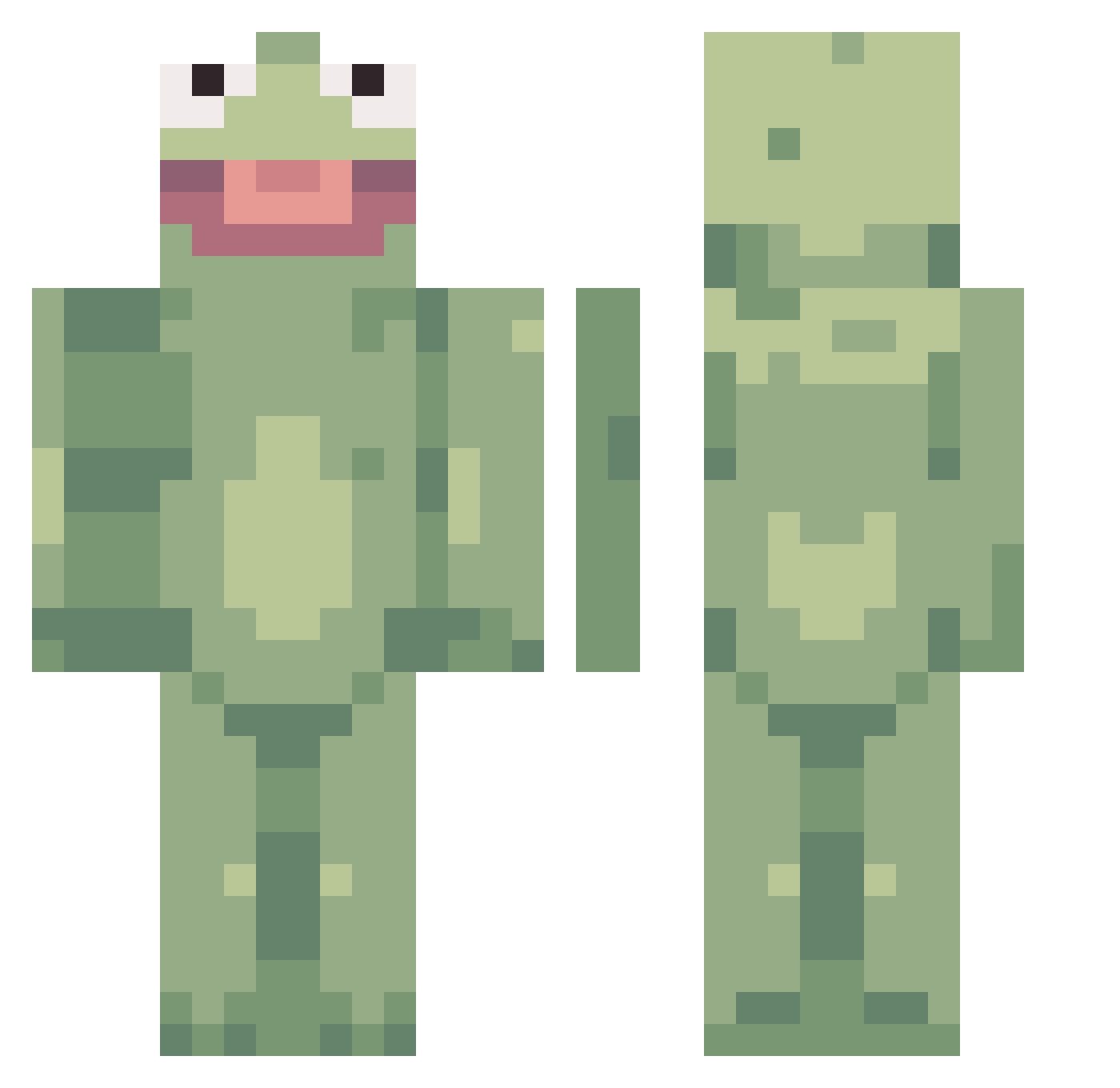
Current Minecraft skin of the player CriticalHymn, loaded from the official Mojang API. Rotate the 3D model with your mouse or finger, then download the skin as a PNG file and use it in Minecraft: Bedrock Edition or Java Edition for free. When CriticalHymn changes their skin, this page updates automatically and the old skin stays in the history below.
Other players with this skin (481)
CriticalHymn was the 465th player we have seen with this skin, first spotted on 16.11.2026. The same skin was seen on these players. Open a nickname to see their current skin and skin history.
 stasiabasia14 momarm KidEatsCake mushyp3a JitteryMonkey21 Clothespin1200 AutisticGhetto Hey_there_dad Mei_Ling dvaicl Henrycrazy kaylaiscool7 Marstafa oldcaptaindaddy jacob9xx royalrocky17 BeckettGreen MadLad113 Alikat939458 Benisenlargement moodymody11 BenMe23 Swift_Plays Nerritt Harkchoy JulesJuice48 Blake12_ SondreNoddis nutlick3r Jackcket steinhebel46 DKamatsu IamThundurus breezybeeminin _LilBubs_ Trebuaj kaimch peqqq Jonastripe Laryyy12345 Fatha305 LilBaiCupcake ProfPoopyPants tomatosoup3 lilbrainlet Cavernussy MoogleMel Santhy PNP3001 Endermanman9000 DiluteCatcus Hobbess2486 BlooB0y wannakith2 crixed gotanydiamonds Dozax Young_TIG Iris1228 Hutidi
More Kermit The Frog Minecraft skins
See all 472 Kermit The Frog skins
How to install the CriticalHymn skin
- Press the Download button above to save the skin as a PNG file.
- Minecraft: Bedrock Edition (PE): open the Dressing Room from the main menu (or tap your character → Edit Character), go to Classic Skins → Owned, press the + (new skin) button, choose the downloaded PNG and pick the Classic (Steve) model. Works on PC and mobile; consoles cannot import custom skins.
- Minecraft: Java Edition: open the Minecraft Launcher, go to the Skins tab, click New Skin, load the PNG, pick the Classic (Steve) model and press Save & Use. You can also upload it at minecraft.net → Profile → Change Skin.
The skin does not show up after import - what should I do?
Restart Minecraft and open the Dressing Room again - imported skins sometimes appear only after a restart. Also make sure you selected the imported skin and picked the Classic (Steve) model.
Which model should I choose, Classic or Slim?
This skin is designed for the Classic (Steve) model. If you pick the wrong model, the arms of the skin will look stretched or squeezed.
Is the skin of CriticalHymn free to download?
Yes. Press Download, save the PNG file and use it in Minecraft: Bedrock Edition or Java Edition - no payment or registration needed. The skin also works on multiplayer servers and Realms.
More skins
Looking for more? Go back to all Minecraft skins and check the top skins of the week, month and all time, or find any player's skin by nickname.