
CrashTrax - Minecraft Skins & Skin History
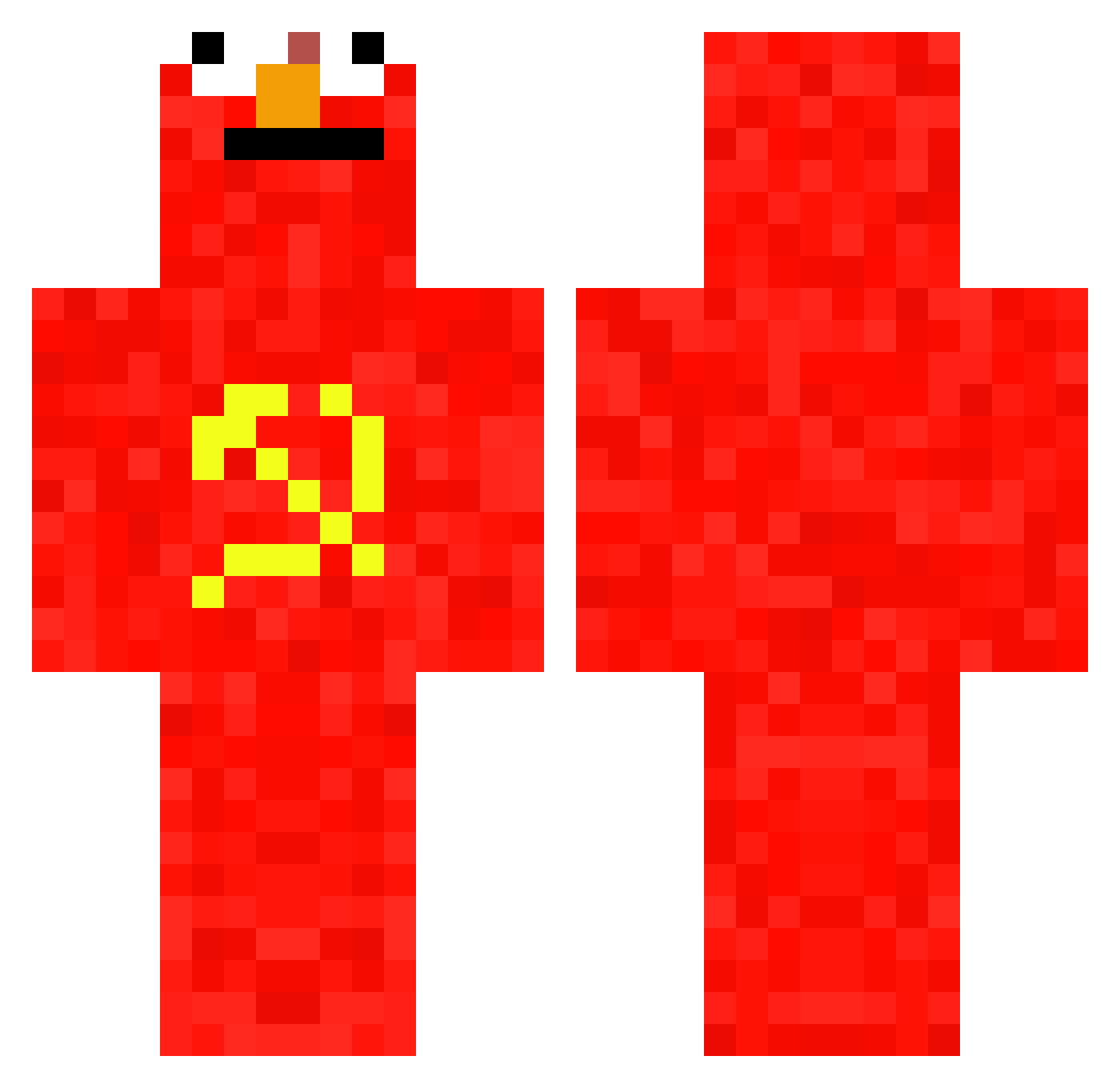
Current Minecraft skin of the player CrashTrax, loaded from the official Mojang API. Rotate the 3D model with your mouse or finger, then download the skin as a PNG file and use it in Minecraft: Bedrock Edition or Java Edition for free. When CrashTrax changes their skin, this page updates automatically and the old skin stays in the history below.
Other players with this skin (657)
CrashTrax was the 628th player we have seen with this skin, first spotted on 23.10.2026. The same skin was seen on these players. Open a nickname to see their current skin and skin history.
 BoredHuman xcoldstuff Rafiks2013 WalPhenom MastermindCyrus PineappleHead69 Hugo6666 Miguelinchin ElederMan05 GamesMhm bulider123 junseo7588 HRzinn h6bu Ekan_stek zKett4 ROKMC520 Paul_fbg testadefero__IV DasDoener lolist13 okwall Tyranatom Earrieta PeacefulBoy ISimpOnFranz Nonkjo f_a_020 Pycho71 AnyeNx Its_Comedia Lucaixs_ vertigo20199 Andrey556 comadude27 Sahjizt Slangindong Arski_ hongchaoren guimecanico Norashark360 Paper_Hero69 OwenJg1802 zokli MAUR0o0 _B4RR3L_ Darkra1CR jyomama CoffeeCandle253 WaterproofGiant Fermicula FredericBast1at Nomusic kaiserNKZ crucchetto Sheindru zzh1213 _Name_Name_ naxinoo ImBobDuncan
More Communist Minecraft skins
How to install the CrashTrax skin
- Press the Download button above to save the skin as a PNG file.
- Minecraft: Bedrock Edition (PE): open the Dressing Room from the main menu (or tap your character → Edit Character), go to Classic Skins → Owned, press the + (new skin) button, choose the downloaded PNG and pick the Classic (Steve) model. Works on PC and mobile; consoles cannot import custom skins.
- Minecraft: Java Edition: open the Minecraft Launcher, go to the Skins tab, click New Skin, load the PNG, pick the Classic (Steve) model and press Save & Use. You can also upload it at minecraft.net → Profile → Change Skin.
The skin does not show up after import - what should I do?
Restart Minecraft and open the Dressing Room again - imported skins sometimes appear only after a restart. Also make sure you selected the imported skin and picked the Classic (Steve) model.
Which model should I choose, Classic or Slim?
This skin is designed for the Classic (Steve) model. If you pick the wrong model, the arms of the skin will look stretched or squeezed.
Is the skin of CrashTrax free to download?
Yes. Press Download, save the PNG file and use it in Minecraft: Bedrock Edition or Java Edition - no payment or registration needed. The skin also works on multiplayer servers and Realms.
More skins
Looking for more? Go back to all Minecraft skins and check the top skins of the week, month and all time, or find any player's skin by nickname.