
CookieByte - Minecraft Skins & Skin History
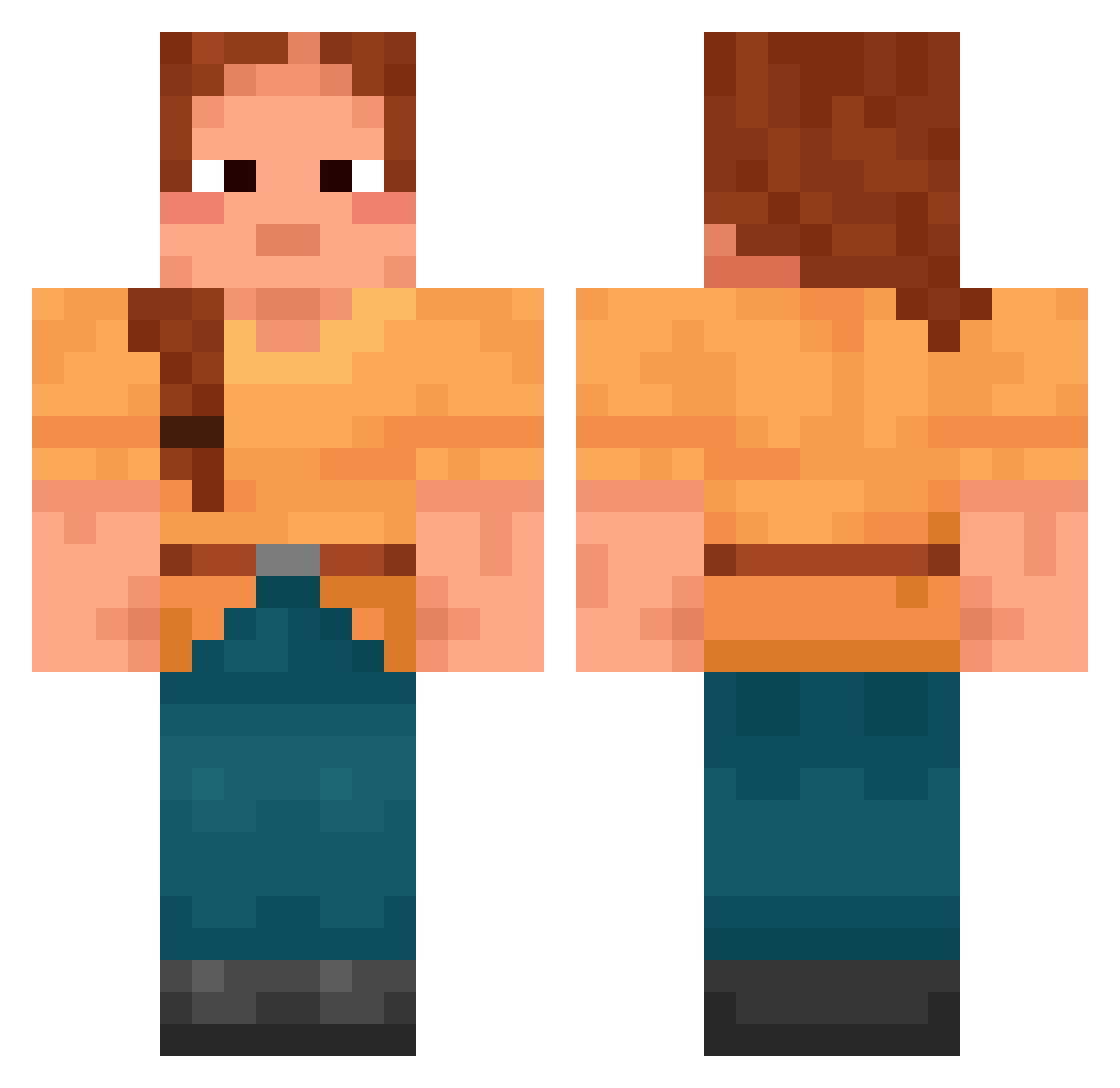
Current Minecraft skin of the player CookieByte, loaded from the official Mojang API. Rotate the 3D model with your mouse or finger, then download the skin as a PNG file and use it in Minecraft: Bedrock Edition or Java Edition for free. When CookieByte changes their skin, this page updates automatically and the old skin stays in the history below.
Other players with this skin (1700)
CookieByte was the 1394th player we have seen with this skin, first spotted on 18.10.2026. The same skin was seen on these players. Open a nickname to see their current skin and skin history.
 zizon_yunzz SPARTIATHS jjong3408 Teed RyuXander BusyCylinder12 Kyra_Forever Kerril Chamoix greenbugs Beartrice avixjdh Synthetic0 ChirpyPigeon773 Meteorize sutekhxaos Thornhead yarcko_gaming_ SnoRunner TinaHunterRigby HACHT Sodalite remercy FlaminSnowball Peacefulle BIBIBBI Slumgum OneTrickThemAll Sp1derBarbie knap taewoong1012 KhaosKat decadents Headmen StellarChaos Chauldron Blinx86 GamingGnomies craftsd08 MuetzeKopp Ischiadicus abberz717 Geophagy ceoari Dullliii shannonrose18 batwing minsrang madou_ badawi tommy666888 BrianKrebs431576 kingmo030 Mimir YEBOKO Girlaxy Kamaleonticuse JasmineD Restring zefnjee
More Cottagecore Minecraft skins
See all 6478 Cottagecore skins
How to install the CookieByte skin
- Press the Download button above to save the skin as a PNG file.
- Minecraft: Bedrock Edition (PE): open the Dressing Room from the main menu (or tap your character → Edit Character), go to Classic Skins → Owned, press the + (new skin) button, choose the downloaded PNG and pick the Classic (Steve) model. Works on PC and mobile; consoles cannot import custom skins.
- Minecraft: Java Edition: open the Minecraft Launcher, go to the Skins tab, click New Skin, load the PNG, pick the Classic (Steve) model and press Save & Use. You can also upload it at minecraft.net → Profile → Change Skin.
The skin does not show up after import - what should I do?
Restart Minecraft and open the Dressing Room again - imported skins sometimes appear only after a restart. Also make sure you selected the imported skin and picked the Classic (Steve) model.
Which model should I choose, Classic or Slim?
This skin is designed for the Classic (Steve) model. If you pick the wrong model, the arms of the skin will look stretched or squeezed.
Is the skin of CookieByte free to download?
Yes. Press Download, save the PNG file and use it in Minecraft: Bedrock Edition or Java Edition - no payment or registration needed. The skin also works on multiplayer servers and Realms.
More skins
Looking for more? Go back to all Minecraft skins and check the top skins of the week, month and all time, or find any player's skin by nickname.