
Cobra0ne - Minecraft Skins & Skin History
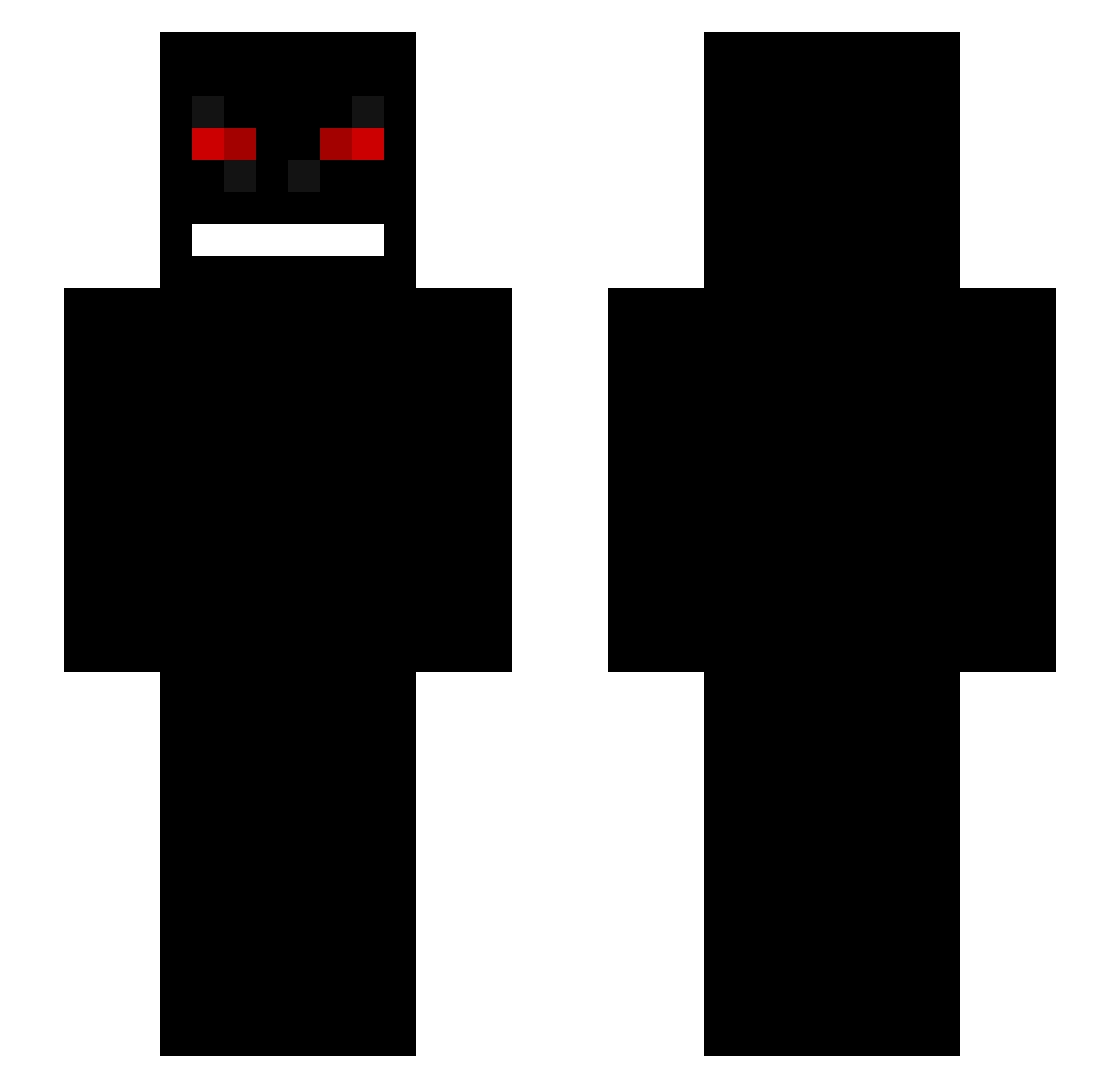
Current Minecraft skin of the player Cobra0ne, loaded from the official Mojang API. Rotate the 3D model with your mouse or finger, then download the skin as a PNG file and use it in Minecraft: Bedrock Edition or Java Edition for free. When Cobra0ne changes their skin, this page updates automatically and the old skin stays in the history below.
Other players with this skin (195)
Cobra0ne was the 175th player we have seen with this skin, first spotted on 13.10.2026. The same skin was seen on these players. Open a nickname to see their current skin and skin history.
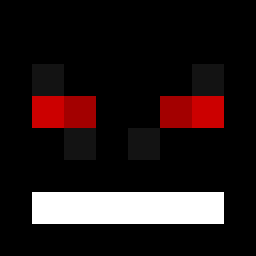 GoofyAhhServer EXEDeashima leo35250 Eze0409 SENTA1337 CarnageP Jaxicana achamacha chilenoskyy EchoDaGoat DiosWham Piglouini Moquent xLafecto angelxper huevito24 Casspercito LuizGAY Stendly dkstkdwls FreezeErDetBedst Skydivers OxMorNinGStaRxO Silvioz55 Alobear Maksik1000 Moncho_ae SwordMasterPvp XuHaiHanDeBaBa MinChoy T_N_LLI_N_H_A BloodyFT ilhwan992010 Occupiers c89K knowing fozik Viren011 ZOMBIE_2136 TheKanekiHD BLANzOO Freakyalt1 DonTeLOST Luiz324199 Puexi khanminer Yurexu arrow_man1 ouchan90 ManiakXJohnny DeathM0nkeyy Pavel_Zaitchev Ellquist IChewPavements Goliath45 66df grassdoll1 Truckings Humint_ ByteException
More Creepy Minecraft skins
How to install the Cobra0ne skin
- Press the Download button above to save the skin as a PNG file.
- Minecraft: Bedrock Edition (PE): open the Dressing Room from the main menu (or tap your character → Edit Character), go to Classic Skins → Owned, press the + (new skin) button, choose the downloaded PNG and pick the Slim (Alex) model. Works on PC and mobile; consoles cannot import custom skins.
- Minecraft: Java Edition: open the Minecraft Launcher, go to the Skins tab, click New Skin, load the PNG, pick the Slim (Alex) model and press Save & Use. You can also upload it at minecraft.net → Profile → Change Skin.
The skin does not show up after import - what should I do?
Restart Minecraft and open the Dressing Room again - imported skins sometimes appear only after a restart. Also make sure you selected the imported skin and picked the Slim (Alex) model.
Which model should I choose, Classic or Slim?
This skin is designed for the Slim (Alex) model. If you pick the wrong model, the arms of the skin will look stretched or squeezed.
Is the skin of Cobra0ne free to download?
Yes. Press Download, save the PNG file and use it in Minecraft: Bedrock Edition or Java Edition - no payment or registration needed. The skin also works on multiplayer servers and Realms.
More skins
Looking for more? Go back to all Minecraft skins and check the top skins of the week, month and all time, or find any player's skin by nickname.