
SDADS222 - Minecraft Skins & Skin History
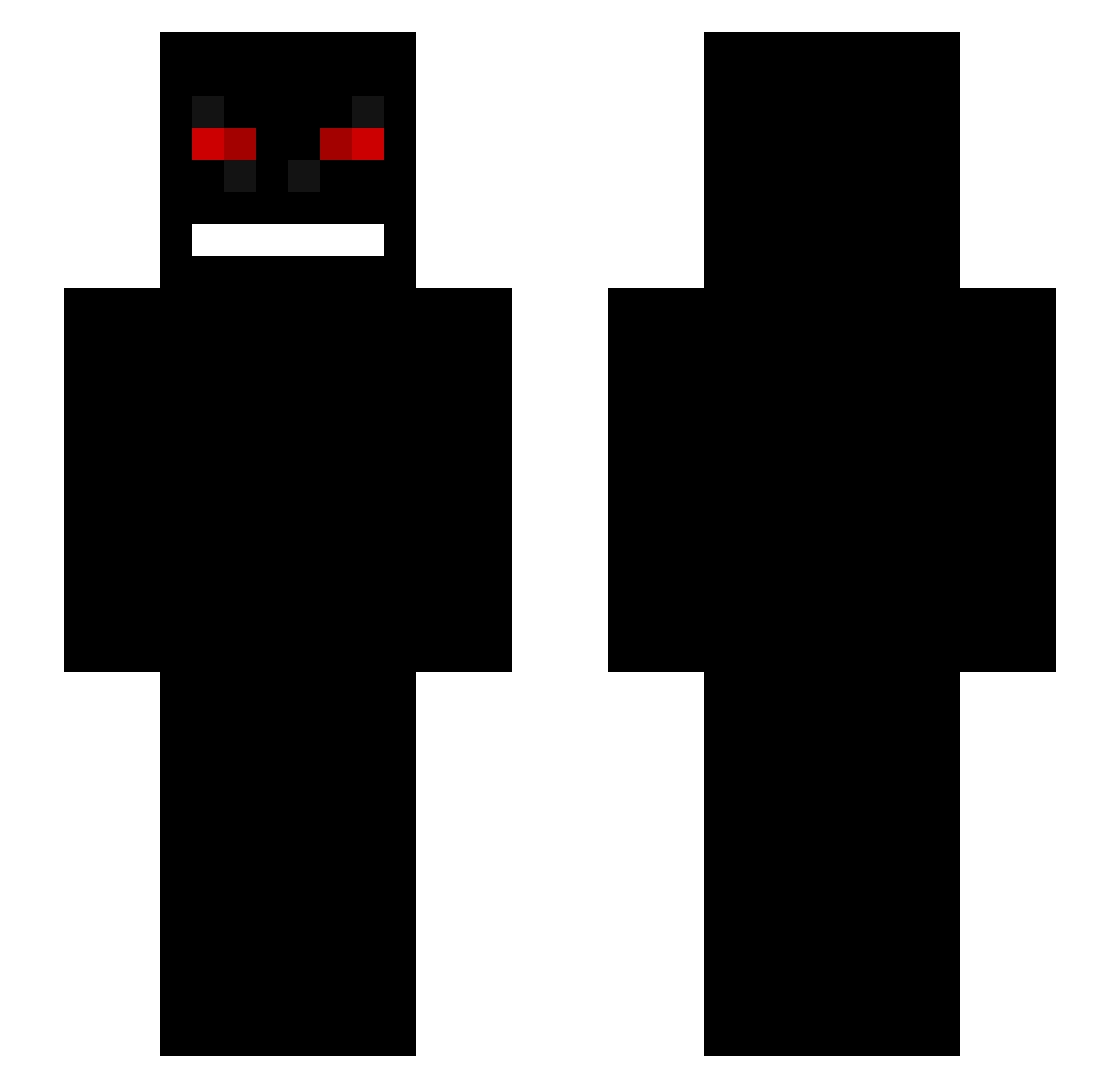
Current Minecraft skin of the player SDADS222, loaded from the official Mojang API. Rotate the 3D model with your mouse or finger, then download the skin as a PNG file and use it in Minecraft: Bedrock Edition or Java Edition for free. When SDADS222 changes their skin, this page updates automatically and the old skin stays in the history below.
Other players with this skin (231)
SDADS222 was the 205th player we have seen with this skin, first spotted on 23.10.2026. The same skin was seen on these players. Open a nickname to see their current skin and skin history.
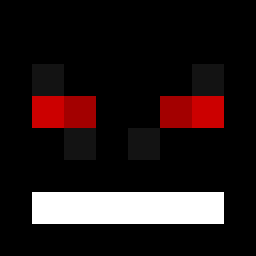 Axhile IcyShadowGame Jaxymus Pieskorz IdkBr yezumo Ju4n53_1uc ZwIJ JojoFox crxzy99 Nosachi yDarkCodes_ MrRizzerd Jo_vy McKostekUp Xenomorphing23 MetroxFG Chahid33_YT Freakyalt1 BLANzOO TheKanekiHD DoggyFart WaleWiadro4k_ PeteKungz knowing iisssaaa LeoStadut Occupiers TRAIUFICOUMANCA T_N_LLI_N_H_A MinChoy Molarity Maksik1000 Alobear Silvioz55 OxMorNinGStaRxO Hickory FreezeErDetBedst Joniibj dkstkdwls Thioo angelxper _____Fx_____ Luxzumo Essential_Phobia Dreaswen DMRCM N0va91 Moquent Nattlampen chilenoskyy achamacha CarnageP Eze0409 EXEDeashima GoofyAhhServer Cobra0ne leo35250 SENTA1337 Jaxicana
More Creepy Minecraft skins
How to install the SDADS222 skin
- Press the Download button above to save the skin as a PNG file.
- Minecraft: Bedrock Edition (PE): open the Dressing Room from the main menu (or tap your character → Edit Character), go to Classic Skins → Owned, press the + (new skin) button, choose the downloaded PNG and pick the Slim (Alex) model. Works on PC and mobile; consoles cannot import custom skins.
- Minecraft: Java Edition: open the Minecraft Launcher, go to the Skins tab, click New Skin, load the PNG, pick the Slim (Alex) model and press Save & Use. You can also upload it at minecraft.net → Profile → Change Skin.
The skin does not show up after import - what should I do?
Restart Minecraft and open the Dressing Room again - imported skins sometimes appear only after a restart. Also make sure you selected the imported skin and picked the Slim (Alex) model.
Which model should I choose, Classic or Slim?
This skin is designed for the Slim (Alex) model. If you pick the wrong model, the arms of the skin will look stretched or squeezed.
Is the skin of SDADS222 free to download?
Yes. Press Download, save the PNG file and use it in Minecraft: Bedrock Edition or Java Edition - no payment or registration needed. The skin also works on multiplayer servers and Realms.
More skins
Looking for more? Go back to all Minecraft skins and check the top skins of the week, month and all time, or find any player's skin by nickname.