
Ciggy_Heax3 - Minecraft Skins & Skin History
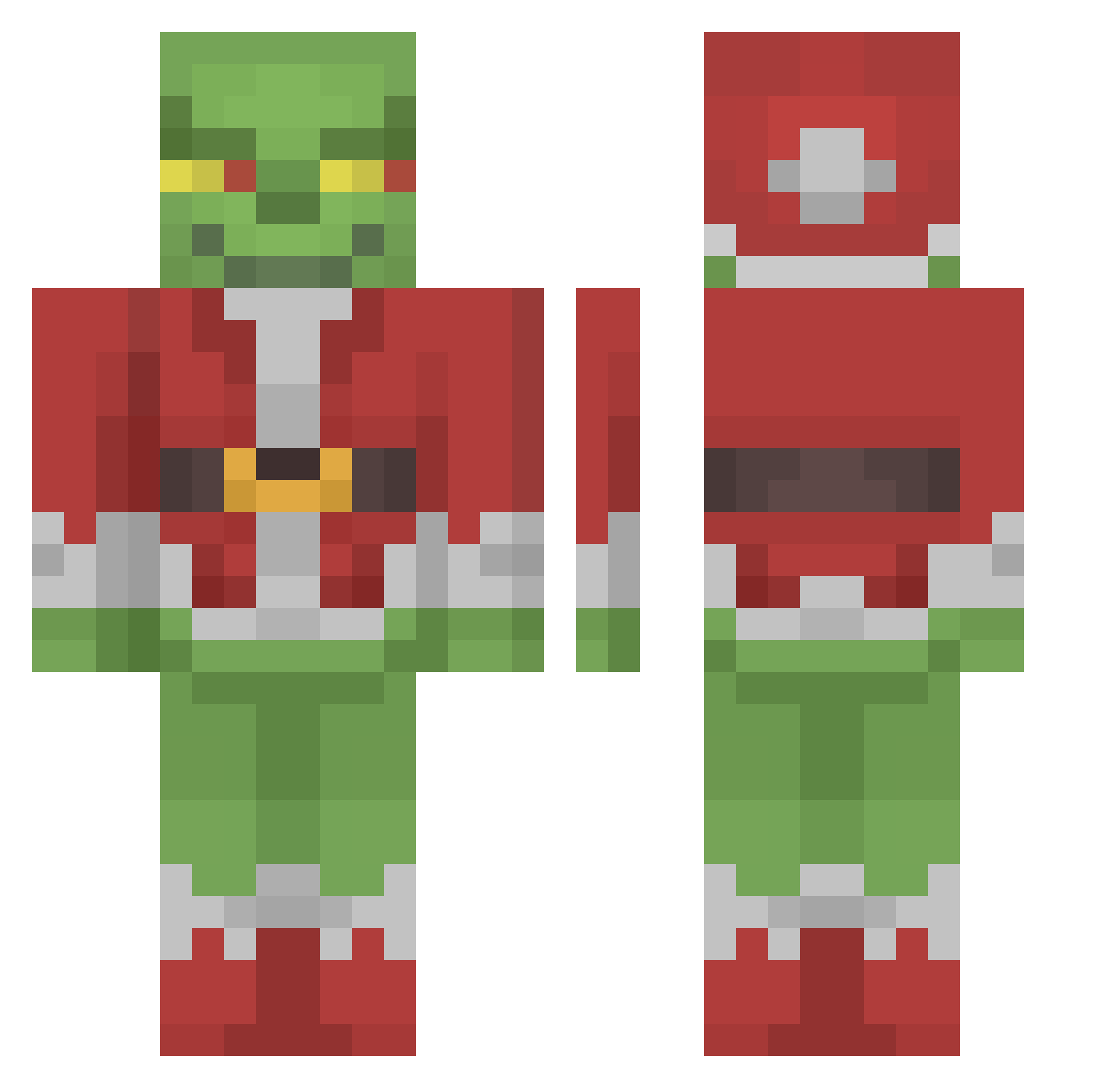
Current Minecraft skin of the player Ciggy_Heax3, loaded from the official Mojang API. Rotate the 3D model with your mouse or finger, then download the skin as a PNG file and use it in Minecraft: Bedrock Edition or Java Edition for free. When Ciggy_Heax3 changes their skin, this page updates automatically and the old skin stays in the history below.
Other players with this skin (150)
Ciggy_Heax3 was the 38th player we have seen with this skin, first spotted on 27.08.2026. The same skin was seen on these players. Open a nickname to see their current skin and skin history.
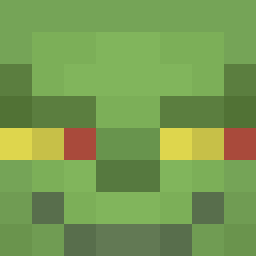 ThirdMCName Dru_Dru MiddleRoamingMan odun molbol4 CaptainBigBrains STOPTMCBEZIEHUNG Emilt69 FRO0ZE Cattkin1997 kuriri1114 b00nd0ks Lainausiek beignetcraft Borys_exe ZeMrGoat Moissttyy SerjNotFound Hammelsack Hong_ik niqqaninbae psvagrsvgeese SuperrrMATT Waraioni h2oskier1 CapitalKing SapBucket_ BFindt jabessa Moollii mrsjordanreal Get_Quackt matias_1 yungswingset Aiz234 Spiriruner daddycetric StarberrySeal TheGrinch__ GIIBBYYYYYYYYYYY mimisqueen DrAnarchy cabeg Nailik2111 Veif jepjoa spy_16 bbuw MilhousNixon Faithytale Xeghf shrekiscoolswag Lrv_Dev DangerZone20 Zachson promisefan17 olivia_maryam yMiitch Jhankey Praun
More The Grinch Minecraft skins
How to install the Ciggy_Heax3 skin
- Press the Download button above to save the skin as a PNG file.
- Minecraft: Bedrock Edition (PE): open the Dressing Room from the main menu (or tap your character → Edit Character), go to Classic Skins → Owned, press the + (new skin) button, choose the downloaded PNG and pick the Classic (Steve) model. Works on PC and mobile; consoles cannot import custom skins.
- Minecraft: Java Edition: open the Minecraft Launcher, go to the Skins tab, click New Skin, load the PNG, pick the Classic (Steve) model and press Save & Use. You can also upload it at minecraft.net → Profile → Change Skin.
The skin does not show up after import - what should I do?
Restart Minecraft and open the Dressing Room again - imported skins sometimes appear only after a restart. Also make sure you selected the imported skin and picked the Classic (Steve) model.
Which model should I choose, Classic or Slim?
This skin is designed for the Classic (Steve) model. If you pick the wrong model, the arms of the skin will look stretched or squeezed.
Is the skin of Ciggy_Heax3 free to download?
Yes. Press Download, save the PNG file and use it in Minecraft: Bedrock Edition or Java Edition - no payment or registration needed. The skin also works on multiplayer servers and Realms.
More skins
Looking for more? Go back to all Minecraft skins and check the top skins of the week, month and all time, or find any player's skin by nickname.