
ChimchardZ - Minecraft Skins & Skin History
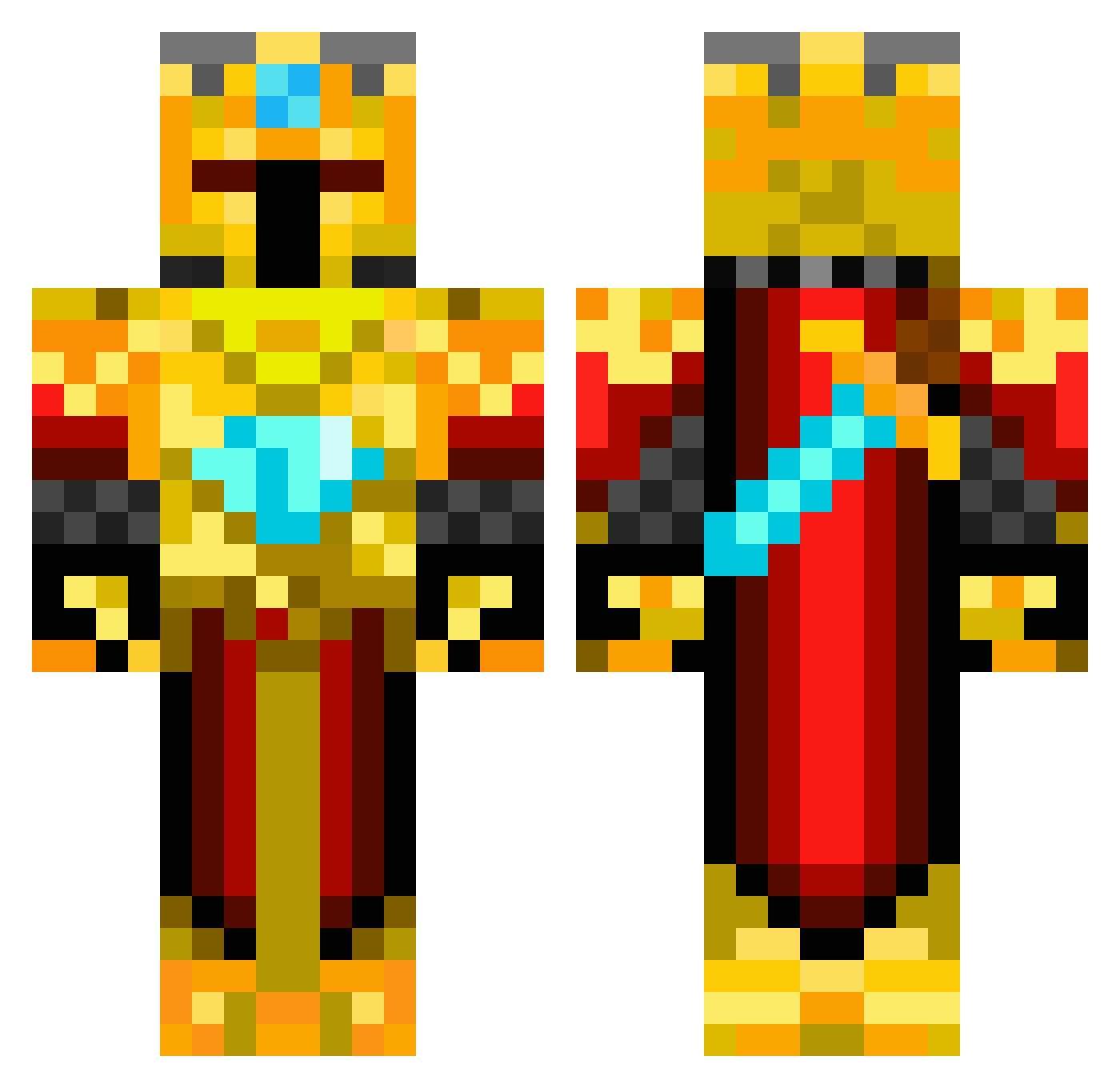
Current Minecraft skin of the player ChimchardZ, loaded from the official Mojang API. Rotate the 3D model with your mouse or finger, then download the skin as a PNG file and use it in Minecraft: Bedrock Edition or Java Edition for free. When ChimchardZ changes their skin, this page updates automatically and the old skin stays in the history below.
Other players with this skin (217)
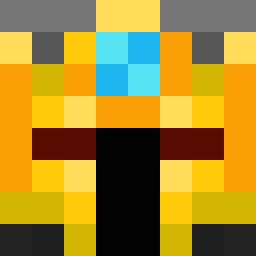
ChimchardZ was the 186th player we have seen with this skin, first spotted on 10.10.2026. The same skin was seen on these players. Open a nickname to see their current skin and skin history.
 BoulderOn79 Fraxam_ JoeTheDestroyer4 deldoll JacktheRiver3 ReToxic2 proudness FloWteurs Davidrapidin Romillus RaZZoReD AKDJEMS Antsinurpants2 7v4_Verse_kv0 Breadquack Thunderlix Chado31 imperialphoenix_ mac1301 Dragonar aallovero A1ucardR trippyhitman NYNKCR 600marco drompe Temmze IVeruw Armedian_AK Bethany778 Chris6304 Vinnyle xcbosa kizikaktus theamazingmike24 blackace1202 Dash174 Patoburn Yawns Scorpion7522 Kvilan Zourde killmaster555 TimeLord08111519 JAV13R Privat_Henni GoldenMen75 LightBrain PGEkenKaneki HANRIVERI RealTimrod SonofCombat zombie_killer234 Nutscha09 32019Diamond edo235 iRares mmirac crb_277 TeteREY
More Golden Armor Minecraft skins
See all 170 Golden Armor skins
How to install the ChimchardZ skin
- Press the Download button above to save the skin as a PNG file.
- Minecraft: Bedrock Edition (PE): open the Dressing Room from the main menu (or tap your character → Edit Character), go to Classic Skins → Owned, press the + (new skin) button, choose the downloaded PNG and pick the Classic (Steve) model. Works on PC and mobile; consoles cannot import custom skins.
- Minecraft: Java Edition: open the Minecraft Launcher, go to the Skins tab, click New Skin, load the PNG, pick the Classic (Steve) model and press Save & Use. You can also upload it at minecraft.net → Profile → Change Skin.
The skin does not show up after import - what should I do?
Restart Minecraft and open the Dressing Room again - imported skins sometimes appear only after a restart. Also make sure you selected the imported skin and picked the Classic (Steve) model.
Which model should I choose, Classic or Slim?
This skin is designed for the Classic (Steve) model. If you pick the wrong model, the arms of the skin will look stretched or squeezed.
Is the skin of ChimchardZ free to download?
Yes. Press Download, save the PNG file and use it in Minecraft: Bedrock Edition or Java Edition - no payment or registration needed. The skin also works on multiplayer servers and Realms.
More skins
Looking for more? Go back to all Minecraft skins and check the top skins of the week, month and all time, or find any player's skin by nickname.