
Chadoo1 - Minecraft Skins & Skin History
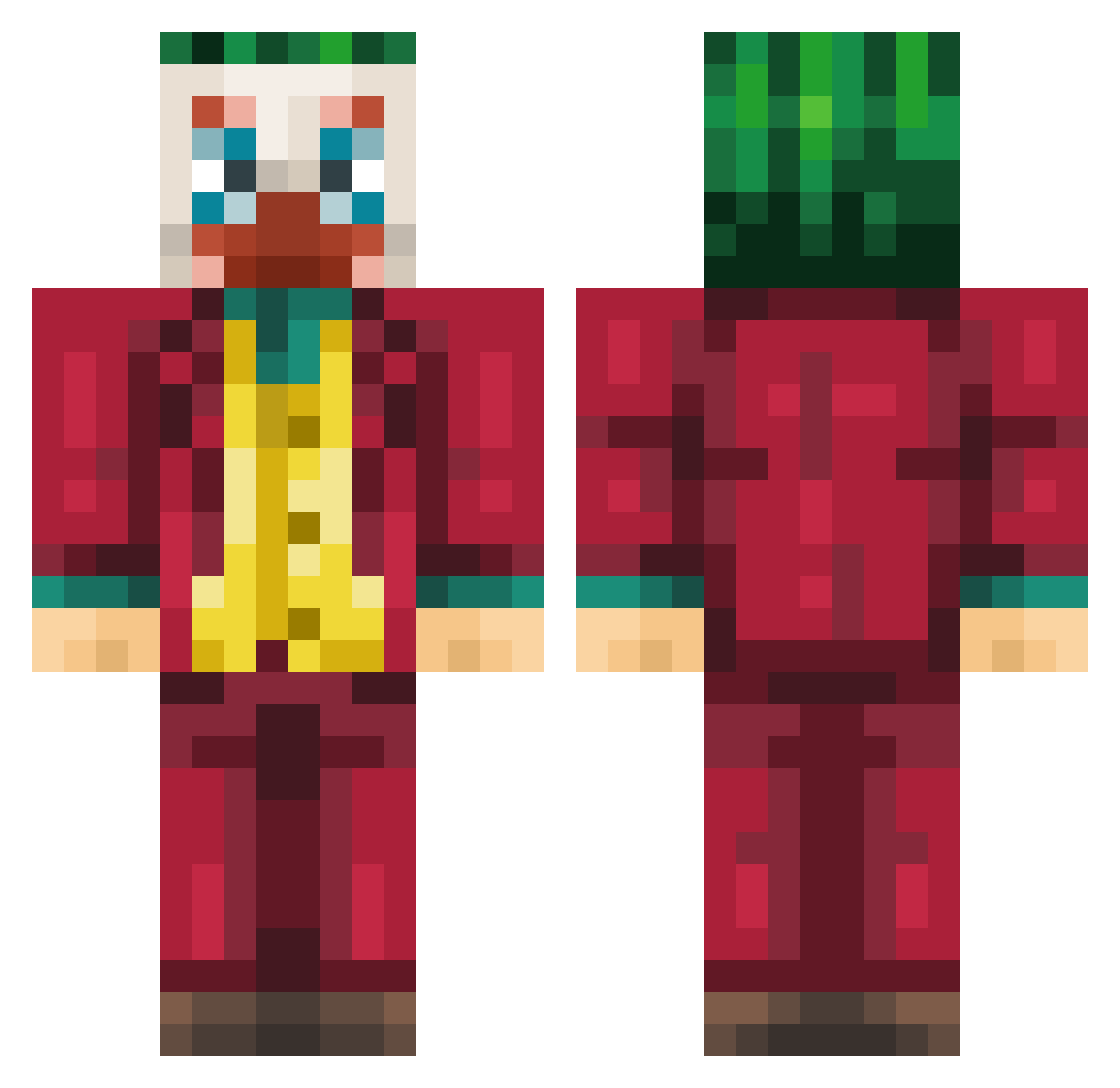
Current Minecraft skin of the player Chadoo1, loaded from the official Mojang API. Rotate the 3D model with your mouse or finger, then download the skin as a PNG file and use it in Minecraft: Bedrock Edition or Java Edition for free. When Chadoo1 changes their skin, this page updates automatically and the old skin stays in the history below.
Other players with this skin (259)
Chadoo1 was the 226th player we have seen with this skin, first spotted on 05.11.2026. The same skin was seen on these players. Open a nickname to see their current skin and skin history.
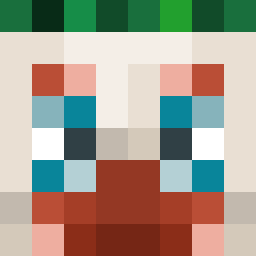 blaise_91 l3ladee Stivvy Habeeebee385i DODAJR JacK_Podr0ch1teL kasttle00 Colininho SuperIntendents Tamaino xKEZI MissTrunchballs Dedoxzy TurboGenerations _Nfx_ ApolloTomb_1 supergrassboots Azizo_ Cyc3l Roseydosey09 Emperor_Soup Doxen_ TH_011 shisokanoyorikku Morcegao72a Bassfusiion Alivelegendx NTheLink Penetrex_ eianian simminseok Backhand FA4IST DektorDG LnttBB wiltondonjuan LeCraque ImZupi mat3usz123 Deanrage AnimeClient Jottabich Adipro0008 gnstlr47 _Sp_Ace_ Lotsooooo PowerBimo SaqqyBalls yyj995120 _K1PA_ Fedes Sungster alsgusrl124512 ItzKaiza GuizT Huealreadyknow andi714 Aringarossa Garbidge veco_26
More The Joker Minecraft skins
How to install the Chadoo1 skin
- Press the Download button above to save the skin as a PNG file.
- Minecraft: Bedrock Edition (PE): open the Dressing Room from the main menu (or tap your character → Edit Character), go to Classic Skins → Owned, press the + (new skin) button, choose the downloaded PNG and pick the Classic (Steve) model. Works on PC and mobile; consoles cannot import custom skins.
- Minecraft: Java Edition: open the Minecraft Launcher, go to the Skins tab, click New Skin, load the PNG, pick the Classic (Steve) model and press Save & Use. You can also upload it at minecraft.net → Profile → Change Skin.
The skin does not show up after import - what should I do?
Restart Minecraft and open the Dressing Room again - imported skins sometimes appear only after a restart. Also make sure you selected the imported skin and picked the Classic (Steve) model.
Which model should I choose, Classic or Slim?
This skin is designed for the Classic (Steve) model. If you pick the wrong model, the arms of the skin will look stretched or squeezed.
Is the skin of Chadoo1 free to download?
Yes. Press Download, save the PNG file and use it in Minecraft: Bedrock Edition or Java Edition - no payment or registration needed. The skin also works on multiplayer servers and Realms.
More skins
Looking for more? Go back to all Minecraft skins and check the top skins of the week, month and all time, or find any player's skin by nickname.