
Cethlid - Minecraft Skins & Skin History
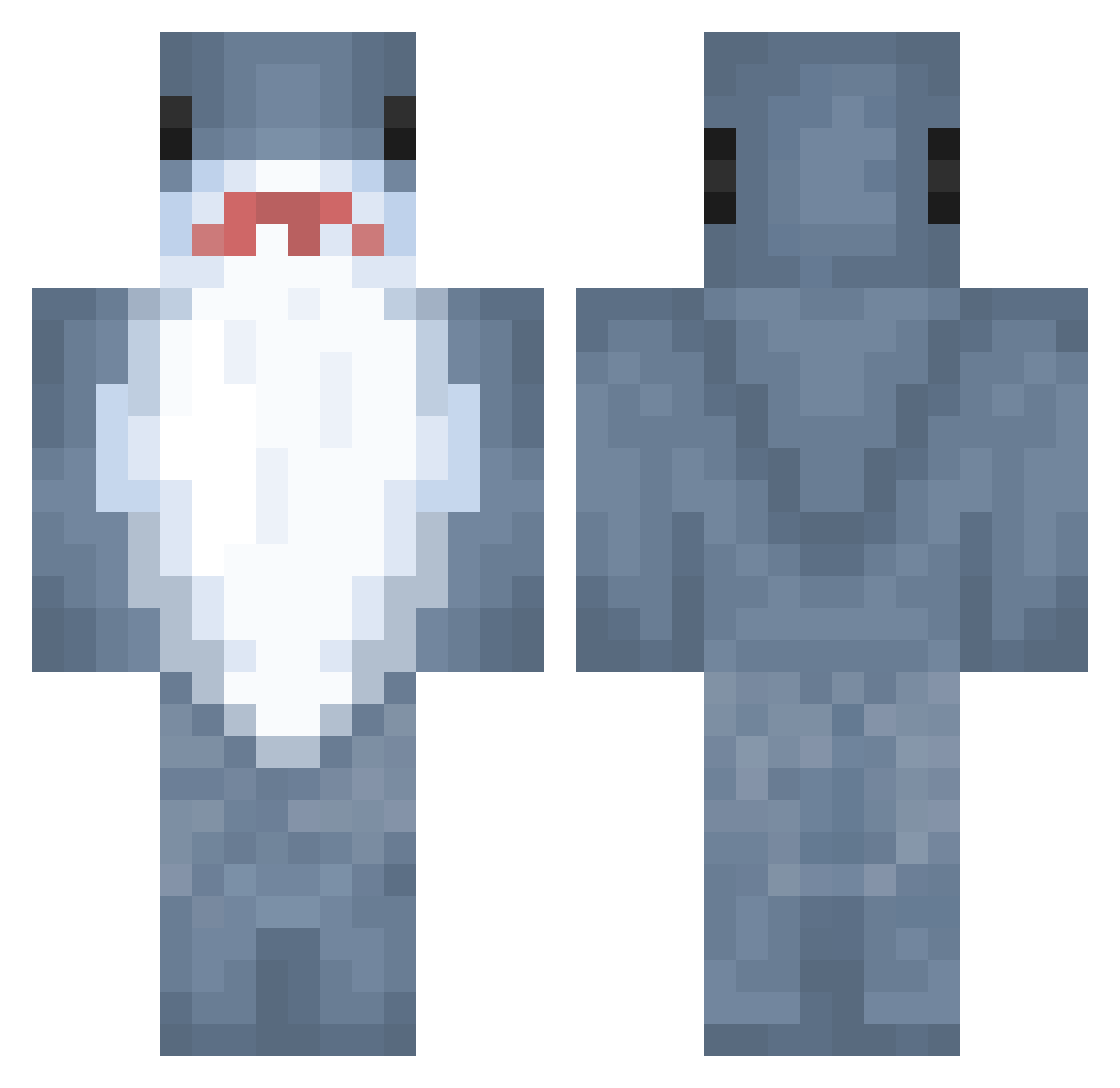
Current Minecraft skin of the player Cethlid, loaded from the official Mojang API. Rotate the 3D model with your mouse or finger, then download the skin as a PNG file and use it in Minecraft: Bedrock Edition or Java Edition for free. When Cethlid changes their skin, this page updates automatically and the old skin stays in the history below.
Other players with this skin (890)
Cethlid was the 642nd player we have seen with this skin, first spotted on 09.10.2026. The same skin was seen on these players. Open a nickname to see their current skin and skin history.
 sississi Shark_DT Skibidiketu aloe6 xxxkatana vinsOwOn kannyw7 hhoz NYEDREW Distracted_Benji Hannerhead_Shark gabi_schabi JimmyDetroit M0ppey J4WS93 Skemper14 Rthon8 HHAIO neyrFate Sharklil ha1rless Chanomsod Drag0nSlayer540 Upsetti_Spgahett Neira9090 Smegledon ThePinkEnjoyer Vendng zillyvr ilhhhhh Sharky1159 NYTESYDE PeeGl0ck gracebob123 CamusianServix Str1keout99 Gokuuuuuuuuu shaked321 Murky20 hululuk2 Julia_425 Schnurzelfurtz Nataliusz03 Alkann0 JROD686 elavi Cringe_Edurd ElCamacho05 Leoboy54 Finneveel _Nesto_ Didde11 Reegs_riz du_cki natbat20 LandsharkCUM Oncey TallonKeyees d1hat3rr FairyGod69
More Shark Minecraft skins
How to install the Cethlid skin
- Press the Download button above to save the skin as a PNG file.
- Minecraft: Bedrock Edition (PE): open the Dressing Room from the main menu (or tap your character → Edit Character), go to Classic Skins → Owned, press the + (new skin) button, choose the downloaded PNG and pick the Classic (Steve) model. Works on PC and mobile; consoles cannot import custom skins.
- Minecraft: Java Edition: open the Minecraft Launcher, go to the Skins tab, click New Skin, load the PNG, pick the Classic (Steve) model and press Save & Use. You can also upload it at minecraft.net → Profile → Change Skin.
The skin does not show up after import - what should I do?
Restart Minecraft and open the Dressing Room again - imported skins sometimes appear only after a restart. Also make sure you selected the imported skin and picked the Classic (Steve) model.
Which model should I choose, Classic or Slim?
This skin is designed for the Classic (Steve) model. If you pick the wrong model, the arms of the skin will look stretched or squeezed.
Is the skin of Cethlid free to download?
Yes. Press Download, save the PNG file and use it in Minecraft: Bedrock Edition or Java Edition - no payment or registration needed. The skin also works on multiplayer servers and Realms.
More skins
Looking for more? Go back to all Minecraft skins and check the top skins of the week, month and all time, or find any player's skin by nickname.