
Carlos_Z19 - Minecraft Skins & Skin History
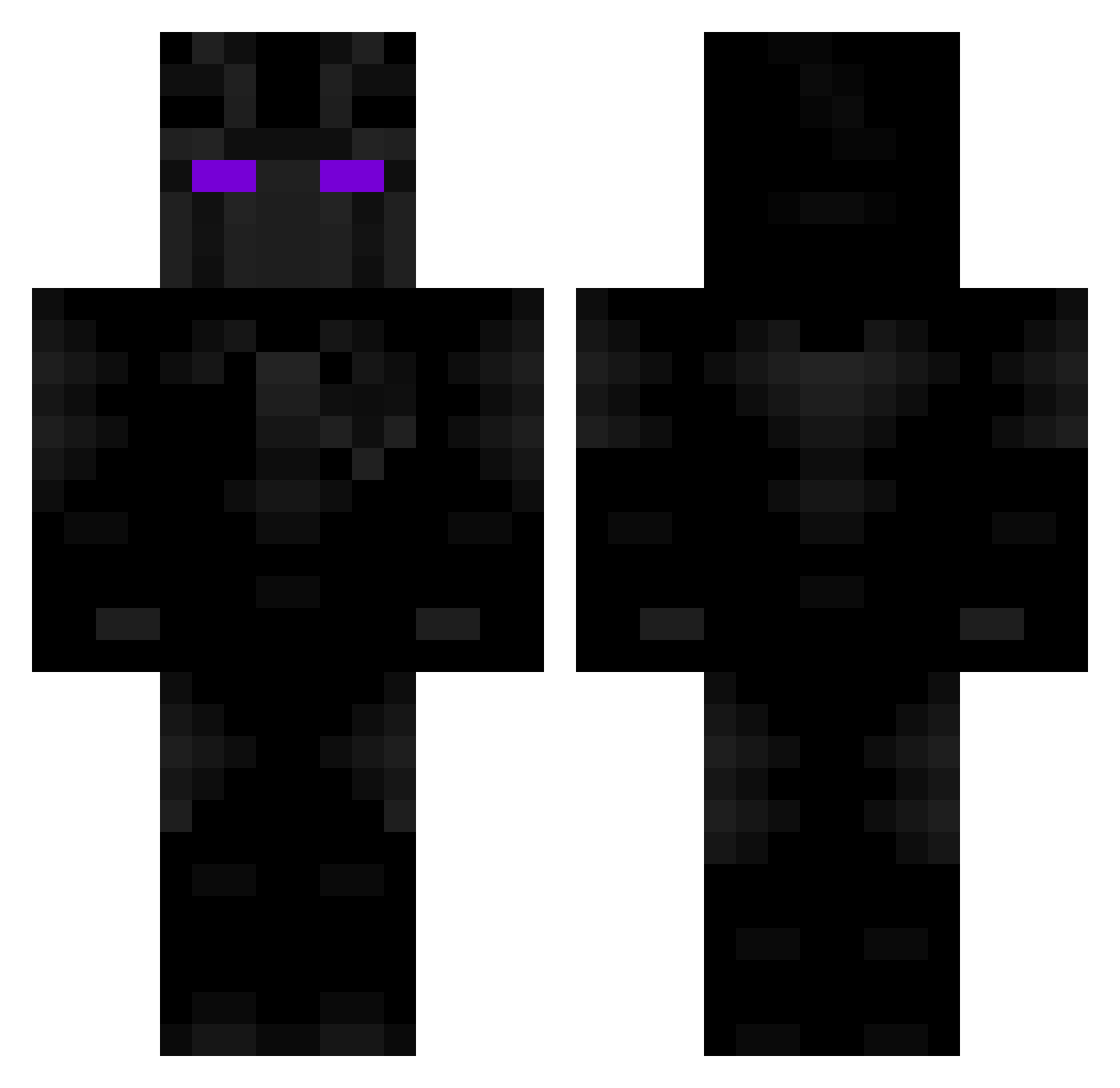
Current Minecraft skin of the player Carlos_Z19, loaded from the official Mojang API. Rotate the 3D model with your mouse or finger, then download the skin as a PNG file and use it in Minecraft: Bedrock Edition or Java Edition for free. When Carlos_Z19 changes their skin, this page updates automatically and the old skin stays in the history below.
Other players with this skin (93)
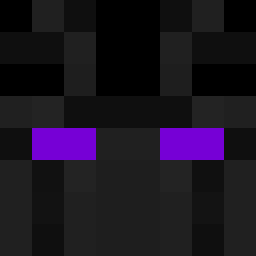
Carlos_Z19 was the 69th player we have seen with this skin, first spotted on 30.09.2026. The same skin was seen on these players. Open a nickname to see their current skin and skin history.
 laiiyn zkapz Eptunium Lonngsito Metzym GabrieloHermano Sayonite Blaize55 Titoreeksoffeet OwOPookieBearUwU BlueRiceGamer BodyWork MisterYumbo NotAnxer JankyJesus Rutec Yung_BoelleThug BoostedHACKS Hero_24 Hxrbottle koko11gu WellMallard2753 Tragiic_Josh7 IamMrSlayer play3r0ne RTX3000 4TPowerr AstolfoLmao fedurban Idg2012 Dark_SoldierCR01 Lakyman_ Eyetravi FGMCplayz_639 InhaleAlphaNuts Turm2017 Federkoo marcus_is_noob TerryGJohnson420 Spookiiiiii k3m0 yin_cang ChapliKabab lqddd EstebanFrags YetiMaster otnaa AfriAzka Utazet123 GodTaki Leviathan7577 Guinur jonas_dk1709 Sir_Barbosa StockyLocky Josetwo D3lt4_G4m3 KQFS _xLiqht Ayeeztoan
More Black Panther Minecraft skins
See all 310 Black Panther skins
How to install the Carlos_Z19 skin
- Press the Download button above to save the skin as a PNG file.
- Minecraft: Bedrock Edition (PE): open the Dressing Room from the main menu (or tap your character → Edit Character), go to Classic Skins → Owned, press the + (new skin) button, choose the downloaded PNG and pick the Classic (Steve) model. Works on PC and mobile; consoles cannot import custom skins.
- Minecraft: Java Edition: open the Minecraft Launcher, go to the Skins tab, click New Skin, load the PNG, pick the Classic (Steve) model and press Save & Use. You can also upload it at minecraft.net → Profile → Change Skin.
The skin does not show up after import - what should I do?
Restart Minecraft and open the Dressing Room again - imported skins sometimes appear only after a restart. Also make sure you selected the imported skin and picked the Classic (Steve) model.
Which model should I choose, Classic or Slim?
This skin is designed for the Classic (Steve) model. If you pick the wrong model, the arms of the skin will look stretched or squeezed.
Is the skin of Carlos_Z19 free to download?
Yes. Press Download, save the PNG file and use it in Minecraft: Bedrock Edition or Java Edition - no payment or registration needed. The skin also works on multiplayer servers and Realms.
More skins
Looking for more? Go back to all Minecraft skins and check the top skins of the week, month and all time, or find any player's skin by nickname.