
CapitanoNissarda - Minecraft Skins & Skin History
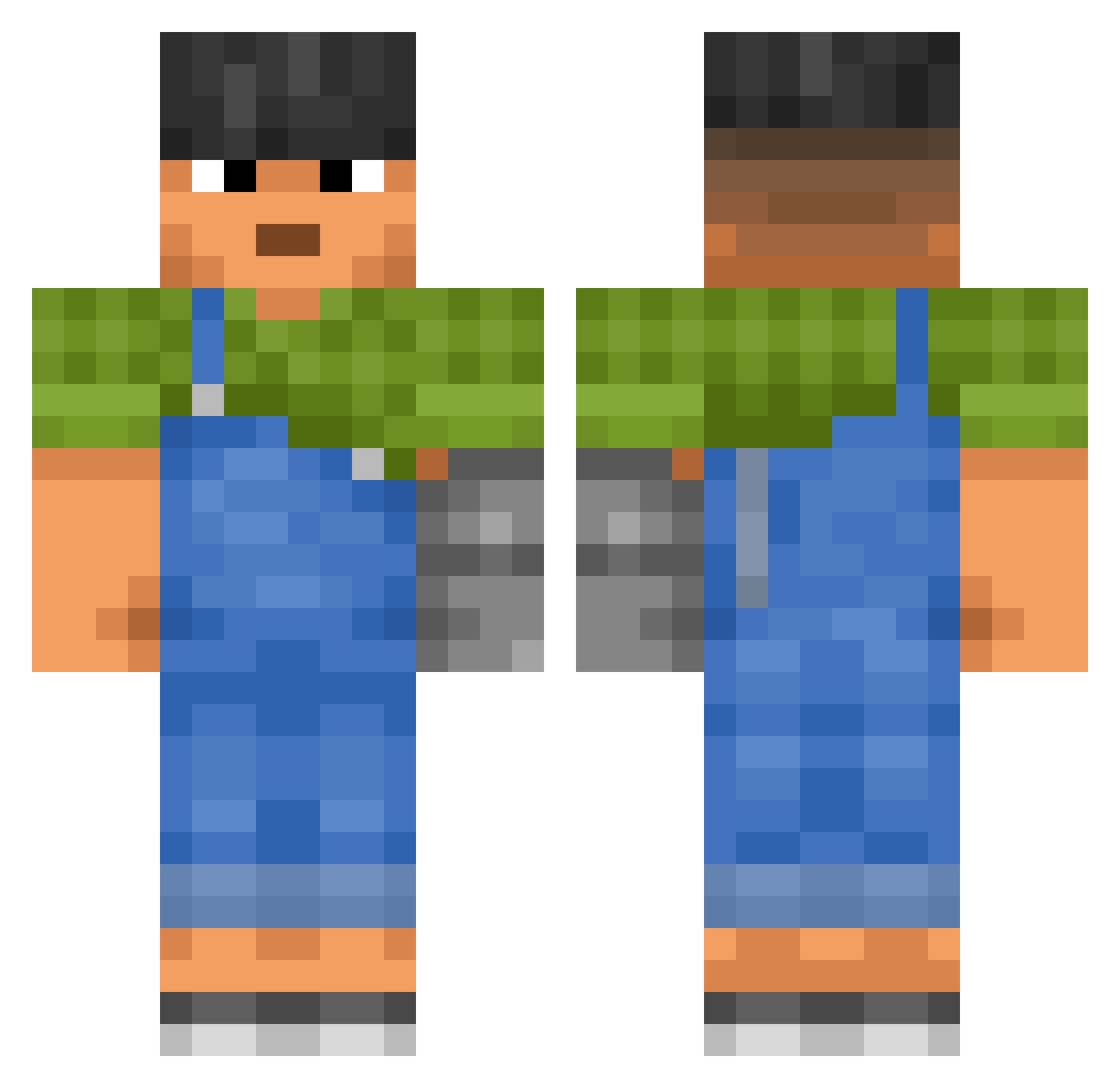
Current Minecraft skin of the player CapitanoNissarda, loaded from the official Mojang API. Rotate the 3D model with your mouse or finger, then download the skin as a PNG file and use it in Minecraft: Bedrock Edition or Java Edition for free. When CapitanoNissarda changes their skin, this page updates automatically and the old skin stays in the history below.
Other players with this skin (3443)
CapitanoNissarda was the 3124th player we have seen with this skin, first spotted on 06.11.2026. The same skin was seen on these players. Open a nickname to see their current skin and skin history.
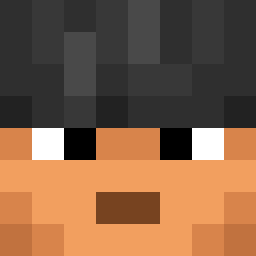 OwD kiwicot liu6726910 Irgendwasoderso shakey_goldenwol Parenthetical morton4444 SanderPanterBoi Spoc0nyBar1us Macrodont Ranton TUV2880 vischtor Ungodliness StrangeLegendz ivka_ Heros33 9rbz gClef Miniseb85 _eeze sila0942 oJay2O2O_ Schuumke seaamiar Epicene CeratoPrime widowmaker2141 Infekto69 HerbertRichers flomigosam chosa_ Redmouth3 donotaccess1 Itsaf Big_Brewski nookbook Nefariously facelesscog IVDestroyer DEUSLOVULT777 Brybry263 08166 Libre sam_M Alexic maroctaylor sadcum0 xgagax DARIMAN2009 BossFeed LiChik228 ImStxpid iccthedral marj ryan_hbl RipDubya SongJack Wacher K_ninjaturtle
More Prosthetic Arm Minecraft skins
See all 80 Prosthetic Arm skins
How to install the CapitanoNissarda skin
- Press the Download button above to save the skin as a PNG file.
- Minecraft: Bedrock Edition (PE): open the Dressing Room from the main menu (or tap your character → Edit Character), go to Classic Skins → Owned, press the + (new skin) button, choose the downloaded PNG and pick the Classic (Steve) model. Works on PC and mobile; consoles cannot import custom skins.
- Minecraft: Java Edition: open the Minecraft Launcher, go to the Skins tab, click New Skin, load the PNG, pick the Classic (Steve) model and press Save & Use. You can also upload it at minecraft.net → Profile → Change Skin.
The skin does not show up after import - what should I do?
Restart Minecraft and open the Dressing Room again - imported skins sometimes appear only after a restart. Also make sure you selected the imported skin and picked the Classic (Steve) model.
Which model should I choose, Classic or Slim?
This skin is designed for the Classic (Steve) model. If you pick the wrong model, the arms of the skin will look stretched or squeezed.
Is the skin of CapitanoNissarda free to download?
Yes. Press Download, save the PNG file and use it in Minecraft: Bedrock Edition or Java Edition - no payment or registration needed. The skin also works on multiplayer servers and Realms.
More skins
Looking for more? Go back to all Minecraft skins and check the top skins of the week, month and all time, or find any player's skin by nickname.