
Caiuslmn - Minecraft Skins & Skin History
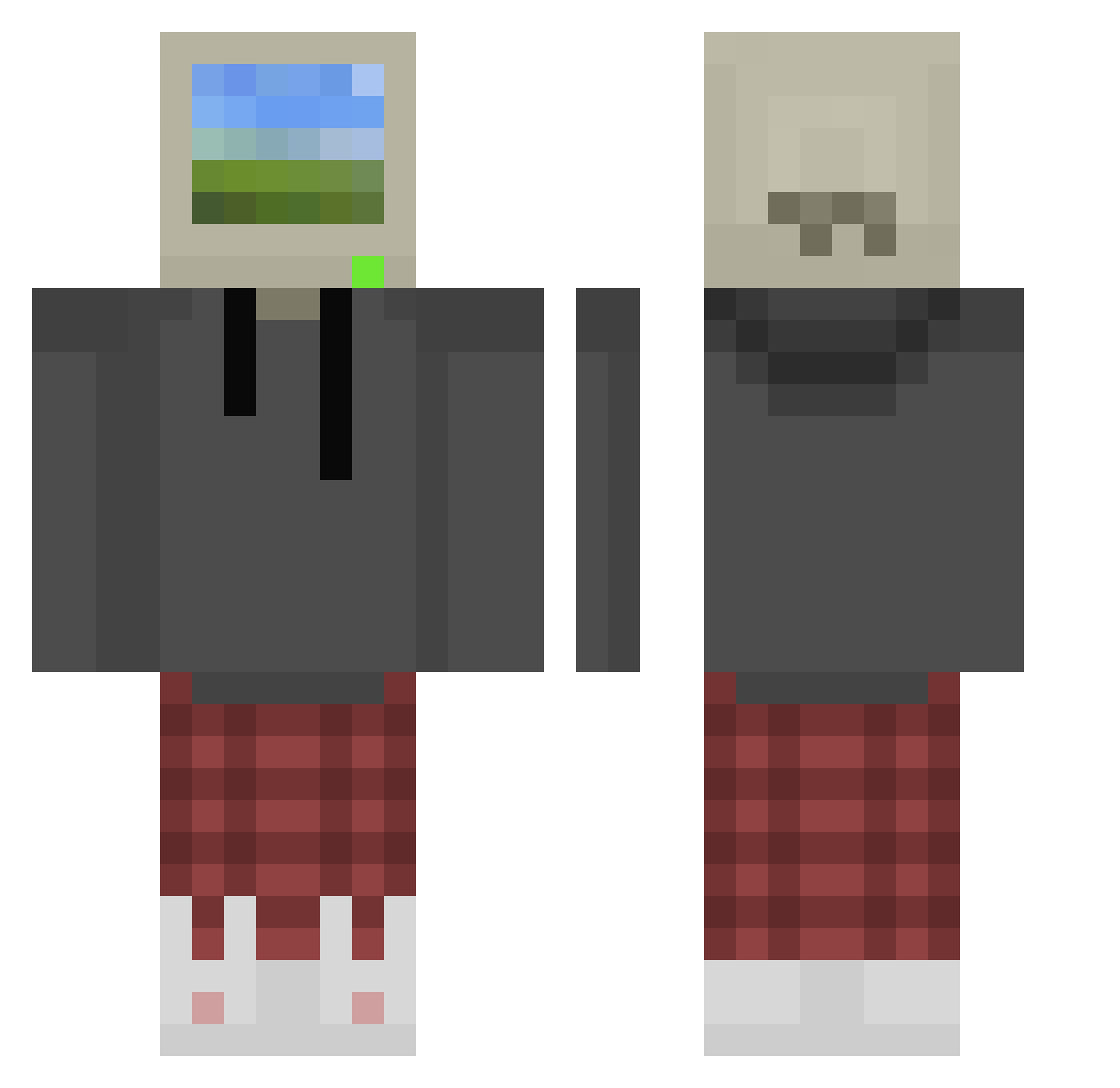
Current Minecraft skin of the player Caiuslmn, loaded from the official Mojang API. Rotate the 3D model with your mouse or finger, then download the skin as a PNG file and use it in Minecraft: Bedrock Edition or Java Edition for free. When Caiuslmn changes their skin, this page updates automatically and the old skin stays in the history below.
Other players with this skin (876)
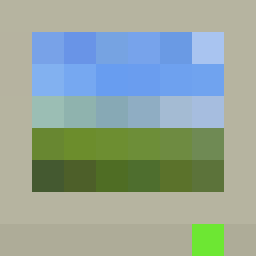
Caiuslmn was the 590th player we have seen with this skin, first spotted on 05.10.2026. The same skin was seen on these players. Open a nickname to see their current skin and skin history.
 Crafsters MoodKillr25 TamaLord KungFuWaffle victorien56 ha1esx DJ7up_ Cooksay Marky_Mark420 notkyng SharkBaitHulala Griffin445 MagicFishhhh Rhaegalor pedroZG E46SAINT Adrianodrip garangye SleepyGamer00 Rango433 OctaneWasTaken logboi aarrar0342 darth_oatmeal j0rdsta krt__ Djboxer666 Dereism HeadHoncho1245 smileyking5000 Kabazine Edwin17_ Ryuzaki_Suzuya LA0b giova_exee FLY1NGZucchini is300alan CUTEPADDI Deadexer6 ImChris3 Nava0505 Raphael_2802 slippington34 daddyjustin22 PastaBoi42069 YaoimeSenpai sadroad greatwhite00 UlisesRIos ginorg Rapdog123 TIHO4KA cloverpond angeschnitten RandomPeople999 Boby277 NotAlfonso7 DonutTriangle Rexonex _ulquiorra_4_
More Windows XP Minecraft skins
How to install the Caiuslmn skin
- Press the Download button above to save the skin as a PNG file.
- Minecraft: Bedrock Edition (PE): open the Dressing Room from the main menu (or tap your character → Edit Character), go to Classic Skins → Owned, press the + (new skin) button, choose the downloaded PNG and pick the Classic (Steve) model. Works on PC and mobile; consoles cannot import custom skins.
- Minecraft: Java Edition: open the Minecraft Launcher, go to the Skins tab, click New Skin, load the PNG, pick the Classic (Steve) model and press Save & Use. You can also upload it at minecraft.net → Profile → Change Skin.
The skin does not show up after import - what should I do?
Restart Minecraft and open the Dressing Room again - imported skins sometimes appear only after a restart. Also make sure you selected the imported skin and picked the Classic (Steve) model.
Which model should I choose, Classic or Slim?
This skin is designed for the Classic (Steve) model. If you pick the wrong model, the arms of the skin will look stretched or squeezed.
Is the skin of Caiuslmn free to download?
Yes. Press Download, save the PNG file and use it in Minecraft: Bedrock Edition or Java Edition - no payment or registration needed. The skin also works on multiplayer servers and Realms.
More skins
Looking for more? Go back to all Minecraft skins and check the top skins of the week, month and all time, or find any player's skin by nickname.