
CadetPluto - Minecraft Skins & Skin History
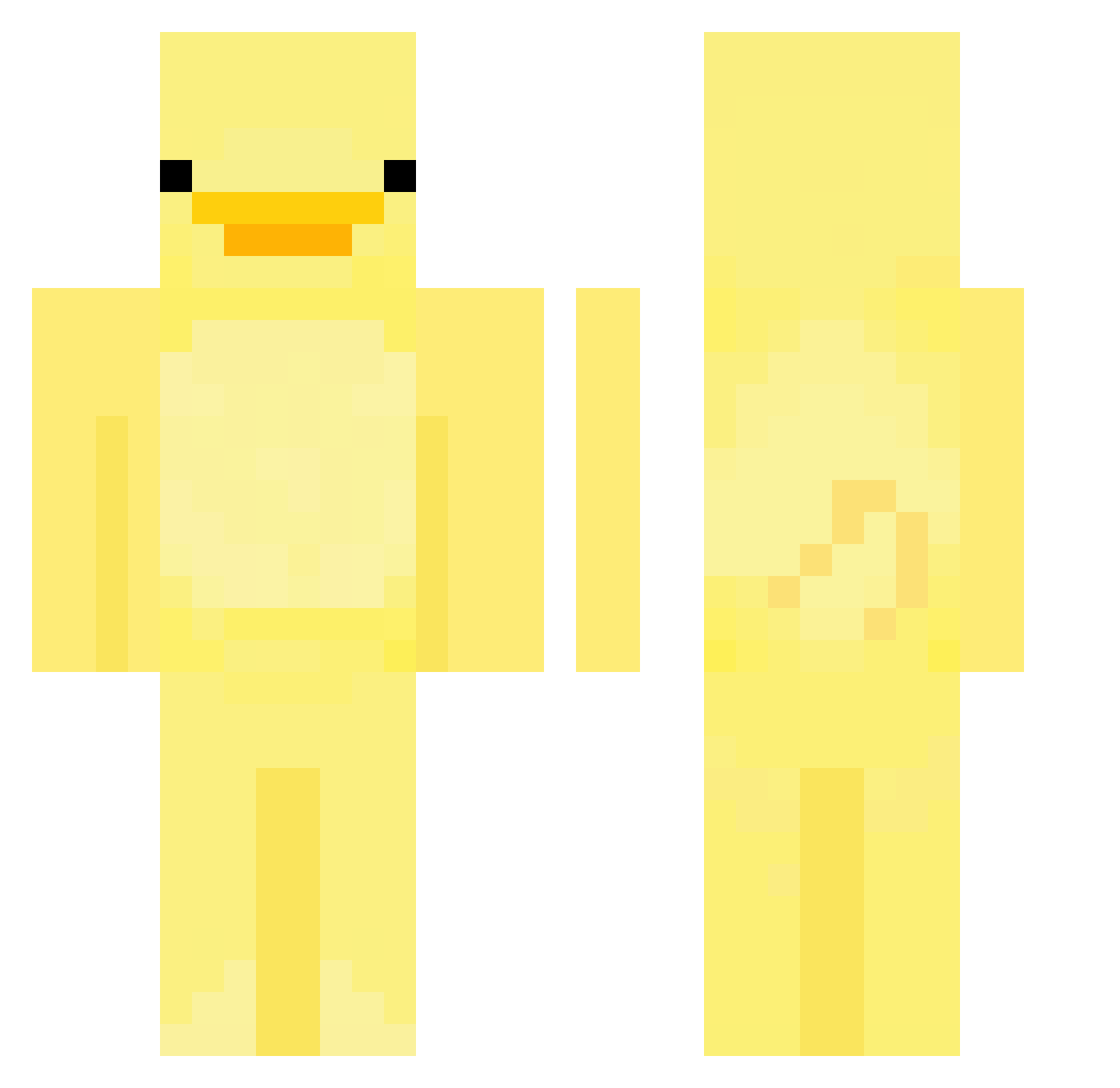
Current Minecraft skin of the player CadetPluto, loaded from the official Mojang API. Rotate the 3D model with your mouse or finger, then download the skin as a PNG file and use it in Minecraft: Bedrock Edition or Java Edition for free. When CadetPluto changes their skin, this page updates automatically and the old skin stays in the history below.
Other players with this skin (684)
CadetPluto was the 569th player we have seen with this skin, first spotted on 25.10.2026. The same skin was seen on these players. Open a nickname to see their current skin and skin history.
 sanyayeany Sashaaa NuGoRi_ T2o0b0i7 Zydzi_Do_Gaazu ahmtcvs sebyboos Yfunky tea4teagan LuckyHacker_ c_sm01 FresherOrca1693 anjapanja Peace787539 cd1tty anna496 pretty_odd_sammy ViableTuna61734 back0108 Kaczorekk Conner1534 furiousbreaker1 mushu5193 tayxxs RyyFishie _Kaito_69 SneakySediment Sevinh0 Jusuv11 grabemby NiniPanini12345 Dannylin0719 ItsClair Peace4ducks Siphira_ adoakiraj ssusssssssssssss SJB_JOKER nyytboi eminorr EnviteOfficial Prici_0417 dlckdals6791 yechan7495 bootylover44 Alkioa dailydeath123 Azarath9 noogety shrjsdn twoducks2 hijuzen ksh807 Riodayo1121 ItsGoofy0 J99S_S gengwin Simba_Lenny AshrokEra Reaper3141
More Bird Minecraft skins
How to install the CadetPluto skin
- Press the Download button above to save the skin as a PNG file.
- Minecraft: Bedrock Edition (PE): open the Dressing Room from the main menu (or tap your character → Edit Character), go to Classic Skins → Owned, press the + (new skin) button, choose the downloaded PNG and pick the Classic (Steve) model. Works on PC and mobile; consoles cannot import custom skins.
- Minecraft: Java Edition: open the Minecraft Launcher, go to the Skins tab, click New Skin, load the PNG, pick the Classic (Steve) model and press Save & Use. You can also upload it at minecraft.net → Profile → Change Skin.
The skin does not show up after import - what should I do?
Restart Minecraft and open the Dressing Room again - imported skins sometimes appear only after a restart. Also make sure you selected the imported skin and picked the Classic (Steve) model.
Which model should I choose, Classic or Slim?
This skin is designed for the Classic (Steve) model. If you pick the wrong model, the arms of the skin will look stretched or squeezed.
Is the skin of CadetPluto free to download?
Yes. Press Download, save the PNG file and use it in Minecraft: Bedrock Edition or Java Edition - no payment or registration needed. The skin also works on multiplayer servers and Realms.
More skins
Looking for more? Go back to all Minecraft skins and check the top skins of the week, month and all time, or find any player's skin by nickname.