
Cade_______ - Minecraft Skins & Skin History
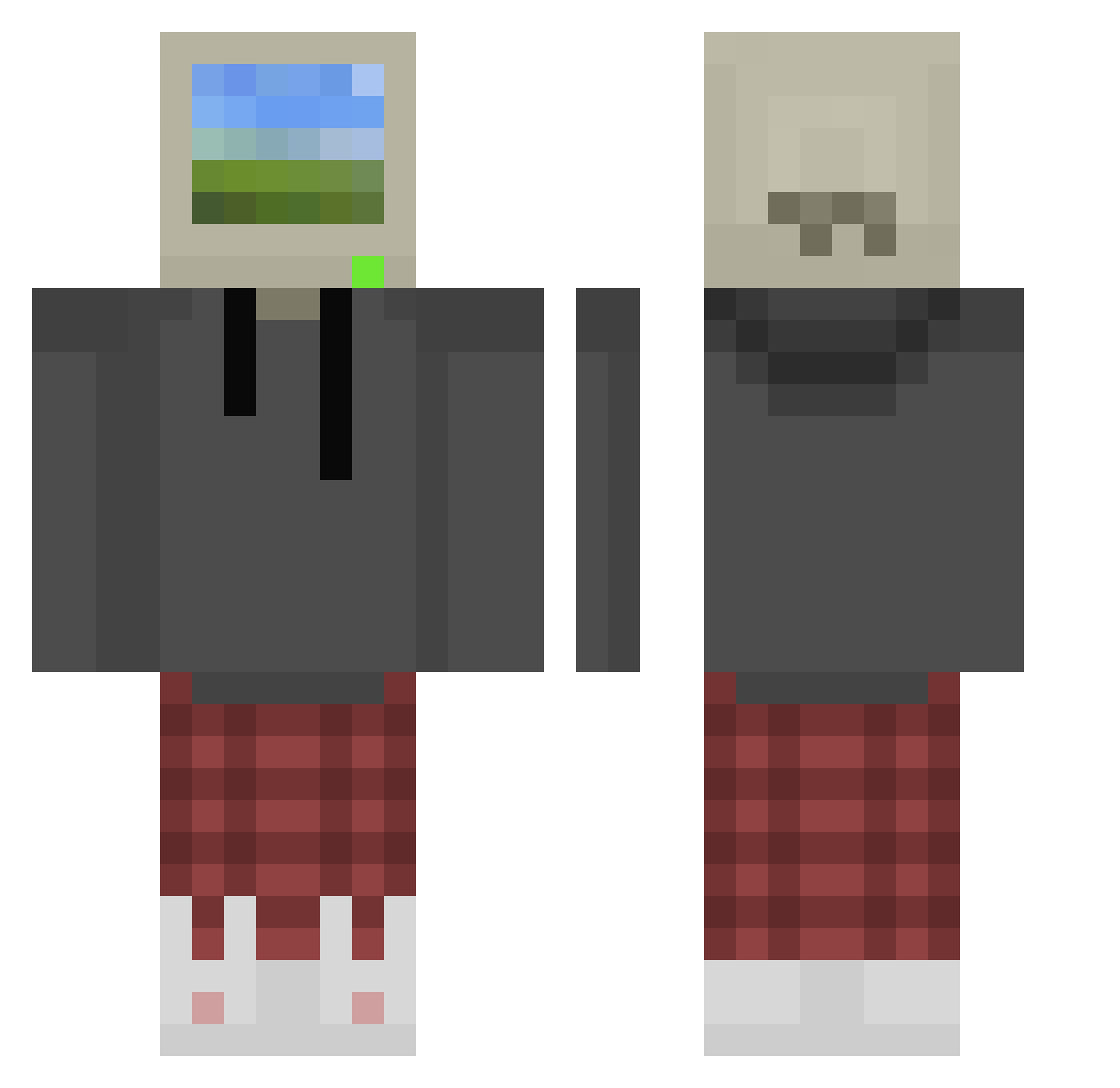
Current Minecraft skin of the player Cade_______, loaded from the official Mojang API. Rotate the 3D model with your mouse or finger, then download the skin as a PNG file and use it in Minecraft: Bedrock Edition or Java Edition for free. When Cade_______ changes their skin, this page updates automatically and the old skin stays in the history below.
Other players with this skin (873)
Cade_______ was the 160th player we have seen with this skin, first spotted on 15.08.2026. The same skin was seen on these players. Open a nickname to see their current skin and skin history.
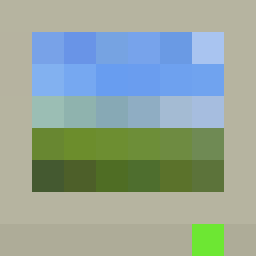 snowbordmc BrokenGrimReaper S6VAGE Solem47 Lionheart_OL cadenhall44 Carharttez ggorp SeniorChipy LukaGFH EatBagel jaedyxn Omarr_ __sunchips BETONIARA24651 JimZero Destrus_1998 Kolonioda DANI3L3262 Philips123 ang3lh VortexV2K AdidasJoe1896 brimstone_1703 JediLeo1 FrozeToes1 royflash
 BatGrey13 boxious SuchterKing Tequilayvodka Squidkokoss Newsom85 oragemagik342 THBS JCluvu butita FerXi08 Hoohan NonstopgamerZzZz Kosmeen lihueeu q_nt TroubledChick Dobs_ nobody042 Ruan_dmlk st0neridge Double_63 juliaan6 Mallio_ TooAwesomeForU Abacaxi15 l_Hwan_l Godzilla0_1954 LasplaceStreams Kambfkeibe bonnie66652 Anninaaa try_to_ca7ch
More Windows XP Minecraft skins
How to install the Cade_______ skin
- Press the Download button above to save the skin as a PNG file.
- Minecraft: Bedrock Edition (PE): open the Dressing Room from the main menu (or tap your character → Edit Character), go to Classic Skins → Owned, press the + (new skin) button, choose the downloaded PNG and pick the Classic (Steve) model. Works on PC and mobile; consoles cannot import custom skins.
- Minecraft: Java Edition: open the Minecraft Launcher, go to the Skins tab, click New Skin, load the PNG, pick the Classic (Steve) model and press Save & Use. You can also upload it at minecraft.net → Profile → Change Skin.
The skin does not show up after import - what should I do?
Restart Minecraft and open the Dressing Room again - imported skins sometimes appear only after a restart. Also make sure you selected the imported skin and picked the Classic (Steve) model.
Which model should I choose, Classic or Slim?
This skin is designed for the Classic (Steve) model. If you pick the wrong model, the arms of the skin will look stretched or squeezed.
Is the skin of Cade_______ free to download?
Yes. Press Download, save the PNG file and use it in Minecraft: Bedrock Edition or Java Edition - no payment or registration needed. The skin also works on multiplayer servers and Realms.
More skins
Looking for more? Go back to all Minecraft skins and check the top skins of the week, month and all time, or find any player's skin by nickname.