
BurGuMe - Minecraft Skins & Skin History
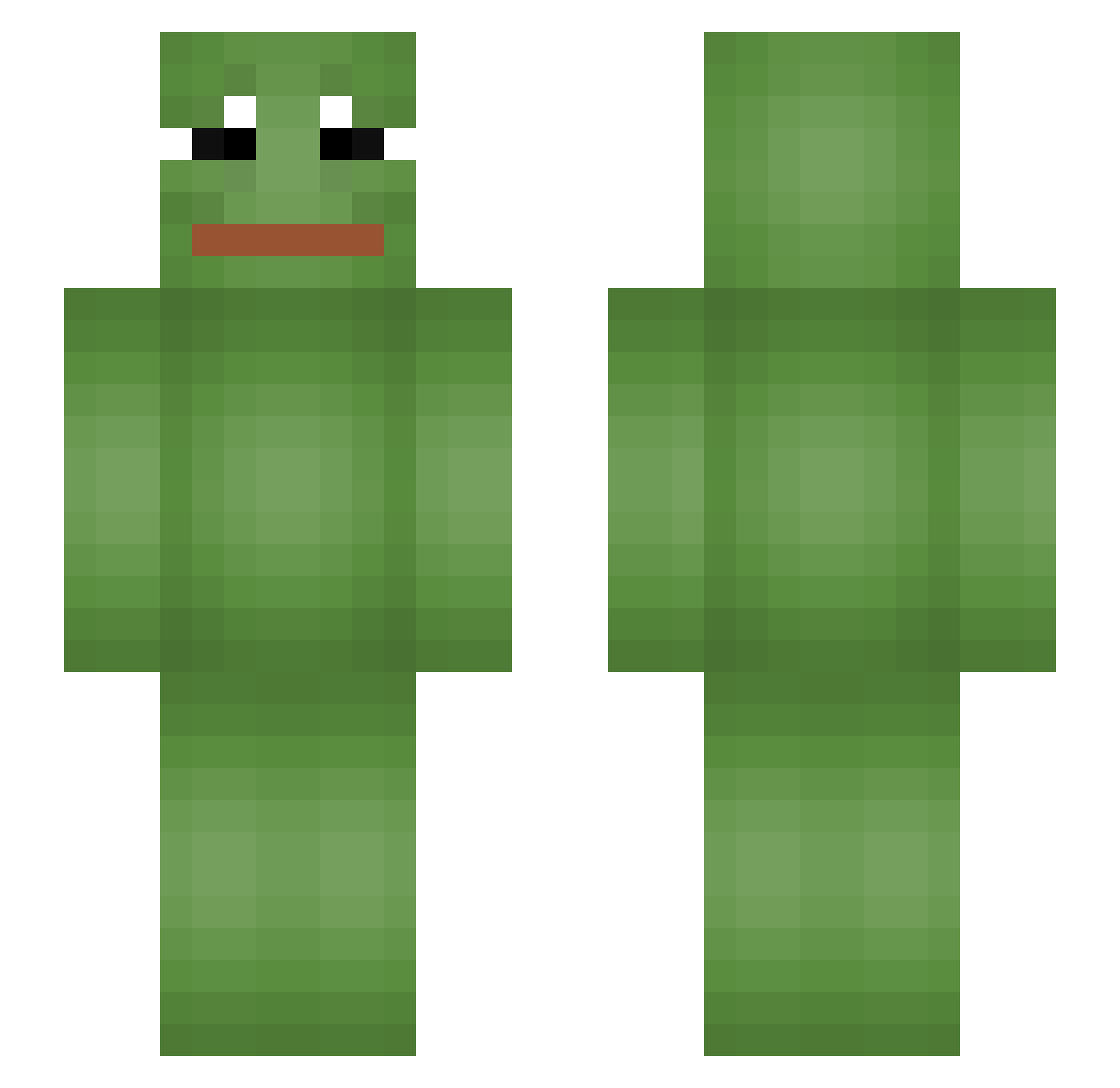
Current Minecraft skin of the player BurGuMe, loaded from the official Mojang API. Rotate the 3D model with your mouse or finger, then download the skin as a PNG file and use it in Minecraft: Bedrock Edition or Java Edition for free. When BurGuMe changes their skin, this page updates automatically and the old skin stays in the history below.
Other players with this skin (57)
BurGuMe was the 19th player we have seen with this skin, first spotted on 21.08.2026. The same skin was seen on these players. Open a nickname to see their current skin and skin history.
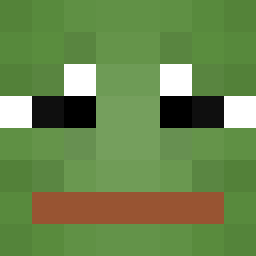 AlphaCats Opasex genejinhui321 BigBootyJohnson SKRTILINK Even1327 badKitten96 Xenuine BootySmacks cupcakapocalypse Tofu_Reflux BrunaCraft03 1Newp Grenouille_ 1463 LaPincheRanaPepe Improved smokingjojo GUCCI_SALSA _setuna_02 nicoscuzzu Tondow CuzImRic Fataca_Games Slayerman7 GxxdNight Catrip LumasHigh SamiFromMiami lordcarrygod 1091785035 IC3BERG Judgesky Smoggii Extasy88 Mine_Master1000 moondustfairy CkoTuHa RandyMarshmallow ZockerMichi2011 erco29 NoSoySpy_33 bakuretsuuu __HORUS__ Retsek RossMack101 AverSavage CrazyFrog Dizzy_1337 CobraNejdet huntinghamster MarcelMusolf shankyourpants GonsalitoHD Ribeiiro_ headass_vili Nexsty_pepe
More Pepe Minecraft skins
How to install the BurGuMe skin
- Press the Download button above to save the skin as a PNG file.
- Minecraft: Bedrock Edition (PE): open the Dressing Room from the main menu (or tap your character → Edit Character), go to Classic Skins → Owned, press the + (new skin) button, choose the downloaded PNG and pick the Slim (Alex) model. Works on PC and mobile; consoles cannot import custom skins.
- Minecraft: Java Edition: open the Minecraft Launcher, go to the Skins tab, click New Skin, load the PNG, pick the Slim (Alex) model and press Save & Use. You can also upload it at minecraft.net → Profile → Change Skin.
The skin does not show up after import - what should I do?
Restart Minecraft and open the Dressing Room again - imported skins sometimes appear only after a restart. Also make sure you selected the imported skin and picked the Slim (Alex) model.
Which model should I choose, Classic or Slim?
This skin is designed for the Slim (Alex) model. If you pick the wrong model, the arms of the skin will look stretched or squeezed.
Is the skin of BurGuMe free to download?
Yes. Press Download, save the PNG file and use it in Minecraft: Bedrock Edition or Java Edition - no payment or registration needed. The skin also works on multiplayer servers and Realms.
More skins
Looking for more? Go back to all Minecraft skins and check the top skins of the week, month and all time, or find any player's skin by nickname.