
Bufferino - Minecraft Skins & Skin History
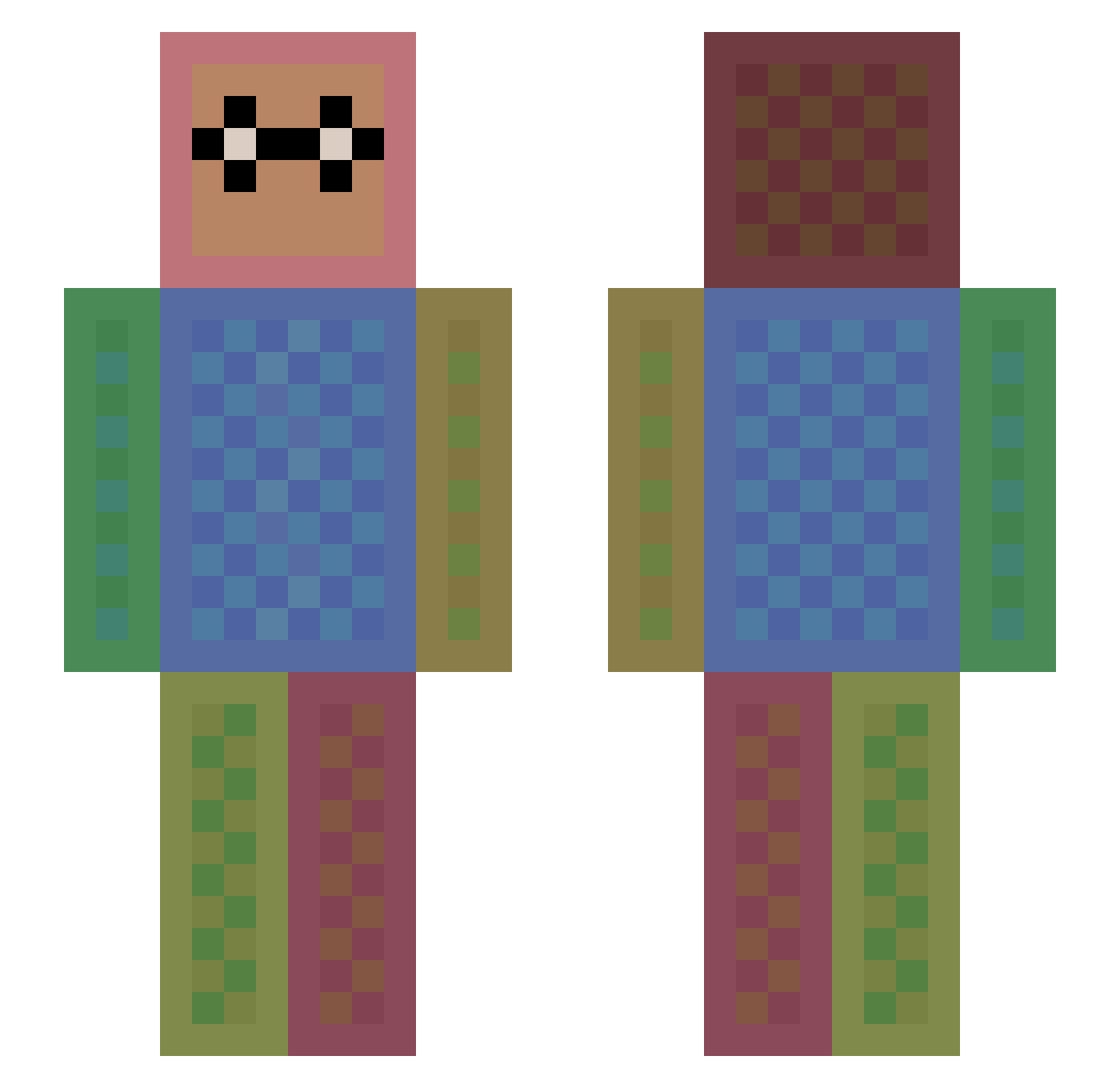
Current Minecraft skin of the player Bufferino, loaded from the official Mojang API. Rotate the 3D model with your mouse or finger, then download the skin as a PNG file and use it in Minecraft: Bedrock Edition or Java Edition for free. When Bufferino changes their skin, this page updates automatically and the old skin stays in the history below.
Other players with this skin (1113)
Bufferino was the 1002nd player we have seen with this skin, first spotted on 10.10.2026. The same skin was seen on these players. Open a nickname to see their current skin and skin history.
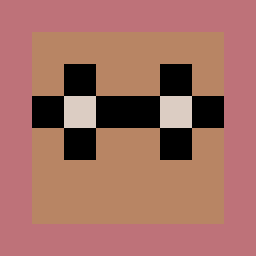 Lukas27405 Ae_18_arGON wjhbill bigfood23 bigbadonk420 just002 Fantoot reeceb123 domsterx Punish_her1 KadenA0415 Seitel Bluesky23 Emme206 Alexander951 cheesedrum firestorm1902 Ideatog ryattack RENAUD0 is067 Its_Leen jaredjames42 LukyPetr17 JustThinkin Lumilego nasto_17 Fantalla MrBoys_Ytb liamborbely23 TATA79 Adriador William_2231 SKDK08 Flyin_Squirrel99 Cleo_anna awso_KILLER SkillzUser02 ryanunited10 WhaleSuup heildsy iruka0413 MiKuleczka _Streichholz__ czz1 woals9012 JakeyMercer luIia jooman007 ALEXGUACCIO Verzeihnix milessonyacollin nova_lachance lizardking268 pixel4life Jirka_09 Taco_cat_4 OxydeRain reubencool dimpleness
How to install the Bufferino skin
- Press the Download button above to save the skin as a PNG file.
- Minecraft: Bedrock Edition (PE): open the Dressing Room from the main menu (or tap your character → Edit Character), go to Classic Skins → Owned, press the + (new skin) button, choose the downloaded PNG and pick the Slim (Alex) model. Works on PC and mobile; consoles cannot import custom skins.
- Minecraft: Java Edition: open the Minecraft Launcher, go to the Skins tab, click New Skin, load the PNG, pick the Slim (Alex) model and press Save & Use. You can also upload it at minecraft.net → Profile → Change Skin.
The skin does not show up after import - what should I do?
Restart Minecraft and open the Dressing Room again - imported skins sometimes appear only after a restart. Also make sure you selected the imported skin and picked the Slim (Alex) model.
Which model should I choose, Classic or Slim?
This skin is designed for the Slim (Alex) model. If you pick the wrong model, the arms of the skin will look stretched or squeezed.
Is the skin of Bufferino free to download?
Yes. Press Download, save the PNG file and use it in Minecraft: Bedrock Edition or Java Edition - no payment or registration needed. The skin also works on multiplayer servers and Realms.
More skins
Looking for more? Go back to all Minecraft skins and check the top skins of the week, month and all time, or find any player's skin by nickname.