
BosBessenThee - Minecraft Skins & Skin History
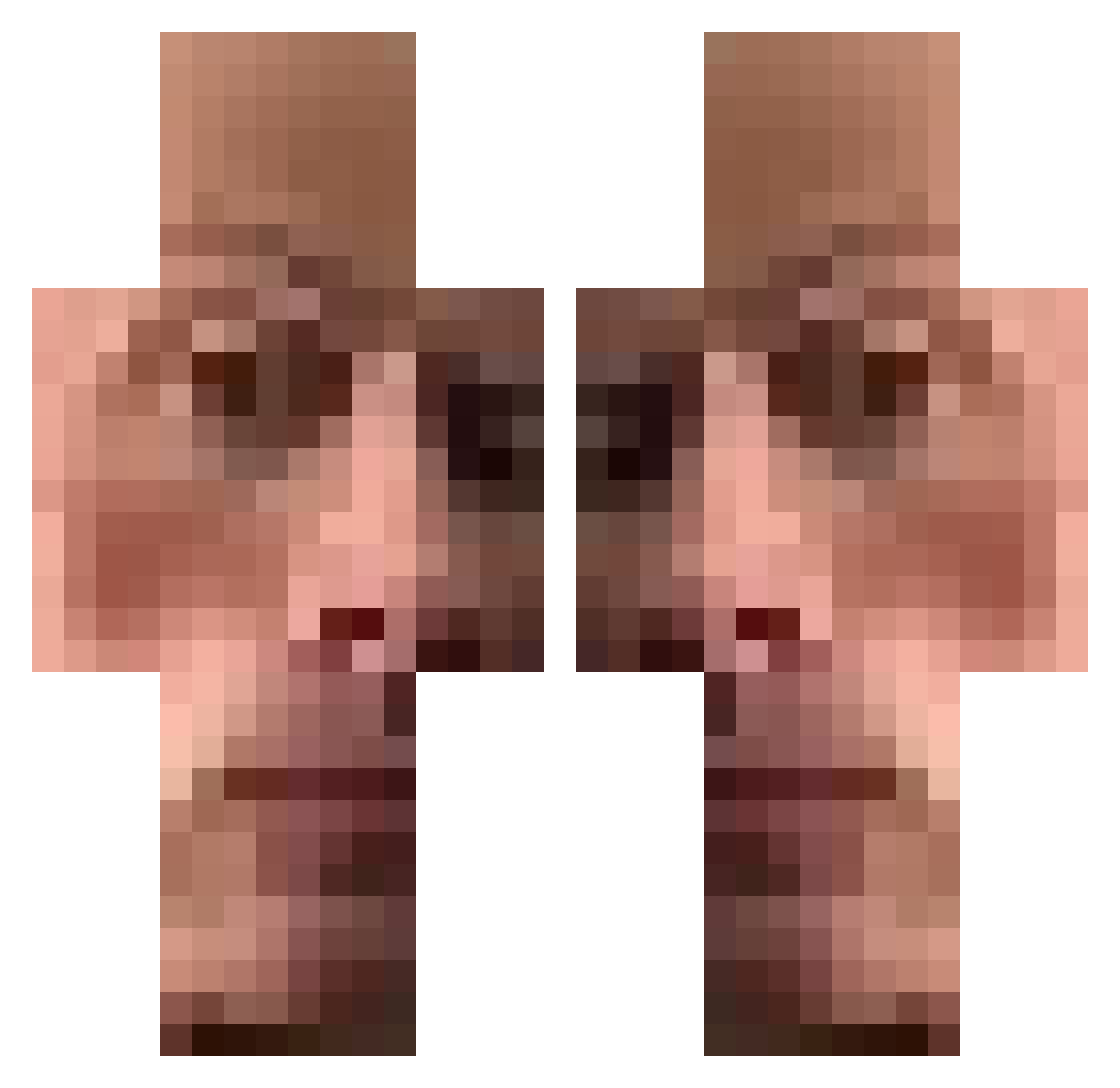
Current Minecraft skin of the player BosBessenThee, loaded from the official Mojang API. Rotate the 3D model with your mouse or finger, then download the skin as a PNG file and use it in Minecraft: Bedrock Edition or Java Edition for free. When BosBessenThee changes their skin, this page updates automatically and the old skin stays in the history below.
Other players with this skin (475)
BosBessenThee was the 295th player we have seen with this skin, first spotted on 04.10.2026. The same skin was seen on these players. Open a nickname to see their current skin and skin history.
 Loaded_Sock geuso SirKigoL Natgokus SmerdoOvunq JohanAssmann LinexAWE T0mmy45 numeros_minus_1 Ozzii1 hipoint_ BaconWafflesss danzyk Spenix18 Sonabo_Ceta51 Kkowi copyray AIexScie JakisZiomek ckiq PumpKingArchie DiamanteBR Jann1887 Kernuts Muumih bigtonyyyy Tarriann Baanie 14hr Paolo21_ xRickyy02_ Sus453 Skywalker_10 Felppp Sirenoman51 batucylk PanicRamoire Dark_cubi easommmmi cr0c0dil4ik nathanbongibault D_E_D_Y ziboxx Darkstorm___ WillyG15 CrazyMatte midgaards0rmen m3rvann YotsubaMask adriansy Major_Pain the_best503 Iczko APOSTOL31 SmellyTunaBox Isthisloss420 Kenzo_BRG Koocconut Tymek_MOPS Chompy_Tini
How to install the BosBessenThee skin
- Press the Download button above to save the skin as a PNG file.
- Minecraft: Bedrock Edition (PE): open the Dressing Room from the main menu (or tap your character → Edit Character), go to Classic Skins → Owned, press the + (new skin) button, choose the downloaded PNG and pick the Classic (Steve) model. Works on PC and mobile; consoles cannot import custom skins.
- Minecraft: Java Edition: open the Minecraft Launcher, go to the Skins tab, click New Skin, load the PNG, pick the Classic (Steve) model and press Save & Use. You can also upload it at minecraft.net → Profile → Change Skin.
The skin does not show up after import - what should I do?
Restart Minecraft and open the Dressing Room again - imported skins sometimes appear only after a restart. Also make sure you selected the imported skin and picked the Classic (Steve) model.
Which model should I choose, Classic or Slim?
This skin is designed for the Classic (Steve) model. If you pick the wrong model, the arms of the skin will look stretched or squeezed.
Is the skin of BosBessenThee free to download?
Yes. Press Download, save the PNG file and use it in Minecraft: Bedrock Edition or Java Edition - no payment or registration needed. The skin also works on multiplayer servers and Realms.
More skins
Looking for more? Go back to all Minecraft skins and check the top skins of the week, month and all time, or find any player's skin by nickname.