
Bori1012 - Minecraft Skins & Skin History
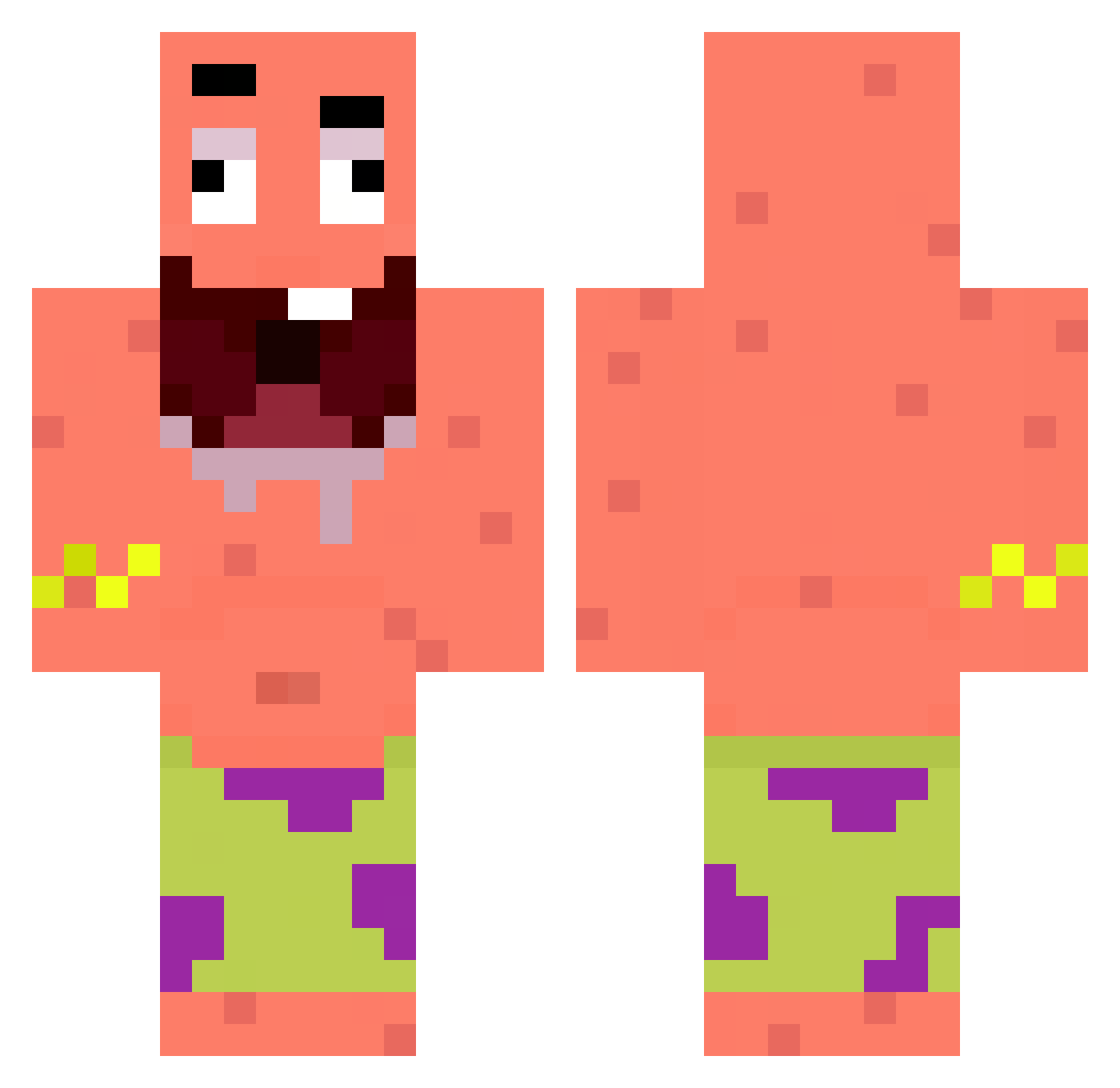
Current Minecraft skin of the player Bori1012, loaded from the official Mojang API. Rotate the 3D model with your mouse or finger, then download the skin as a PNG file and use it in Minecraft: Bedrock Edition or Java Edition for free. When Bori1012 changes their skin, this page updates automatically and the old skin stays in the history below.
Other players with this skin (295)
Bori1012 was the 273rd player we have seen with this skin, first spotted on 22.10.2026. The same skin was seen on these players. Open a nickname to see their current skin and skin history.
 tonefk yatam6907 Fisiupka Soyorin3233 xskxr jeipi_hd bohan666mc Dietzzzo Nemay_ skibidibakito efaka shfmswk Kittydestroyer0 CCHINO_ li0010 1__ski__1 yerdadsellsavon fiatnaja Sciandr0 Caubetentai snuez_ dragygt2 Lazyclownfish kalimdor28 Raithslin dlwldms7 shaweee Roni_Ib lllLONER Prista_13 maylo11 Awa_KE burdaThe Ethanol1031 starchern pardopepe Merk27 DDDDOOONGFAMILY ciciggus xX_Manolo_Xx jrmme sang_eo_bab Frytka1581 Nobuuuuuuuuuuu tearseverywhere Eliolito BlackStar1445 lam0ula212 HalbeMango KindYoungSoul yohaXDD Iceyph4ntomz ToeToucher52 Giga327 Ryou104 Varixo01 Lord_Oakey Theska917 curtiscanjoness lvcidxx
More Patrick Star Minecraft skins
See all 611 Patrick Star skins
How to install the Bori1012 skin
- Press the Download button above to save the skin as a PNG file.
- Minecraft: Bedrock Edition (PE): open the Dressing Room from the main menu (or tap your character → Edit Character), go to Classic Skins → Owned, press the + (new skin) button, choose the downloaded PNG and pick the Classic (Steve) model. Works on PC and mobile; consoles cannot import custom skins.
- Minecraft: Java Edition: open the Minecraft Launcher, go to the Skins tab, click New Skin, load the PNG, pick the Classic (Steve) model and press Save & Use. You can also upload it at minecraft.net → Profile → Change Skin.
The skin does not show up after import - what should I do?
Restart Minecraft and open the Dressing Room again - imported skins sometimes appear only after a restart. Also make sure you selected the imported skin and picked the Classic (Steve) model.
Which model should I choose, Classic or Slim?
This skin is designed for the Classic (Steve) model. If you pick the wrong model, the arms of the skin will look stretched or squeezed.
Is the skin of Bori1012 free to download?
Yes. Press Download, save the PNG file and use it in Minecraft: Bedrock Edition or Java Edition - no payment or registration needed. The skin also works on multiplayer servers and Realms.
More skins
Looking for more? Go back to all Minecraft skins and check the top skins of the week, month and all time, or find any player's skin by nickname.