
BorAmaBolSekerli - Minecraft Skins & Skin History
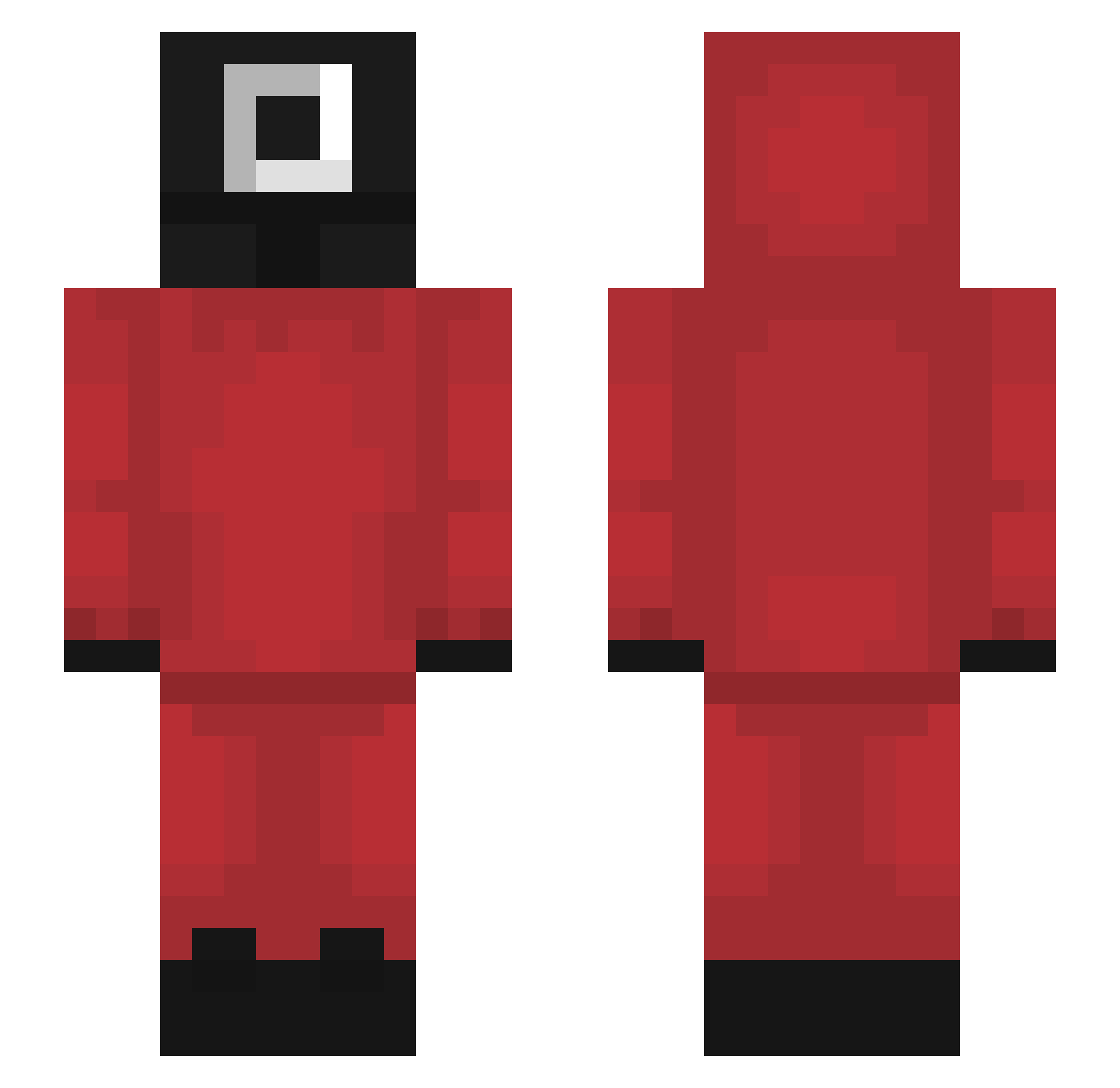
Current Minecraft skin of the player BorAmaBolSekerli, loaded from the official Mojang API. Rotate the 3D model with your mouse or finger, then download the skin as a PNG file and use it in Minecraft: Bedrock Edition or Java Edition for free. When BorAmaBolSekerli changes their skin, this page updates automatically and the old skin stays in the history below.
Other players with this skin (159)
BorAmaBolSekerli was the 124th player we have seen with this skin, first spotted on 07.10.2026. The same skin was seen on these players. Open a nickname to see their current skin and skin history.
 hy2kki gytjd32 S3om enzo_paki SrMusito ShadowClover2008 Tooxico17 AnjoCreeper LeCourantDAir toiletslayer111 MisterMeetBoy Oksum minidragon92 Rabadone DaRqRoZe KayssX MOON08_ Tonpoo Crysalixx ded_inside__ Ctrlspace skydist mrgigachad1234 Soullessrun Jaehyuk1 Knight_of_Song SuperWarmHug Fa4iis SkrideMat WHOPPER_97 PRSteve27 sachisechi Kitoorr Legend24812 Jstay99 FelipeB91 smj_0703_ PEPEelARRROCITO MechS4444 lululupsik _LoLs_ Afrojojo TOSS_BANK pgyu06 lushious iKothPvP ImYora UwUOnFleek AfterSnus OnlyRxby kleinpower Cicero___ YeonChong Astornz ccaliche Equiiisss Wattsyboi91 Trymacs_Youtube GoldMineral Vending2
More Guard Minecraft skins
How to install the BorAmaBolSekerli skin
- Press the Download button above to save the skin as a PNG file.
- Minecraft: Bedrock Edition (PE): open the Dressing Room from the main menu (or tap your character → Edit Character), go to Classic Skins → Owned, press the + (new skin) button, choose the downloaded PNG and pick the Slim (Alex) model. Works on PC and mobile; consoles cannot import custom skins.
- Minecraft: Java Edition: open the Minecraft Launcher, go to the Skins tab, click New Skin, load the PNG, pick the Slim (Alex) model and press Save & Use. You can also upload it at minecraft.net → Profile → Change Skin.
The skin does not show up after import - what should I do?
Restart Minecraft and open the Dressing Room again - imported skins sometimes appear only after a restart. Also make sure you selected the imported skin and picked the Slim (Alex) model.
Which model should I choose, Classic or Slim?
This skin is designed for the Slim (Alex) model. If you pick the wrong model, the arms of the skin will look stretched or squeezed.
Is the skin of BorAmaBolSekerli free to download?
Yes. Press Download, save the PNG file and use it in Minecraft: Bedrock Edition or Java Edition - no payment or registration needed. The skin also works on multiplayer servers and Realms.
More skins
Looking for more? Go back to all Minecraft skins and check the top skins of the week, month and all time, or find any player's skin by nickname.