
 Trymacs_Youtube Equiiisss ccaliche YeonChong Cicero___ OnlyRxby SieteArthur UwUOnFleek ImYora iKothPvP pgyu06 ZombyBrian falling4431 zakgrm rehmueller one_black74 _MIN_SOO enderdragon0806 subxDestroyer Ketdfi262 MechS4444 PEPEelARRROCITO smj_0703_ Jstay99 Kitoorr CaseyBgNg Yasmin007zs PRSteve27 SkrideMat NovoBeast Nerada SuperWarmHug iAngeLove PatitoChill Asa5991 Sanns8686 Soullessrun mrgigachad1234 skydist ddonggumung Ctrlspace ded_inside__ Crysalixx Tonpoo Stanning KayssX DaRqRoZe Rabadone Minisuchti woojoo_0207 Oksum hwareng toiletslayer111 Kimjiho1236 ShadowClover2008 SrMusito bibikraljina enzo_paki cdy_LILILI S3om
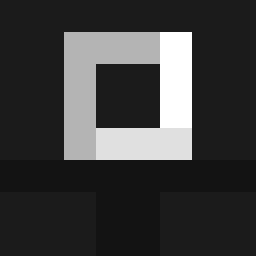
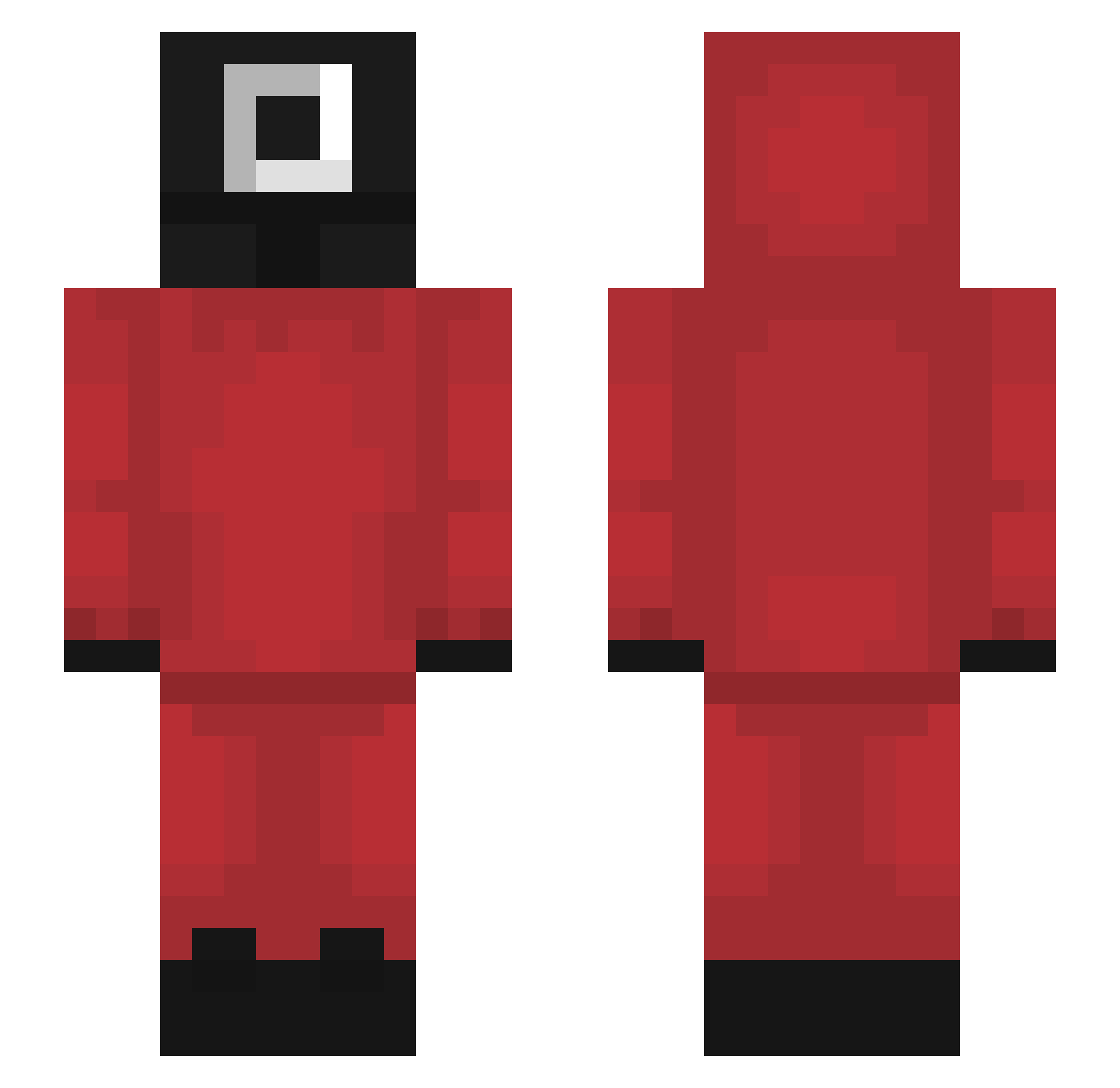
Minecraft skin of tascompris. Rotate the 3D model with your mouse or finger to view the skin from every angle, then download it as a PNG file and use it in Minecraft: Bedrock Edition or Java Edition for free. Rate the skin with stars to help other players find the best skins in our collection.
How to install the tascompris skin
- Press the Download button above to save the skin as a PNG file.
- Minecraft: Bedrock Edition (PE): open the Dressing Room from the main menu (or tap your character → Edit Character), go to Classic Skins → Owned, press the + (new skin) button, choose the downloaded PNG and pick the Slim (Alex) model. Works on PC and mobile; consoles cannot import custom skins.
- Minecraft: Java Edition: open the Minecraft Launcher, go to the Skins tab, click New Skin, load the PNG, pick the Slim (Alex) model and press Save & Use. You can also upload it at minecraft.net → Profile → Change Skin.
The skin does not show up after import - what should I do?
Restart Minecraft and open the Dressing Room again - imported skins sometimes appear only after a restart. Also make sure you selected the imported skin and picked the Slim (Alex) model.
Which model should I choose, Classic or Slim?
This skin is designed for the Slim (Alex) model. If you pick the wrong model, the arms of the skin will look stretched or squeezed.
Is this skin free to use?
Yes. Press Download, save the PNG file and use it in Minecraft: Bedrock Edition or Java Edition - no payment or registration needed. The skin also works on multiplayer servers and Realms.
More Guard Minecraft skins
More skins
Looking for more? Go back to all Minecraft skins and check the top skins of the week, month and all time, or find any player's skin by nickname.