
Blank201005 - Minecraft Skins & Skin History
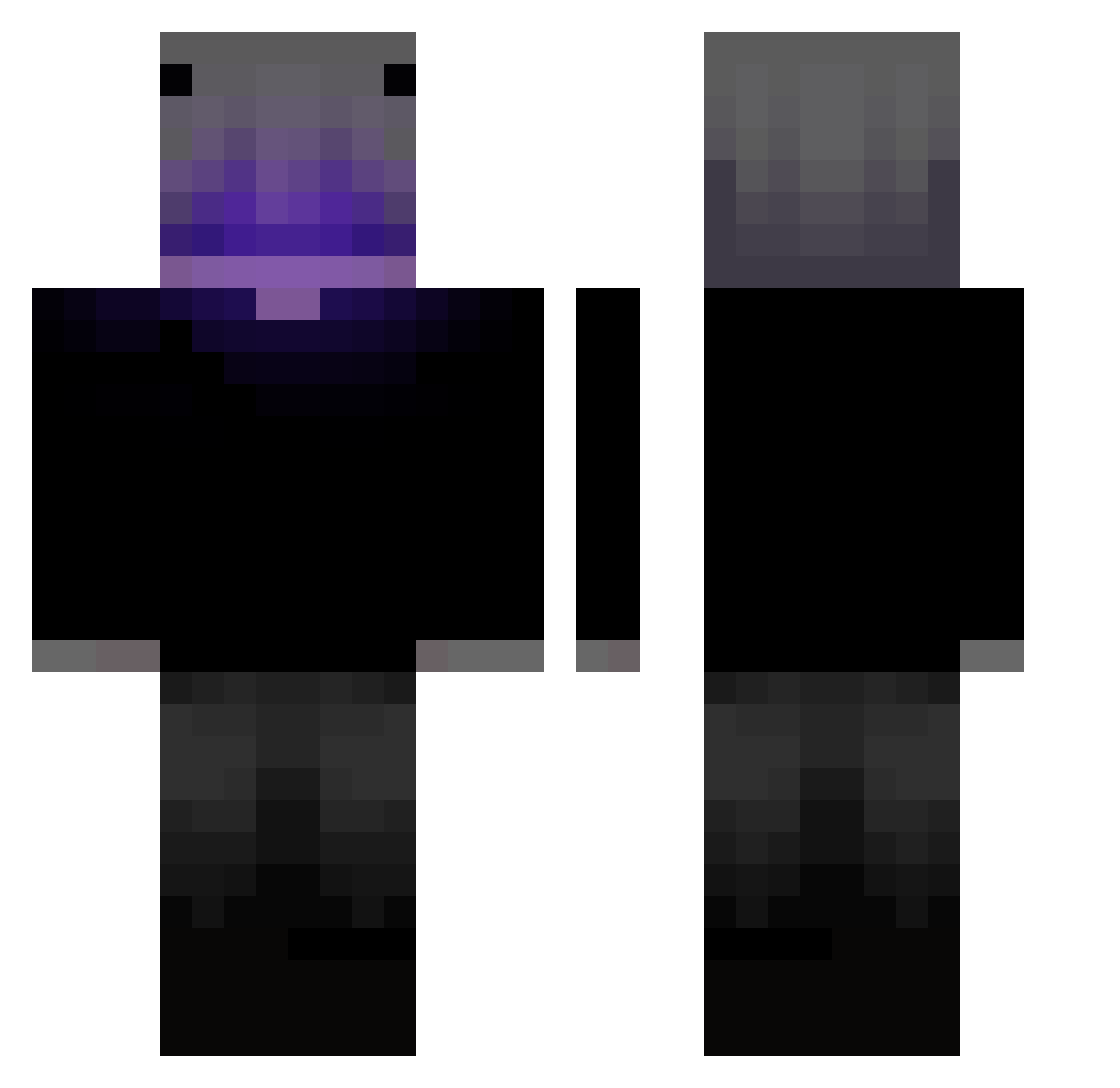
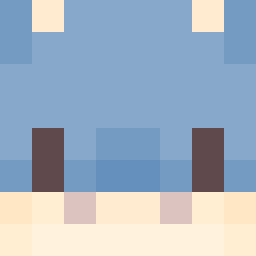
Current Minecraft skin of the player Blank201005, loaded from the official Mojang API. Rotate the 3D model with your mouse or finger, then download the skin as a PNG file and use it in Minecraft: Bedrock Edition or Java Edition for free. When Blank201005 changes their skin, this page updates automatically and the old skin stays in the history below.
Other players with this skin (346)
Blank201005 was the 58th player we have seen with this skin, first spotted on 07.08.2026. The same skin was seen on these players. Open a nickname to see their current skin and skin history.
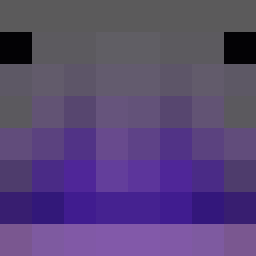 LUIZUC TOT17 dushkkaa ZabaZabaZingo K1NGJEREMY Niteguy MTZIIN7 KFungbb s1axerv rhcnckacl YT_Mlody_YT
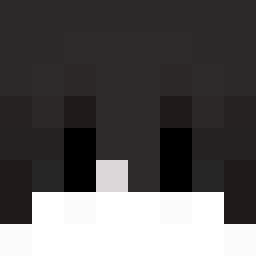 rezetsAIM Egz00 JuJuTIan0261 xTristxnn Dimitrispan7 Draxadillion 1ove_ZeR0 Novak_59 JACAVOCH ZotrexYT Jay71105
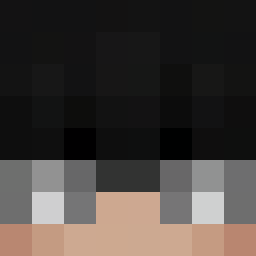 Zyxven krajano Universea YkkAsmodeus
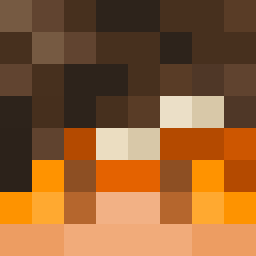 DEVILMAYCRY12345 janek_konieczko xkmlo davisimlloliuui Whitefrystarmx obatataoUo RenKumori DownbeatDuke645 Ver_Official El_Cachii Sqop elder2313 Kaioken_TG N3S__ jdubble09 TORPER_ Mota2501
 sasagood TheNikoNiko LEGEND_Ramgee
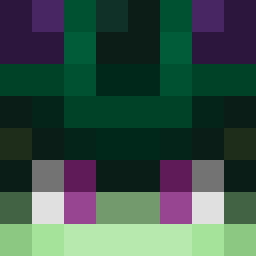 _Hir0shima
 Skyee_eee
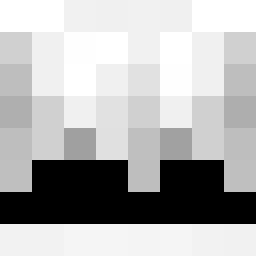 DOGIX_ Xaboruz 18500Ethan12 Phakphong212 RON_DGO lovechan616
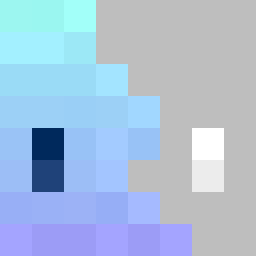 ImnotECUPERRO HopeDawnA j2mee
 1___JIKONG___1 xXDrxppingBongXx XBenon0707X_PL
More Parrot Minecraft skins
How to install the Blank201005 skin
- Press the Download button above to save the skin as a PNG file.
- Minecraft: Bedrock Edition (PE): open the Dressing Room from the main menu (or tap your character → Edit Character), go to Classic Skins → Owned, press the + (new skin) button, choose the downloaded PNG and pick the Classic (Steve) model. Works on PC and mobile; consoles cannot import custom skins.
- Minecraft: Java Edition: open the Minecraft Launcher, go to the Skins tab, click New Skin, load the PNG, pick the Classic (Steve) model and press Save & Use. You can also upload it at minecraft.net → Profile → Change Skin.
The skin does not show up after import - what should I do?
Restart Minecraft and open the Dressing Room again - imported skins sometimes appear only after a restart. Also make sure you selected the imported skin and picked the Classic (Steve) model.
Which model should I choose, Classic or Slim?
This skin is designed for the Classic (Steve) model. If you pick the wrong model, the arms of the skin will look stretched or squeezed.
Is the skin of Blank201005 free to download?
Yes. Press Download, save the PNG file and use it in Minecraft: Bedrock Edition or Java Edition - no payment or registration needed. The skin also works on multiplayer servers and Realms.
More skins
Looking for more? Go back to all Minecraft skins and check the top skins of the week, month and all time, or find any player's skin by nickname.