
Blade0606 - Minecraft Skins & Skin History
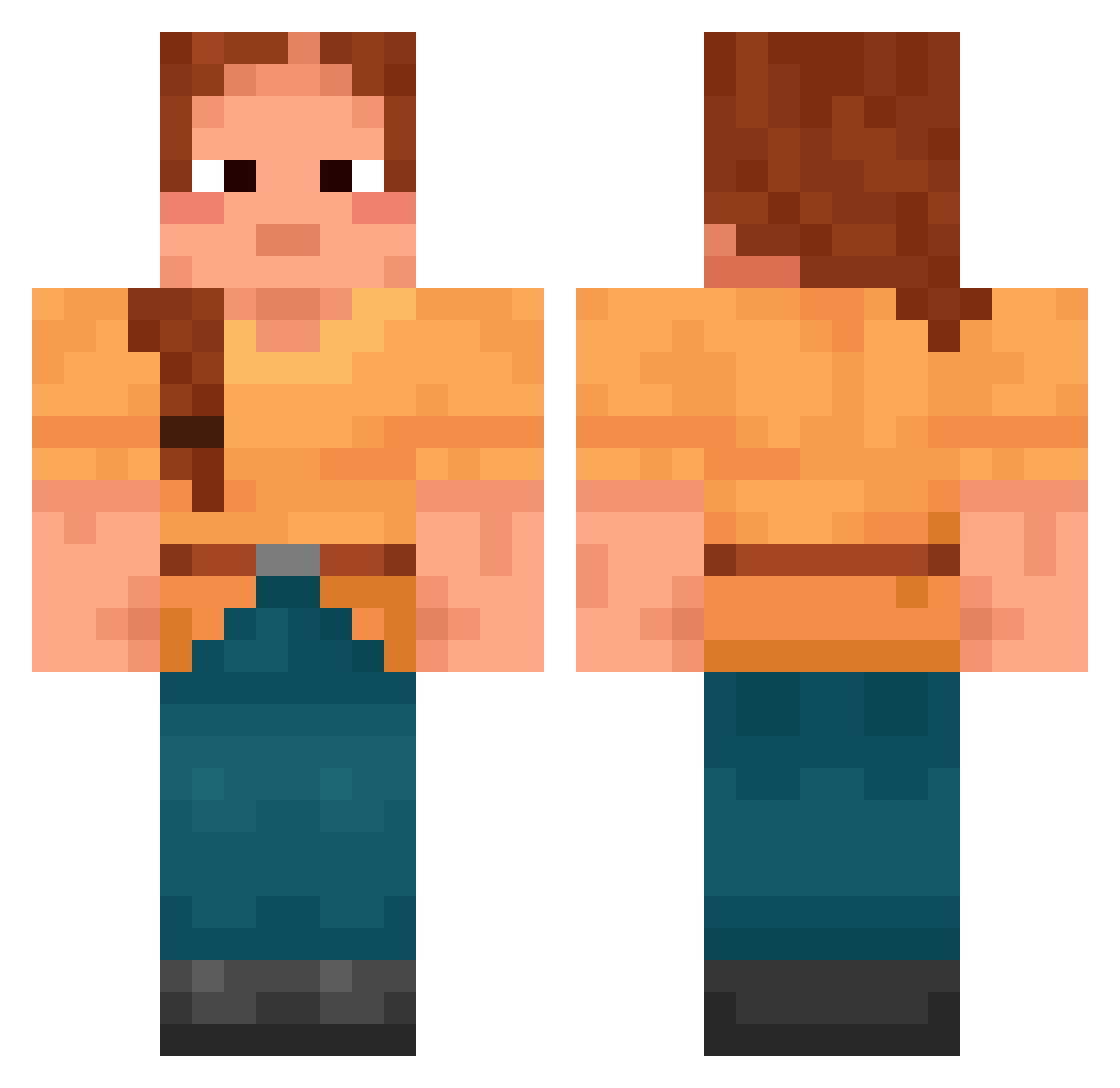
Current Minecraft skin of the player Blade0606, loaded from the official Mojang API. Rotate the 3D model with your mouse or finger, then download the skin as a PNG file and use it in Minecraft: Bedrock Edition or Java Edition for free. When Blade0606 changes their skin, this page updates automatically and the old skin stays in the history below.
Other players with this skin (1695)
Blade0606 was the 825th player we have seen with this skin, first spotted on 17.09.2026. The same skin was seen on these players. Open a nickname to see their current skin and skin history.
 Mocha713 Notzerolerk Haemotoxic Dodoririne aidanputra Lloyd increately BattleShotter13 cow_5 Cringer kisoyya coxswain Foxfinger mirelle schubert_59 Yurenitaaa Beery Casement matyas00745 Dunlin Shun_Kariba JeongKyeongTae_ cornuto Gimin263_Holic Livistona DrainedMyRating mr_agent_is_him Ashodius Admirations _theux_x EinhornFee95 Billitus InstinctV3 Piroat Epipactis egg3256 celsius wrz_Huzz_yw5 lombard Fenman lulu_e draggles Warine Oiler Youmaat Sagacity ArcticLunar EntityClan Reendow Malixei ToiYeuTungLinh aomridescapybara Materfamilias aluneyy Kiowan Skyfly156 TicTacBoom07 MarcFar Sebdog101 louiseclysen
More Cottagecore Minecraft skins
See all 6452 Cottagecore skins
How to install the Blade0606 skin
- Press the Download button above to save the skin as a PNG file.
- Minecraft: Bedrock Edition (PE): open the Dressing Room from the main menu (or tap your character → Edit Character), go to Classic Skins → Owned, press the + (new skin) button, choose the downloaded PNG and pick the Classic (Steve) model. Works on PC and mobile; consoles cannot import custom skins.
- Minecraft: Java Edition: open the Minecraft Launcher, go to the Skins tab, click New Skin, load the PNG, pick the Classic (Steve) model and press Save & Use. You can also upload it at minecraft.net → Profile → Change Skin.
The skin does not show up after import - what should I do?
Restart Minecraft and open the Dressing Room again - imported skins sometimes appear only after a restart. Also make sure you selected the imported skin and picked the Classic (Steve) model.
Which model should I choose, Classic or Slim?
This skin is designed for the Classic (Steve) model. If you pick the wrong model, the arms of the skin will look stretched or squeezed.
Is the skin of Blade0606 free to download?
Yes. Press Download, save the PNG file and use it in Minecraft: Bedrock Edition or Java Edition - no payment or registration needed. The skin also works on multiplayer servers and Realms.
More skins
Looking for more? Go back to all Minecraft skins and check the top skins of the week, month and all time, or find any player's skin by nickname.