
Bigboule - Minecraft Skins & Skin History
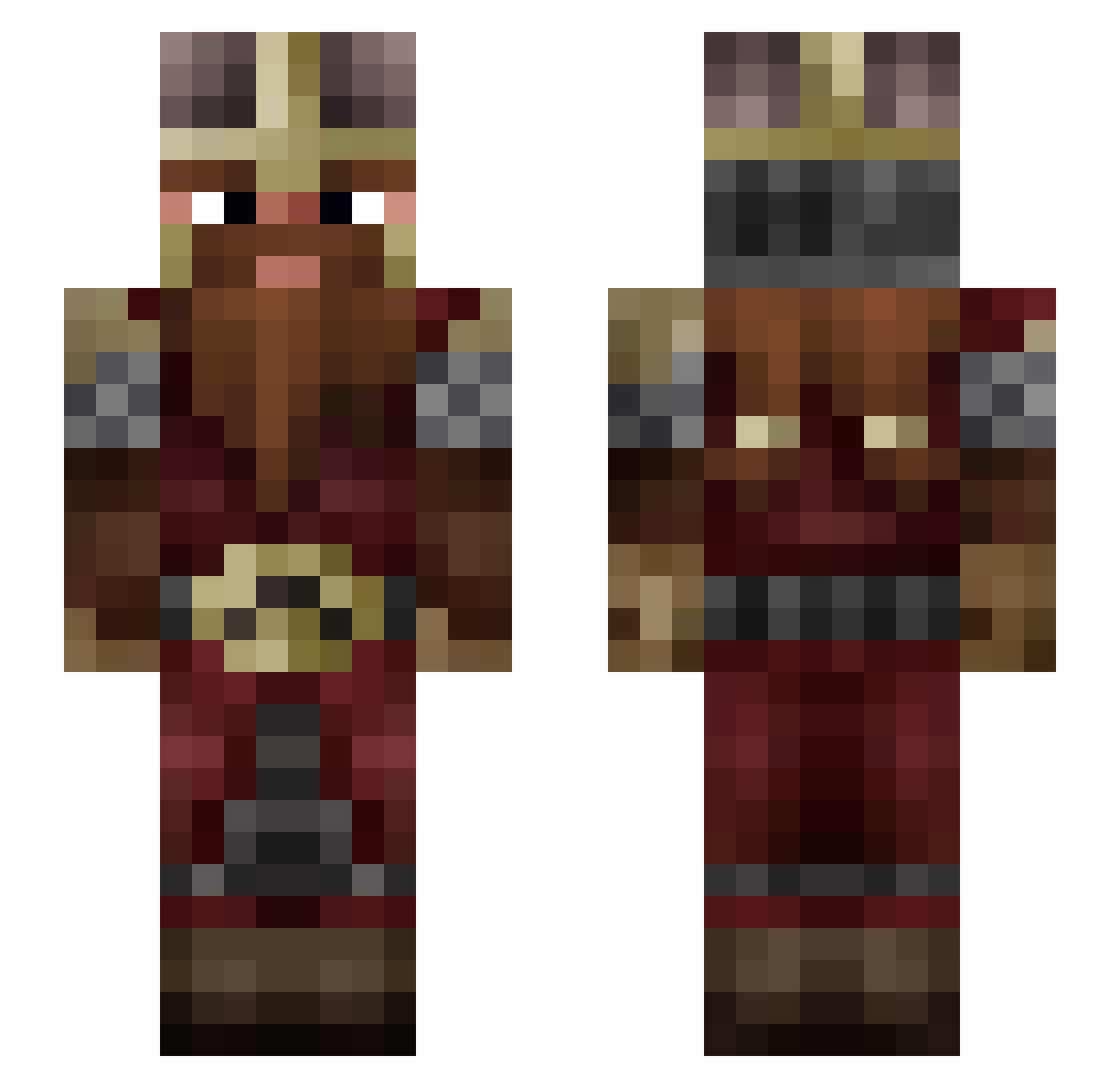
Current Minecraft skin of the player Bigboule, loaded from the official Mojang API. Rotate the 3D model with your mouse or finger, then download the skin as a PNG file and use it in Minecraft: Bedrock Edition or Java Edition for free. When Bigboule changes their skin, this page updates automatically and the old skin stays in the history below.
Other players with this skin (55)
Bigboule was the 21st player we have seen with this skin, first spotted on 05.09.2026. The same skin was seen on these players. Open a nickname to see their current skin and skin history.
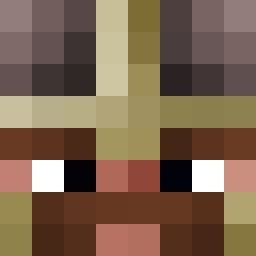 Zybraltar Harakeesh Lique_45 le_loup_blanc_ Plekton Arthror Jin_Randon Aewos Yougaa45 Kouentinos Nowacraft Frazakir Ykawax LegioGemini Eidola Knucklefluff greennounours _GorGutz_ Gimlithecavalier Asurethrai Gilmi Gandalfghanistan clacla1 Humbert_Ier Gattinov lavbo76 iklys teun12 ouvrierboiclier Gogoes63 giovanniiiii Akero Esdreon Xrastadoomx Felthas M_Sanders Callions TronixXx Guldomir LeBamboo Spyboth Siture Grandolf VanillaThunder08 Red_Nath hishata Lorbac Belette_ LuXe931 matt911 tibo01300 Rom1KillU Lordnerd1 CallOfGeek Tdm01
More Dwarf Minecraft skins
How to install the Bigboule skin
- Press the Download button above to save the skin as a PNG file.
- Minecraft: Bedrock Edition (PE): open the Dressing Room from the main menu (or tap your character → Edit Character), go to Classic Skins → Owned, press the + (new skin) button, choose the downloaded PNG and pick the Slim (Alex) model. Works on PC and mobile; consoles cannot import custom skins.
- Minecraft: Java Edition: open the Minecraft Launcher, go to the Skins tab, click New Skin, load the PNG, pick the Slim (Alex) model and press Save & Use. You can also upload it at minecraft.net → Profile → Change Skin.
The skin does not show up after import - what should I do?
Restart Minecraft and open the Dressing Room again - imported skins sometimes appear only after a restart. Also make sure you selected the imported skin and picked the Slim (Alex) model.
Which model should I choose, Classic or Slim?
This skin is designed for the Slim (Alex) model. If you pick the wrong model, the arms of the skin will look stretched or squeezed.
Is the skin of Bigboule free to download?
Yes. Press Download, save the PNG file and use it in Minecraft: Bedrock Edition or Java Edition - no payment or registration needed. The skin also works on multiplayer servers and Realms.
More skins
Looking for more? Go back to all Minecraft skins and check the top skins of the week, month and all time, or find any player's skin by nickname.