
Benuct - Minecraft Skins & Skin History
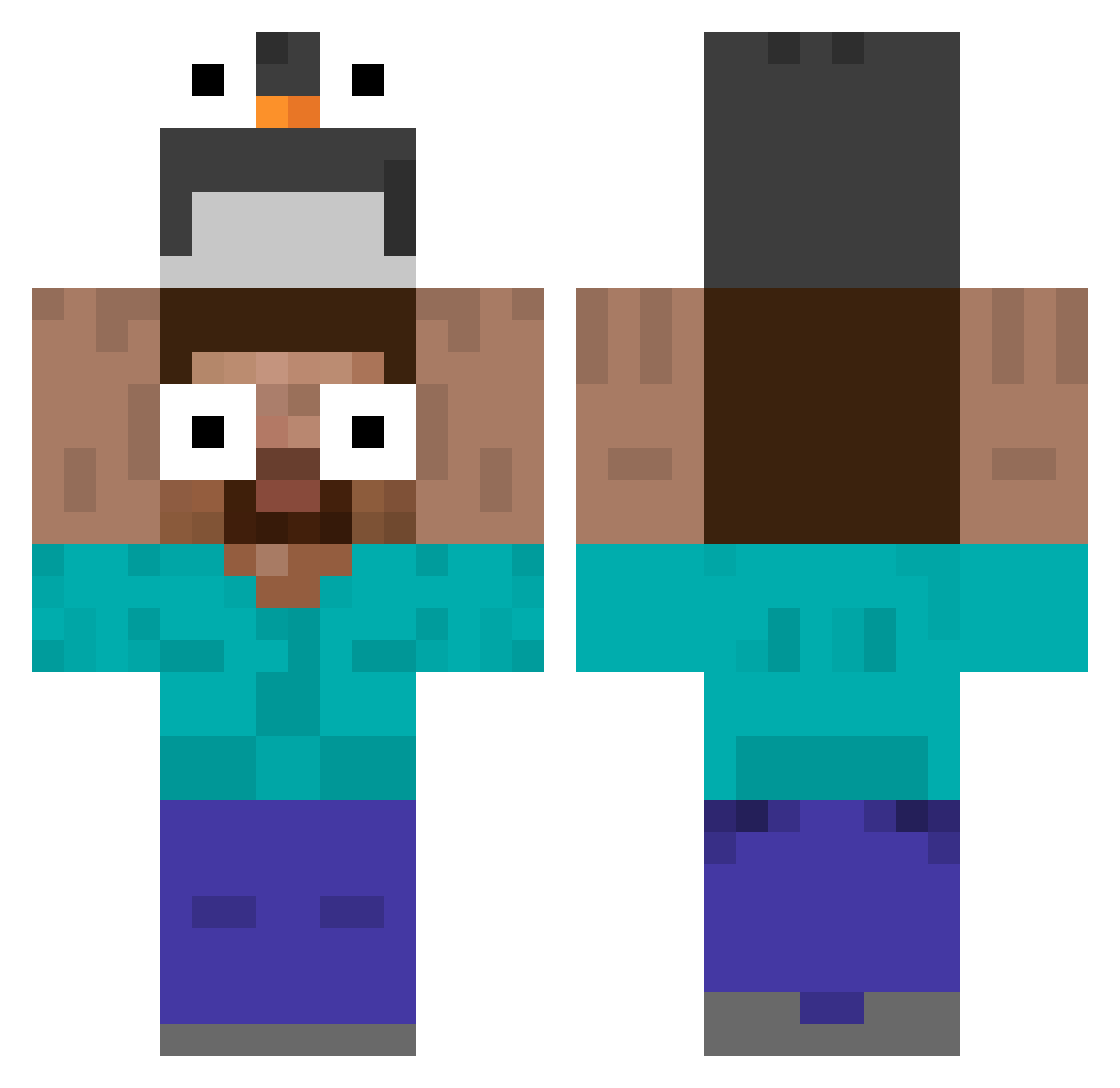
Current Minecraft skin of the player Benuct, loaded from the official Mojang API. Rotate the 3D model with your mouse or finger, then download the skin as a PNG file and use it in Minecraft: Bedrock Edition or Java Edition for free. When Benuct changes their skin, this page updates automatically and the old skin stays in the history below.
Other players with this skin (535)
Benuct was the 172nd player we have seen with this skin, first spotted on 27.08.2026. The same skin was seen on these players. Open a nickname to see their current skin and skin history.
 umsunggi_060 Magical_ginger tomyniku kelw1nq yagizcan2013 NyDPK skyhello1 RooAn1018 tomatoast2007 kepcekulak Shadowdograu Star_3i8u8mb95uh petryshkin du5729 dankbottles shakil123 roscow9 geilesschnecke OkanShield jungsiw Tredgee Demon_2019 MOKE22222 Diegoist AndrezPR ThomasLeS xisi44 czester8 HotelCosmos Drapple1 gusdk999 Maggy0_0 JanceVoy gilapo FormalKitten814 juanjose45 JUCAGIO SCHNEEMANN_20 Elitenao _Labobo_ FatFlycat pokaaue scorpionvik codemime Sonicx461 ciga787 JUNHYEONG_HUNTER Jack12x34 jpsil105 LeckerFischdarm SNOWYXZY xxinn_ faa1 yusufkrdg78 mt842 Dejwid232 Loupdore524 PinoyEdiee DaSandwich_Maker sosunset
More Funny Eyes Minecraft skins
How to install the Benuct skin
- Press the Download button above to save the skin as a PNG file.
- Minecraft: Bedrock Edition (PE): open the Dressing Room from the main menu (or tap your character → Edit Character), go to Classic Skins → Owned, press the + (new skin) button, choose the downloaded PNG and pick the Classic (Steve) model. Works on PC and mobile; consoles cannot import custom skins.
- Minecraft: Java Edition: open the Minecraft Launcher, go to the Skins tab, click New Skin, load the PNG, pick the Classic (Steve) model and press Save & Use. You can also upload it at minecraft.net → Profile → Change Skin.
The skin does not show up after import - what should I do?
Restart Minecraft and open the Dressing Room again - imported skins sometimes appear only after a restart. Also make sure you selected the imported skin and picked the Classic (Steve) model.
Which model should I choose, Classic or Slim?
This skin is designed for the Classic (Steve) model. If you pick the wrong model, the arms of the skin will look stretched or squeezed.
Is the skin of Benuct free to download?
Yes. Press Download, save the PNG file and use it in Minecraft: Bedrock Edition or Java Edition - no payment or registration needed. The skin also works on multiplayer servers and Realms.
More skins
Looking for more? Go back to all Minecraft skins and check the top skins of the week, month and all time, or find any player's skin by nickname.