
Bello760 - Minecraft Skins & Skin History
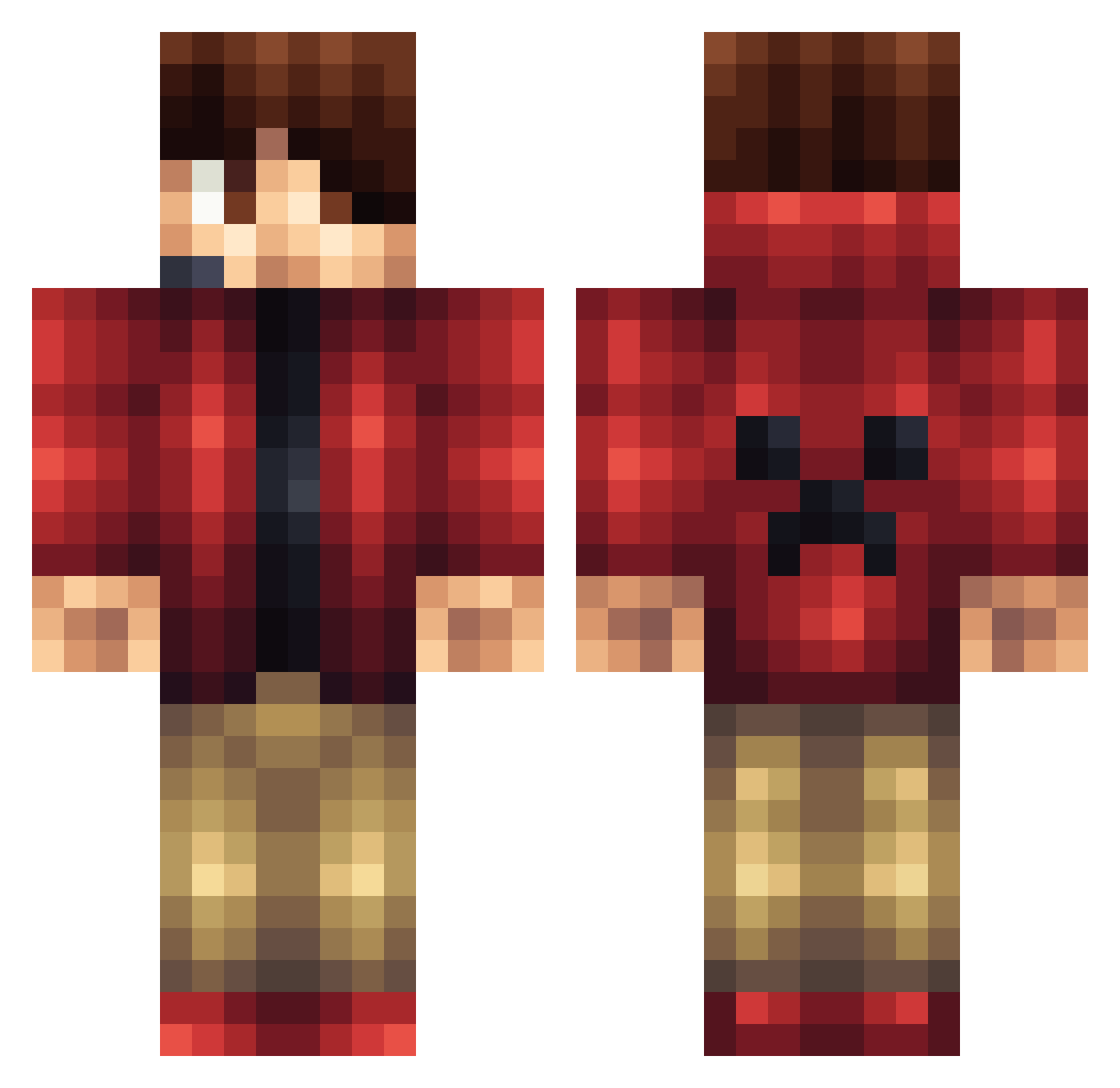
Current Minecraft skin of the player Bello760, loaded from the official Mojang API. Rotate the 3D model with your mouse or finger, then download the skin as a PNG file and use it in Minecraft: Bedrock Edition or Java Edition for free. When Bello760 changes their skin, this page updates automatically and the old skin stays in the history below.
Other players with this skin (1164)
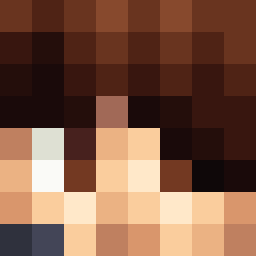
Bello760 was the 892nd player we have seen with this skin, first spotted on 13.10.2026. The same skin was seen on these players. Open a nickname to see their current skin and skin history.
 PaDEnzo zachattack425 mattmazz956 ajwright17 Exia123 slicdic JC_Cobra ButterMiners Pedro8807 minecraft_kid654 TropicSteel JessUMS657 MatheusNo1 Oliver_00_ Rollercoastr1324 DisjoinedElm406 RyuYoon nieky123 Oulaboe timewolf23 MovieMaxHD lolninja23 Knight_Hanson Desized _pig_12 mtctt Sonicdwarf1230 HIYOKO_TATE Joshj10 turfyemperor2 NeonChamp12 04redfire GF_Goldfox PastelCastiel JonathanFTL Slider_2p Lefties282 yayitstom littlebigmouth12 teamnicol873 OnlyAdiih Teckks Mindcraftfigur2 tresortier01 Akrotho L3WER CreeperDude142 Billbow123 DemigodJNR Syk0Trickey JDog2195 island0325 lion_chick Booomed flameslayer456 zeeuwvlaanderen Ai_Za The_Smart_One2 Lynize israeglin
More Headset Minecraft skins
How to install the Bello760 skin
- Press the Download button above to save the skin as a PNG file.
- Minecraft: Bedrock Edition (PE): open the Dressing Room from the main menu (or tap your character → Edit Character), go to Classic Skins → Owned, press the + (new skin) button, choose the downloaded PNG and pick the Classic (Steve) model. Works on PC and mobile; consoles cannot import custom skins.
- Minecraft: Java Edition: open the Minecraft Launcher, go to the Skins tab, click New Skin, load the PNG, pick the Classic (Steve) model and press Save & Use. You can also upload it at minecraft.net → Profile → Change Skin.
The skin does not show up after import - what should I do?
Restart Minecraft and open the Dressing Room again - imported skins sometimes appear only after a restart. Also make sure you selected the imported skin and picked the Classic (Steve) model.
Which model should I choose, Classic or Slim?
This skin is designed for the Classic (Steve) model. If you pick the wrong model, the arms of the skin will look stretched or squeezed.
Is the skin of Bello760 free to download?
Yes. Press Download, save the PNG file and use it in Minecraft: Bedrock Edition or Java Edition - no payment or registration needed. The skin also works on multiplayer servers and Realms.
More skins
Looking for more? Go back to all Minecraft skins and check the top skins of the week, month and all time, or find any player's skin by nickname.